Over the course of cannabis production, plants may shed leaves or require trimming, and this small amount of waste across all plants in a batch known as batch waste. Follow the steps below to record and destroy batch waste.
Required permission(s): batch_read, batch_update, destruction_lot_update
Note*: Grow Technicians can also perform this process through the Gun App.*
-
In the Grow module, open the Batches tab.
[img batches] -
Select a batch to open the Batch's Profile.
[img batch-profile] -
Open the Destruction tab.
[img batch-destruction] -
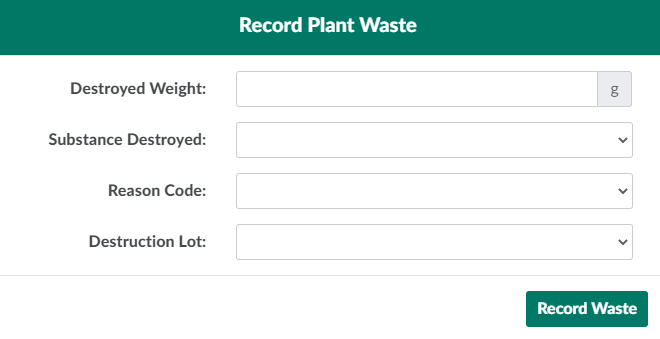
Click New. This opens a Record Plant Waste modal.
-
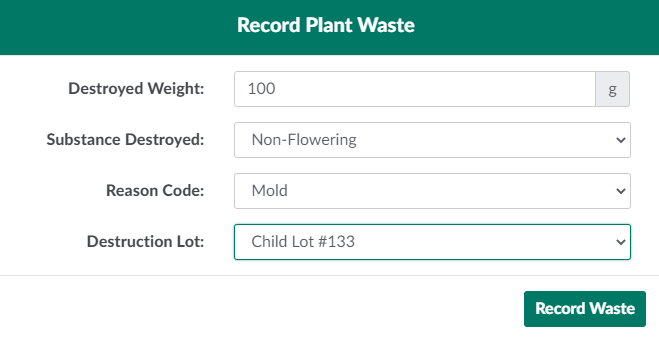
Enter information about the destruction in the fields provided.
-
Destroyed Weight: The total weight, in grams, of the waste.
-
Substance Destroyed: The substance to be destroyed.
- See How to Add a Destruction Substance Type for further instructions.
-
Reason Code: The reason for the destruction.
- See How to Add a Destruction Reason Code for further instructions.
-
Destruction Lot: The Destruction Lot and sublot into which the waste will be discarded.
- See How to Create a New Destruction Lot or How to Create a New Sublot for further instructions.
-
-
Click Record Waste to destroy the batch waste.
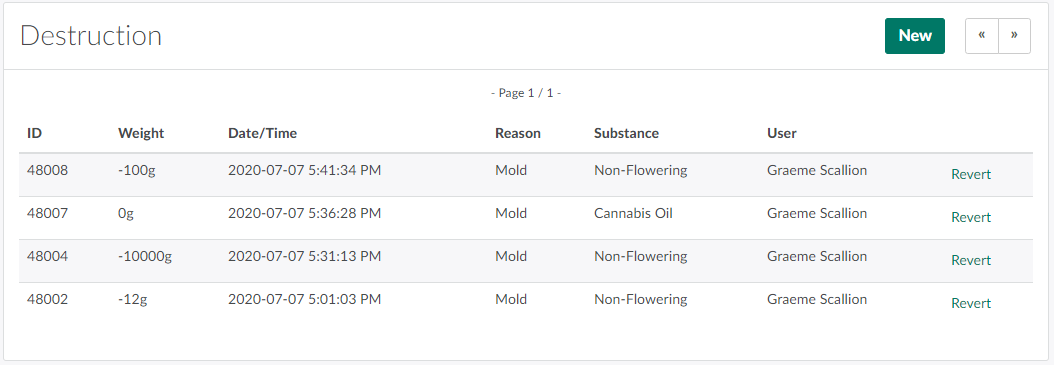
If an error occurs, Revert the Batch Waste Destruction.
Through the Grow module, a Grow Technician can also Destroy an Individual Plant, Destroy a Batch Subset, Destroy Grow Room Waste,or Destroy Seeds.