A Destruction Lot is a means by which to group destruction child lots–also known as sublots–which are the physical receptacles that store plant waste in preparation for destruction. Child lots of a parent Destruction Lot may be spread throughout the licence holder's grow facility, but they are considered part of the same lot and are destroyed as a unit. Follow the steps below to create a new Destruction Lot.
Required permission(s): destruction_lot_read, destruction_lot_create, destruction_lot_update
-
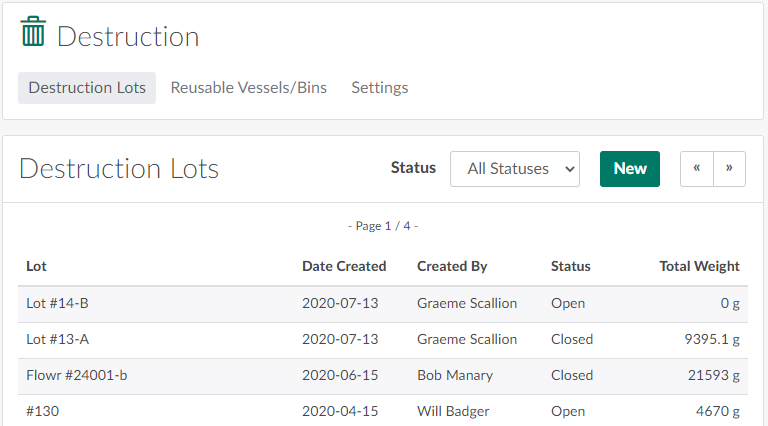
Open the Destruction module. The Destruction Lots tab will be open by default.
-
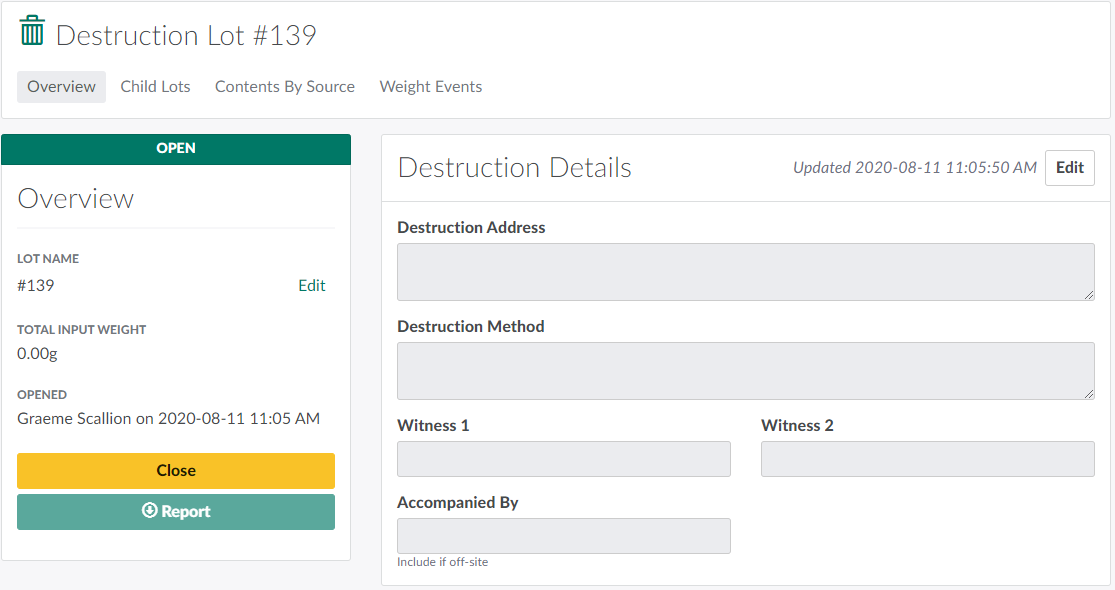
Click New to generate a new Destruction Lot with a default numbered name. This opens the Overview tab on the new Destruction Lot's Profile.
-
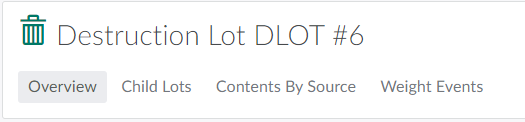
If necessary, change the Destruction Lot's name.
-
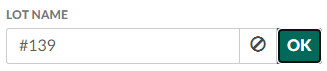
Click Edit to unlock the Lot Name field.
-
Enter the new name.

-
Click OK to save the new name.
-
When discarding waste into a Destruction Lot, you must select a sublot, also known as a child lot, to store the waste. Visit the Child Lots tab to Create a New Child Lot.
Once waste material is ready for physical destruction, you must Close and Destroy the Destruction Lot.