If a seed is not viable for production, a Grow Technician should remove it from the Seed Lot and mark it for destruction. However, note that seed destructions are irreversible. Once a seed has been destroyed, it cannot be restored and returned to the Seed Lot.
Required permission(s): seed_lot_read, strain_read, destruction_lot_read, seed_lot_archive
-
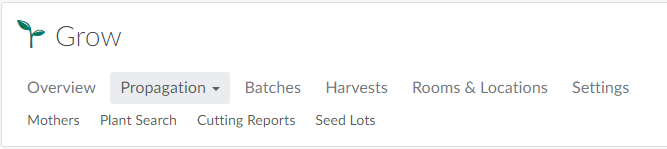
In the Grow module, open the Propagation tab.
-
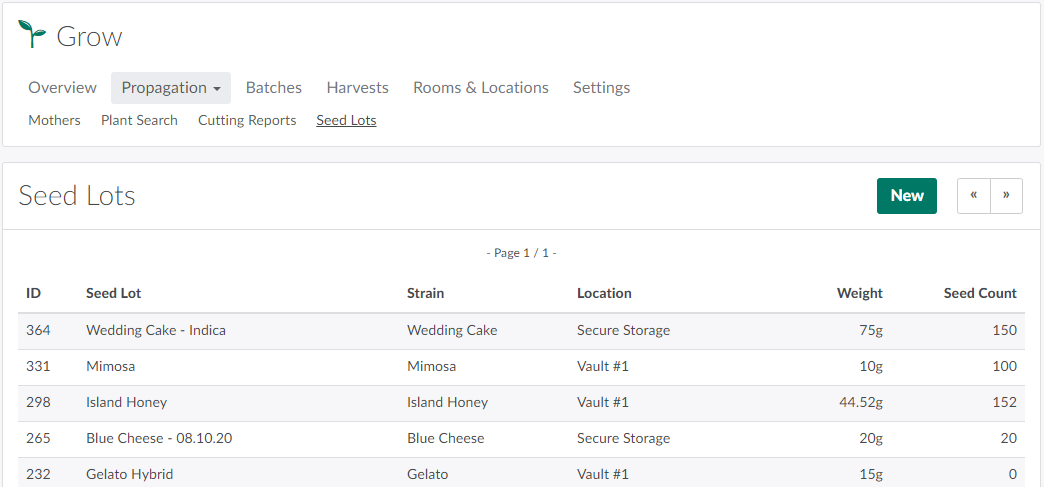
Open the Seed Lots sub-tab.
-
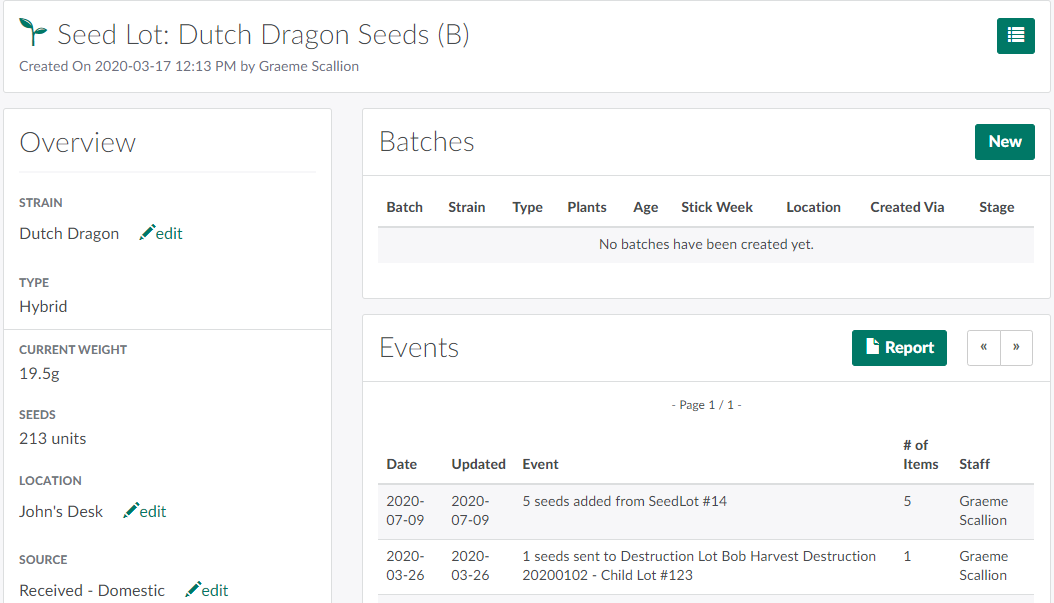
Select a Seed Lot to open the Seed Lot's Profile.
-
Click the

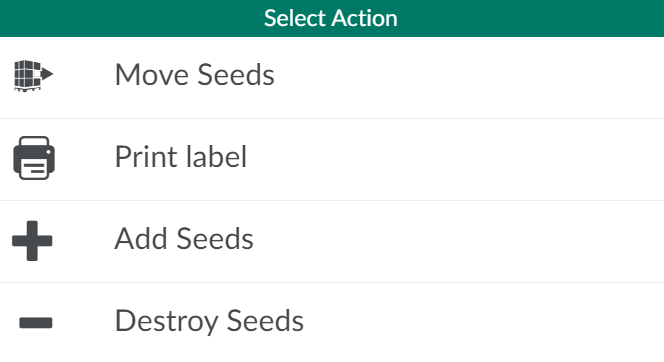
icon to open a menu of options.
-
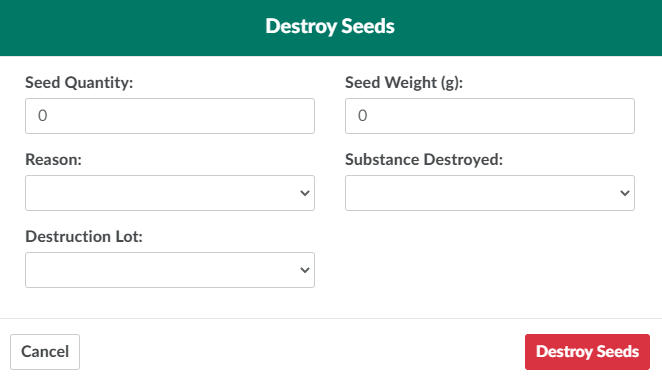
Click Destroy Seeds.This opens the Destroy Seeds modal.
-
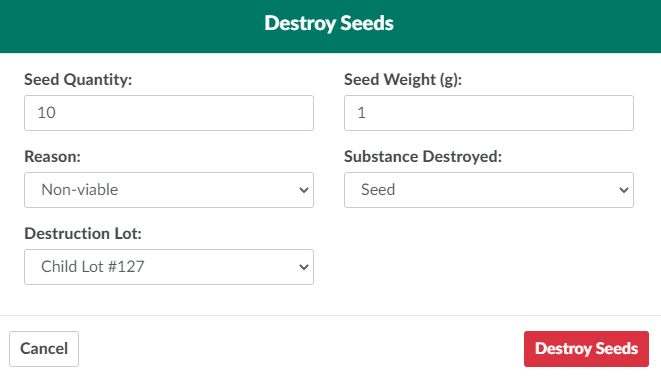
Enter details of the destruction in the fields provided.
-
Seed Quantity: The number of seeds slated for destruction.
-
Seed Weight:The weight of all seeds to be destroyed, in grams.
-
Reason: The reason for the destruction.
- Visit the Destruction module to Add a New Destruction Reason Code.
-
Substance Destroyed: The substance to destroy. In this case, select Seed.
- Visit the Destruction module to Add a New Destruction Substance Type.
-
Destruction Lot: The Destruction Lot and child lot/sublot.
-
-
Click Destroy Seeds to finalize the destruction.
From a Seed Lot Profile, a Grow Technician can also Label the Seed Lot, Edit the Seed Lot's Source, Add Seeds to the Seed Lot, or Move Seeds To Another Seed Lot.