Over the normal course of cannabis production, plants may shed leaves or require trimming, and this small amount of waste from all plants within a single batch is known as batch waste. Follow the steps below to record and destroy batch waste through the Gun App.
To send whole plants to a destruction lot, use the Destroy Plants option instead.
Required permission(s): batch_read, destruction_lot_read, batch_update, destruction_lot_update
-
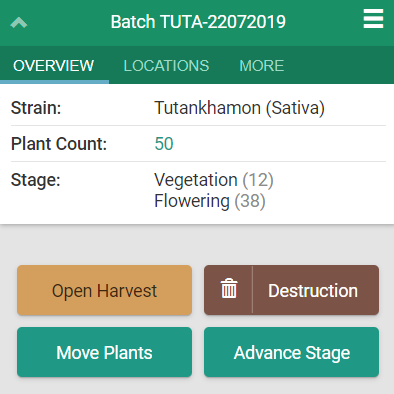
Scan or click on a batch. This opens the batch's Overview tab.
-
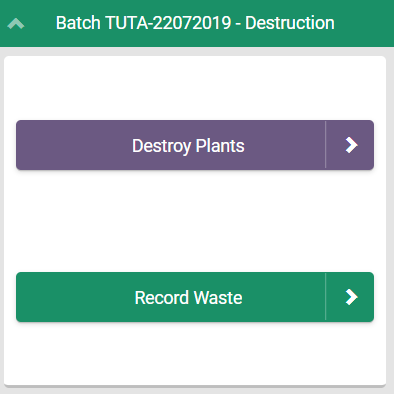
Click Destruction to begin the destruction workflow.
-
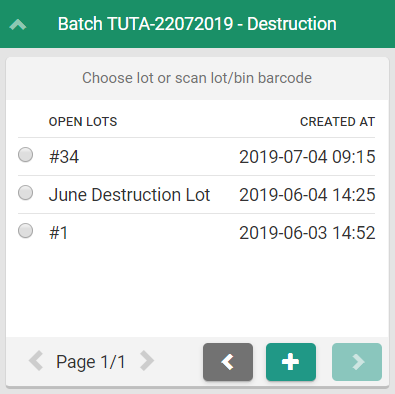
Click Record Waste. This prompts the Grow Technician to select a Destruction Lot and sublot.
-
Select a Destruction Lot by clicking one of the radio buttons on the left side of the screen, and click the

icon to continue.
-
To Create a New Destruction Lot, click the

icon.
-
-
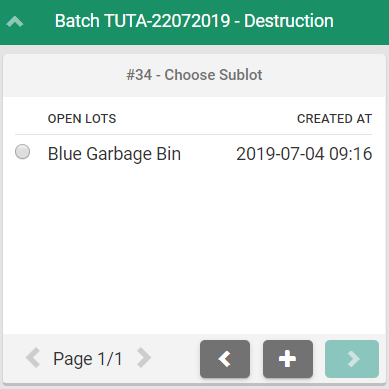
Select a sublot–also known as a child lot–by selecting the radio button to its left, and click the
icon to continue.
-
To Create a New Sublot/Child Lot, click the

icon.
-
-
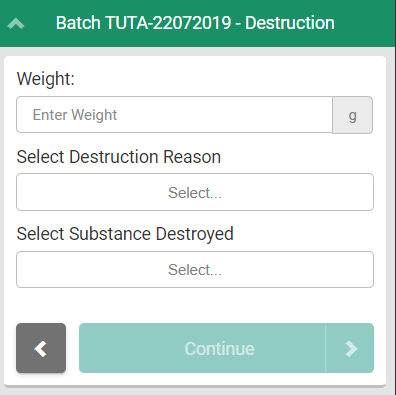
Enter the weight, the reason for destruction, and the substance to be destroyed in the fields provided, and click Continue. This opens a confirmation page that summarizes the destruction event.
-
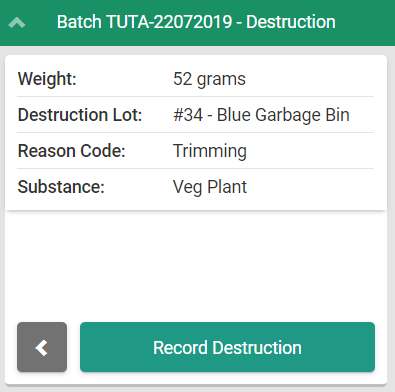
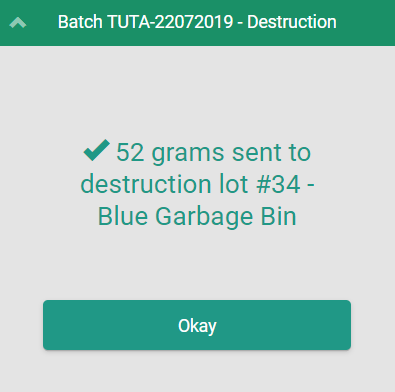
Review the destruction details on the confirmation page. If everything is in order, click Record Destruction to finalize the destruction event.
Through the Gun App, a Grow Technician can also Record Waste from an Individual Plant.
See also: How to Advance a Plant's Stage, How to Move Plants, How to Open a Harvest, and How to Harvest Plants.