Over the course of cannabis production, plants may shed leaves or require trimming, and this small amount of waste from all plants within a single batch is known as batch waste. If batch waste is destroyed in error, follow this process to revert the destruction.
Required permission(s): batch_read, batch_update
-
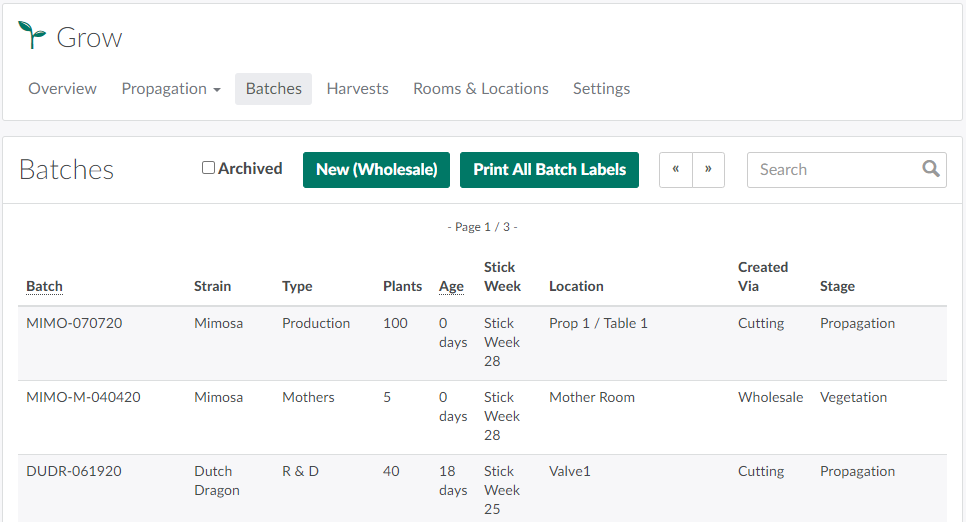
In the Grow module, open the Batches tab.
-
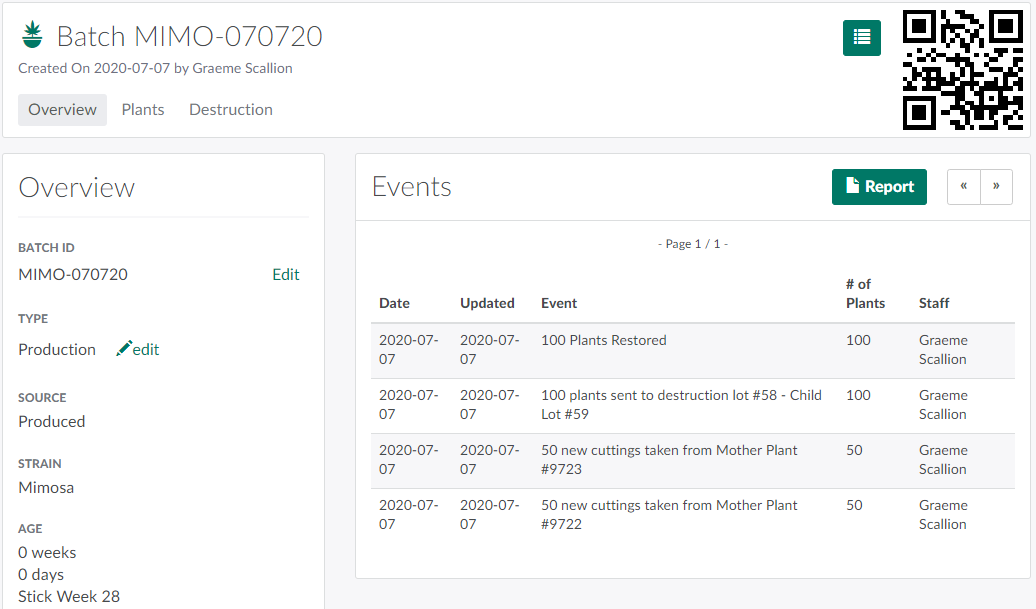
Select a batch to open the Batch's Profile.
-
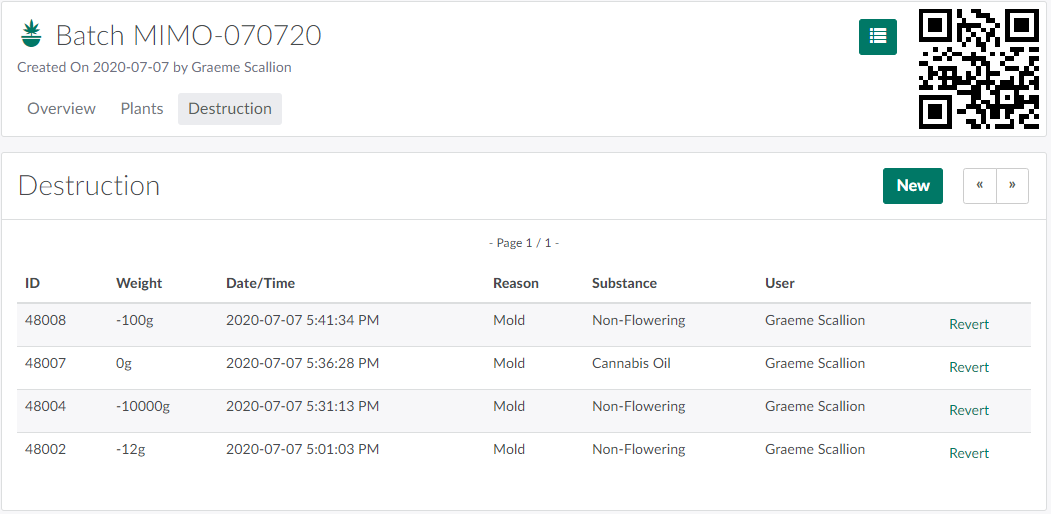
Open the Destruction tab.
-
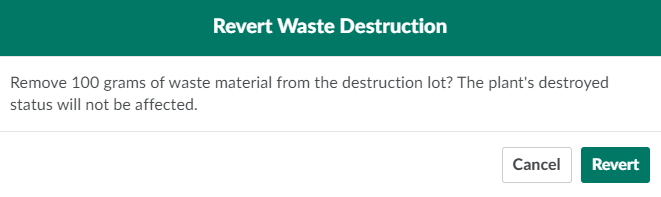
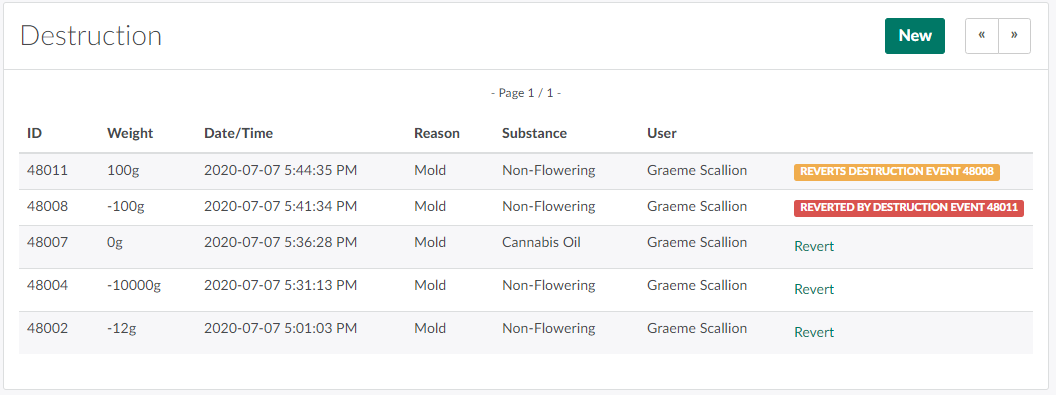
Locate the desired destruction event, and click Revert. This opens the Revert Waste Destruction modal.
-
Click Revert to remove the waste from the Destruction Lot.
- Note: Reverting a batch waste destruction will not restore destroyed plants in the batch. Instead, visit the Plant Profile to Restore a Destroyed Plant.
Visit the Destruction Process Guide for more information about destroying and restoring plants, including How to Restore a Destroyed Plant, How to Revert a Grow Room Waste Destruction,and How to Revert a Plant Waste Destruction.