In addition to growing plants from seeds or taking cuttings from Mother plants, a licence holder may create a batch by purchasing plants from another licence holder. This is a common method of introducing new genetic material to a grow facility.
Required permission(s): batch_read, batch_create
-
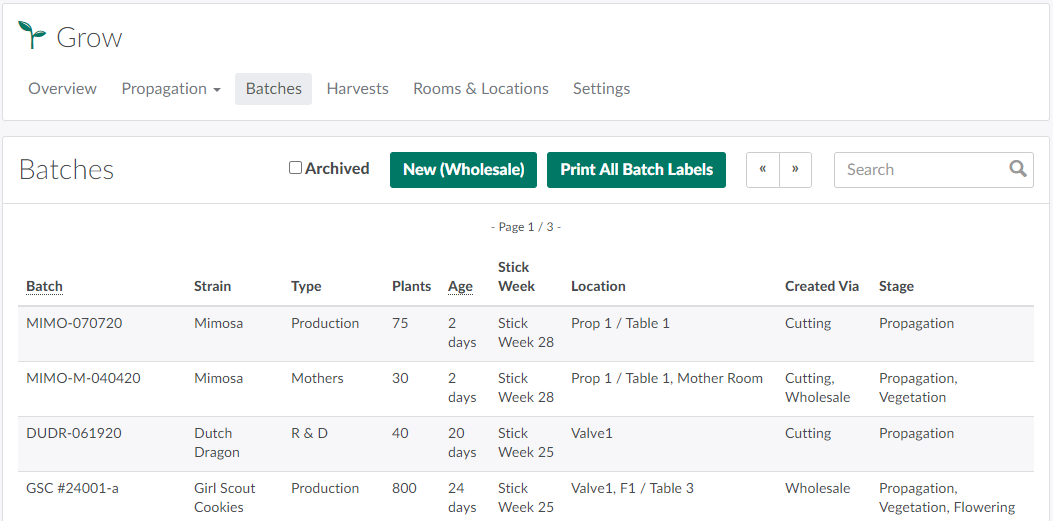
In the Grow module, open the Batches tab.
-
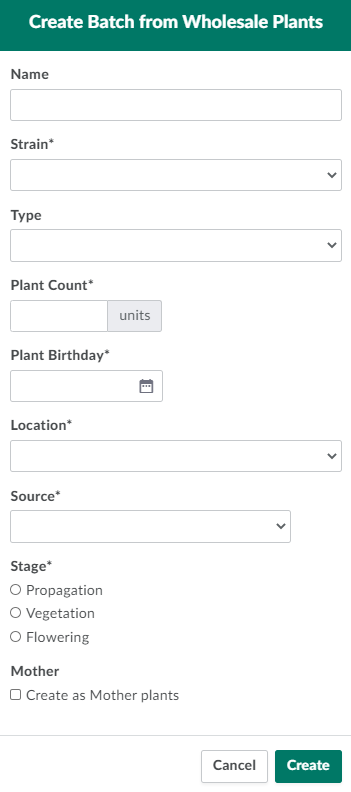
Click New (Wholesale). This opens the Create Batch from Wholesale Plants modal.
-
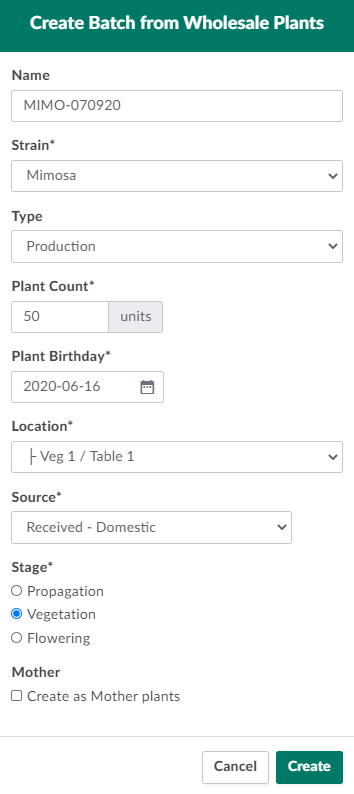
Complete all required fields.
-
Name:A unique name for the batch.
-
Strain: The cannabis strain.
- If the plants' strain is not listed, visit the Grow Settings tab to Add a New Cannabis Strain.
-
Type: The Batch's Type. This indicates the batch's intended purpose.
- Visit the Grow Settings tab to Add a New Batch Type.
-
Plant Count: The number of plants in the new batch.
-
Plant Birthday:The date on which the plants were created at the vendor's facility.
-
Location:The new batch's location. Choose an appropriate grow room for the plants' strain and stage.
-
Source: The batch's source. Options are:
- Received - Domestic: Indicates the plants were purchased from another Canadian producer.
- Received - Imported: Indicates the plants were imported from a producer outside Canada.
-
Stage:The plants' current stage of cultivation.
-
Mother:Indicates whether or not the plants will be Mothers.
-
-
Click Create to create the new wholesale batch.
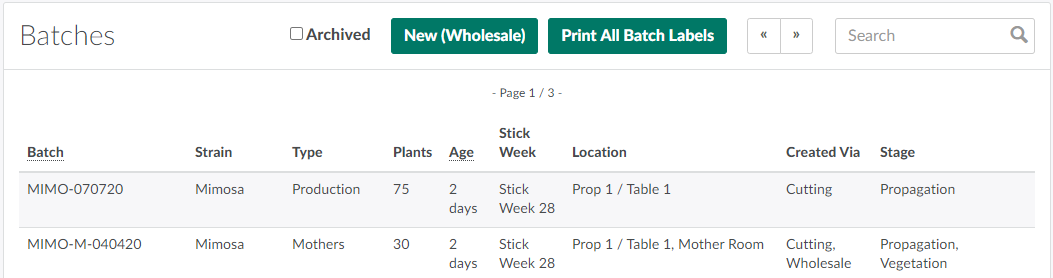
Visit the new Batch's Profile to Print a Label for a Batch.
A Grow Technician can also Create a Batch from a Seed Lot or Create a Batch from Cuttings.