The Medical Profile tab catalogues the client’s medical conditions, symptoms, and ailments. When matching a client with products, a Customer Service Representative–or CSR–can cross-reference this information with the Symptoms and Ailments tabs of Product Profiles to recommend products to meet the client's medical needs.
Ailment Selection
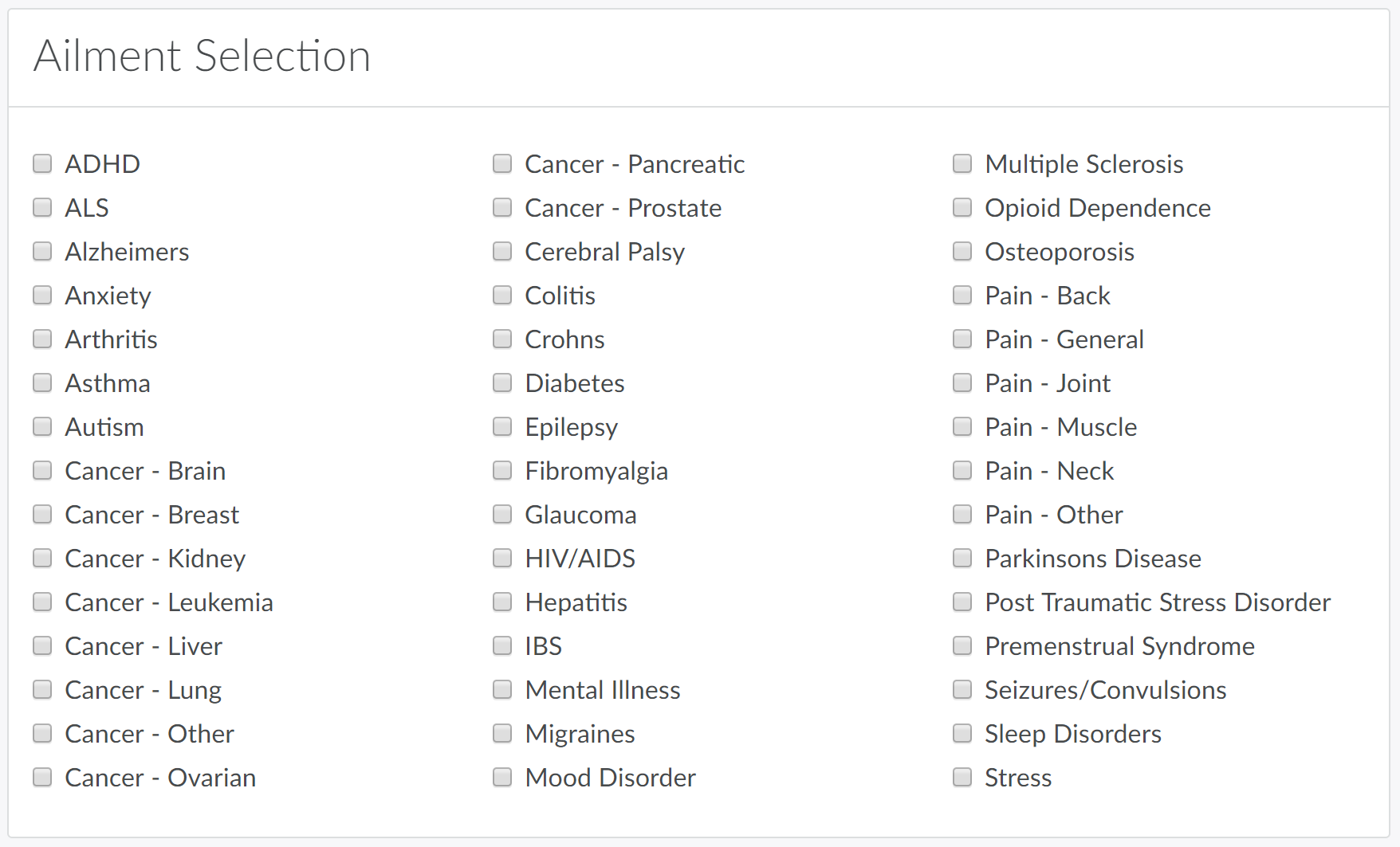
In the Ailment Selection section, select all applicable ailments and click Save. If the client suffers from an ailment that is not listed, visit the Medical Settings module to Add a New Ailment.
Symptom Selection
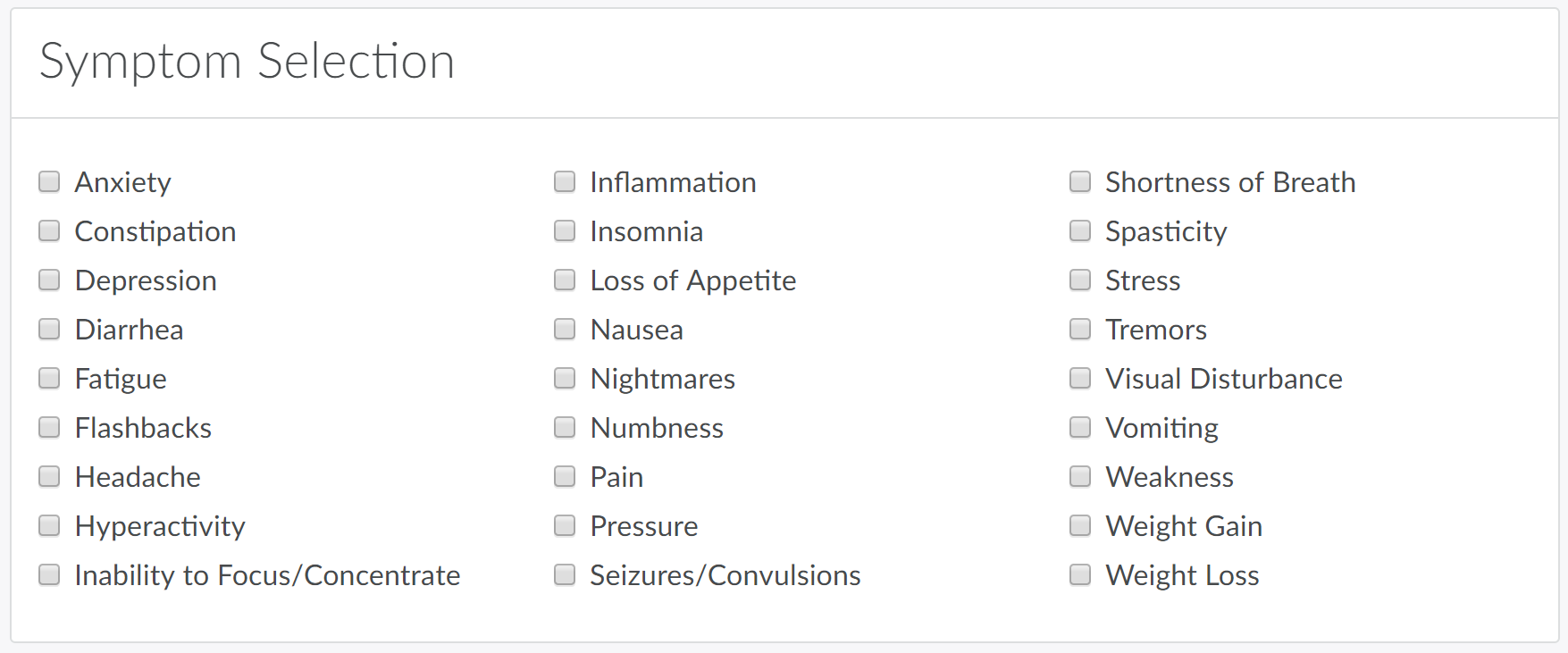
In the Symptom Selection section, select all applicable symptoms and click Save. If the client suffers from a symptom that is not listed, visit the Medical Settings module to Add a New Symptom.
Detailed Information
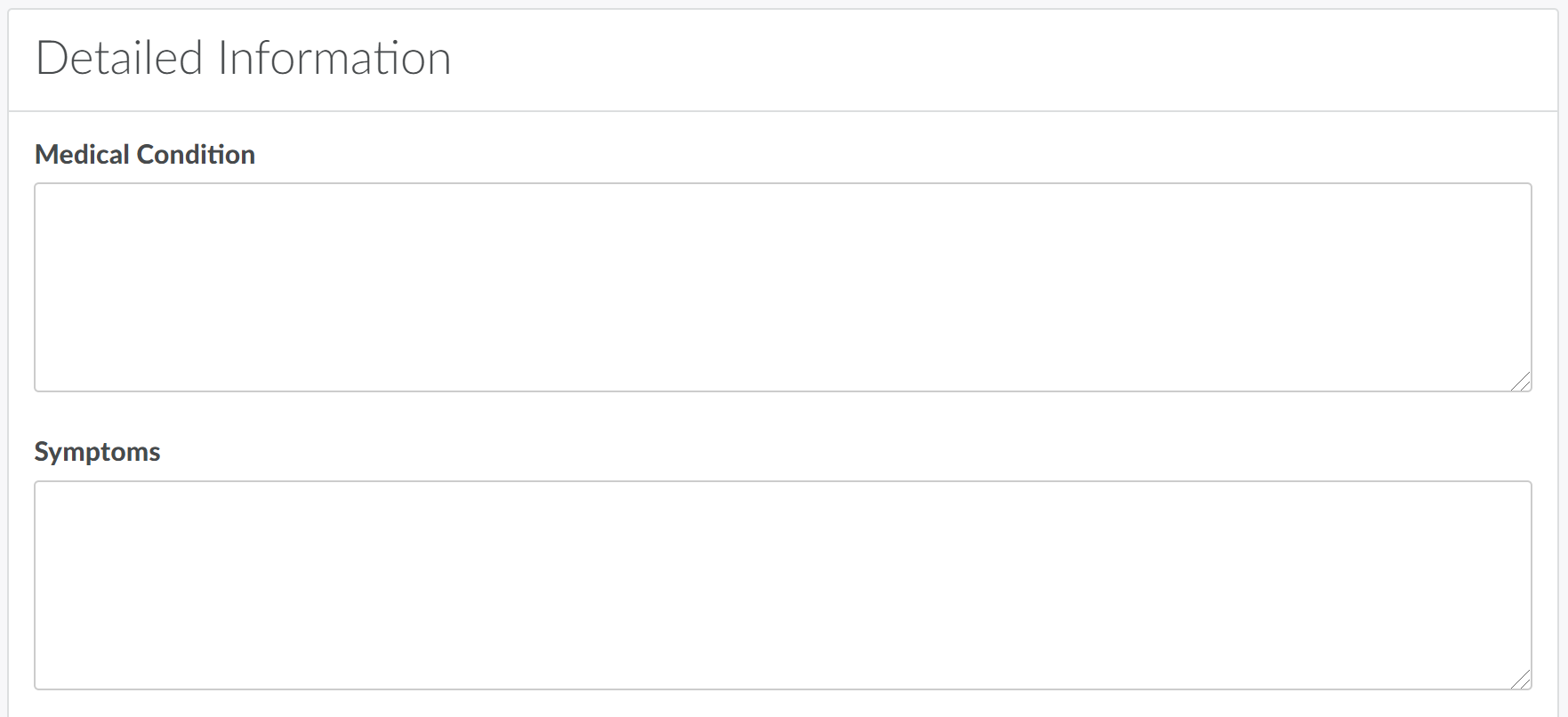
In the Detailed Information section, enter additional information about the client's medical condition, symptoms, dietary needs, current medications, lifestyle, cannabis preferences, and any other pertinent notes.
For information on other Client Profile tabs, visit the articles on Orders, Prescription Periods, Registrations, Prescriptions, Credit Cards, Call Logs, Email Logs, Complaints, Policies, Sales Channels, and Recurring Order.