When creating a client's Medical Profile, a Customer Service Representative–or CSR–identifies any ailments a client experiences that may be treated with cannabis products. Follow the steps below to customize the list of ailments available for selection.
-
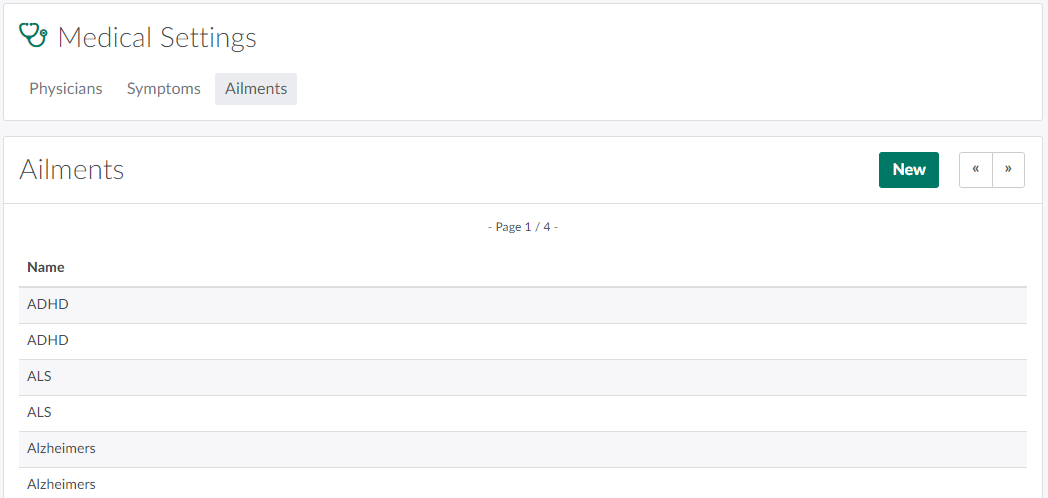
In the Medical Settings module, open the Ailments tab.
-
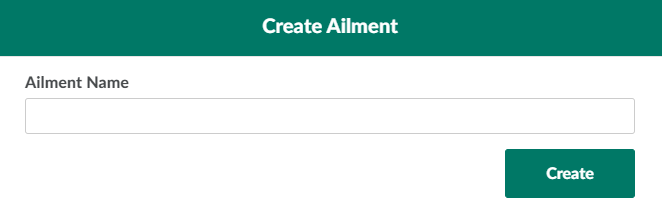
Click New to open the Create Ailment modal.
-
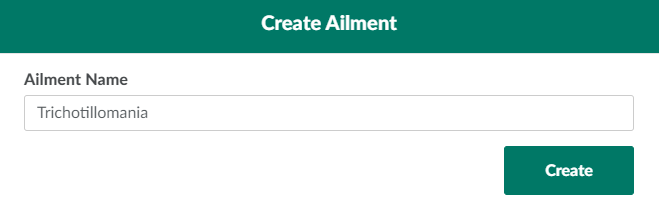
Enter a unique name for the new ailment in the field provided.
-
Click Create to add the new ailment to the list of ailments.

Open the Symptoms tab to Add a New Symptom.