Unlike Closing a Destruction Lot, which only prevents Grow Technicians from adding additional weight to the lot, destroying a Destruction Lot indicates that the waste material in the lot has been physically destroyed. Please note that destroying a Destruction Lot is irreversible; once the lot is destroyed, you cannot reopen the lot to add additional waste.
Required permission(s): destruction_lot_read, destruction_lot_update,
-
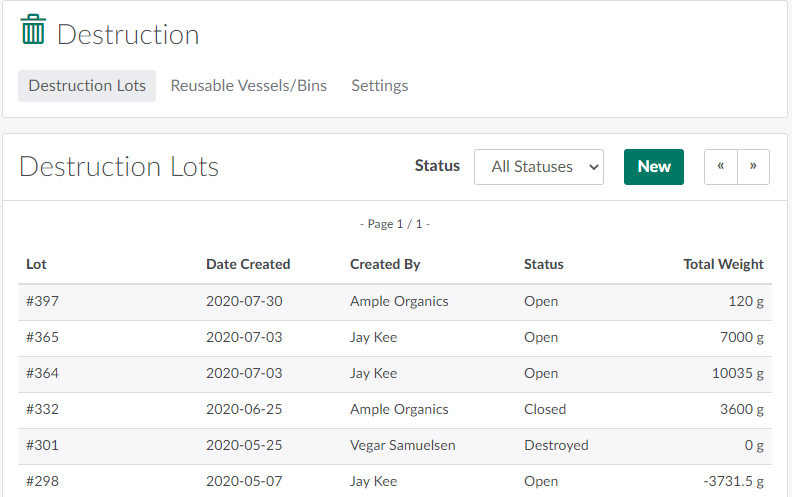
Open the Destruction module.
-
Select a Closed Destruction Lot from the index to open the Destruction Lot's Profile.
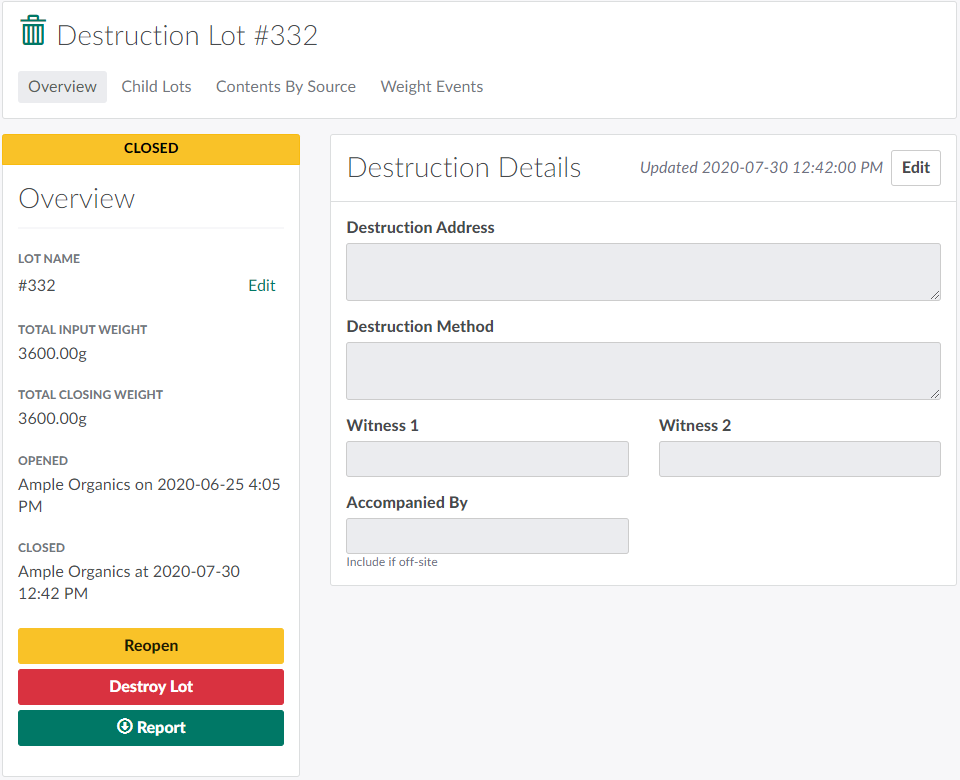
- Before proceeding, check that the Destruction Lot and its sublots/child lots are closed. If not, Close the Destruction Lot.
-
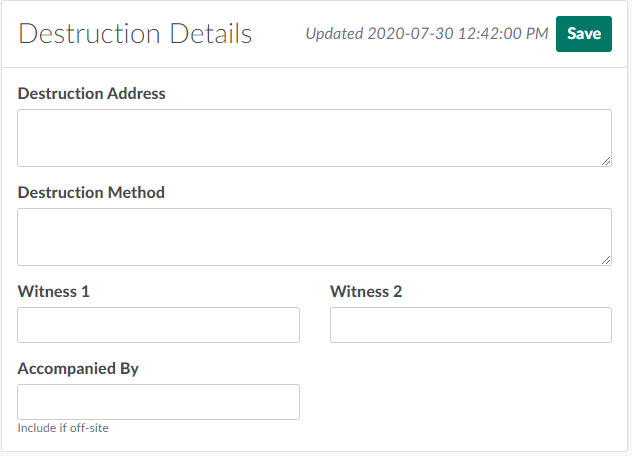
Click Edit to unlock the Destruction Details section.
-
Fill out the fields provided.
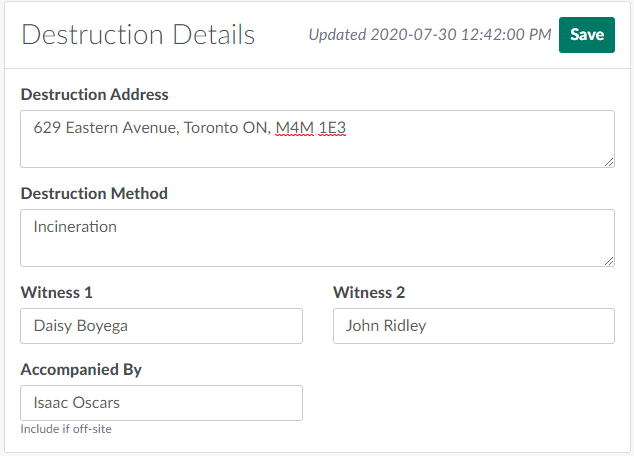
- Destruction Address: The destruction location.
- Destruction Method: The mode of destruction.
- Witness 1: The primary witness to the destruction. Any individual who holds a security clearance and is an employee of the licence holder is qualified to witness the destruction of cannabis.
- Witness 2: The secondary witness to the destruction.
- Accompanied By: The person accompanying the Destruction Lot if the destruction takes place offsite.
-
After populating all fields, click Save.
-
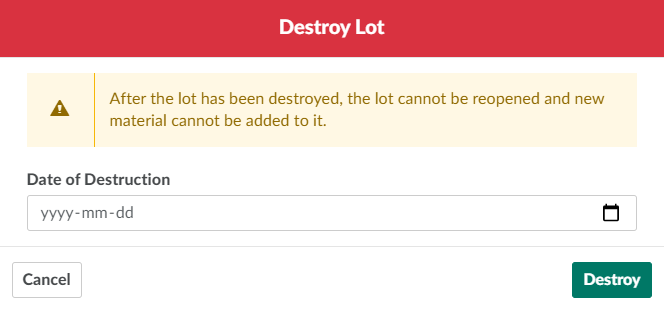
Click Destroy Lot. This opens the Destroy Lot modal.
-
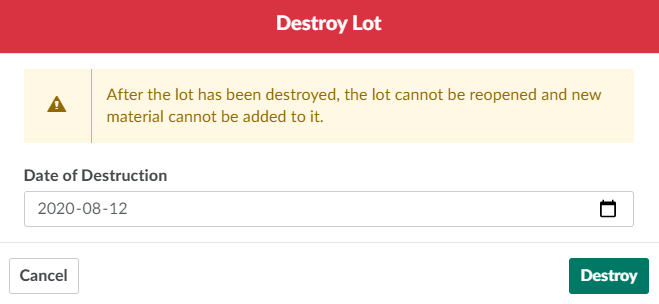
Select the Date of Destruction in the field provided.
-
Click Destroy to destroy the Destruction Lot.

Visit the Destruction Process Guide for a comprehensive list of all destruction options available through the Seed-to-Sale software.