When Creating a New Seed Lot, a Grow Technician must select the Seed Lot's source to indicate whether the seeds were produced on-site, purchased from a domestic producer, or imported. This ensures accurate data is pulled for the Unpackaged Seeds columns on the monthly CTLS Report. If a Grow Technician enters a Seed Lot's source in error, the technician should immediately edit the source.
Required permission(s): seed_lot_read, strain_read, seed_lot_update
-
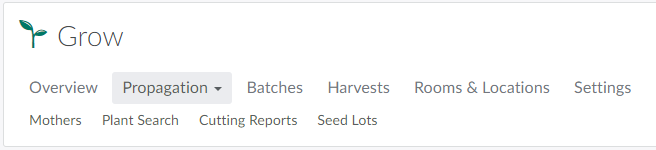
n the Grow module, open the Propagation tab.
-
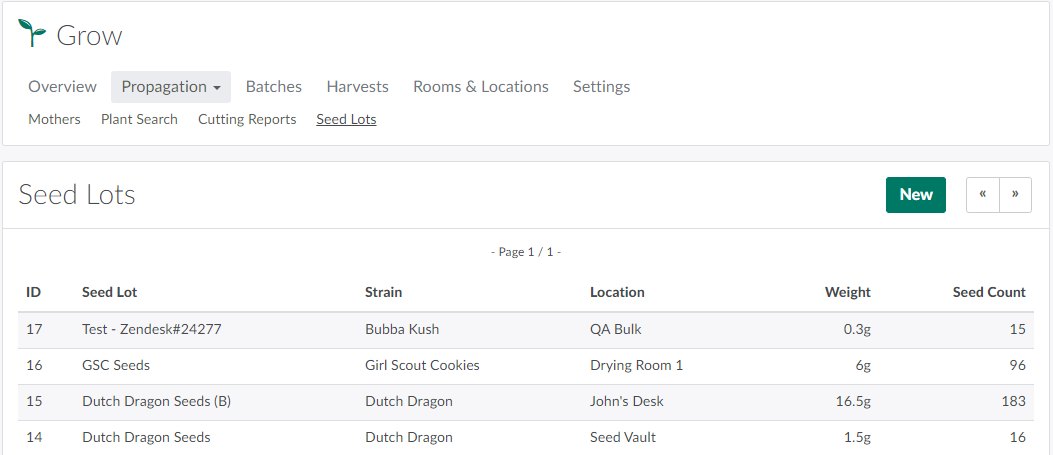
Select the Seed Lots sub-tab.
-
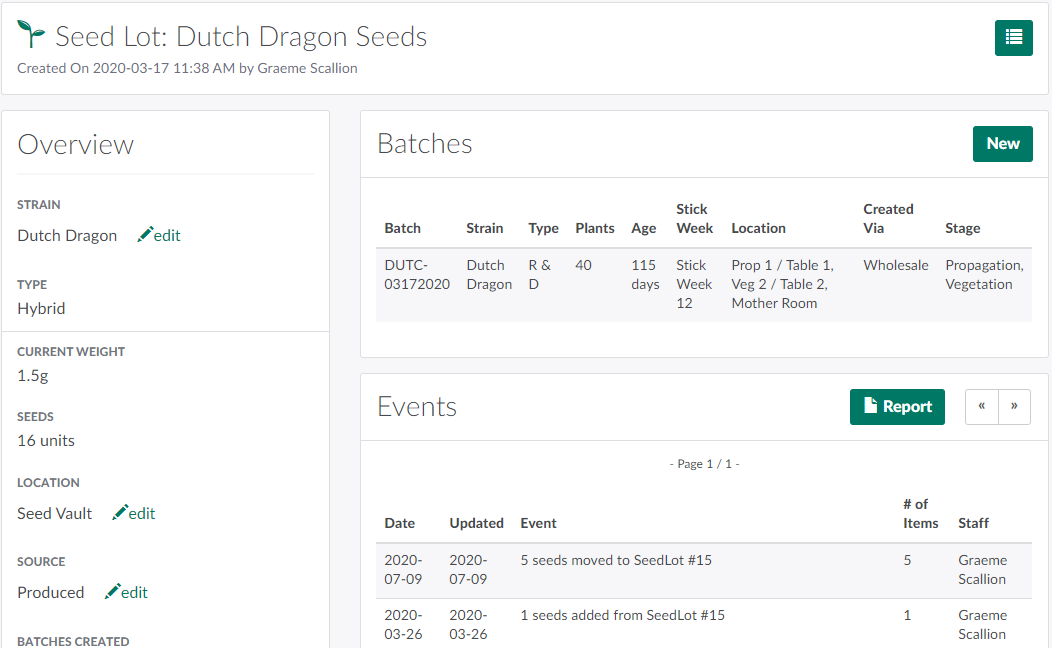
Select a Seed Lot to open the Seed Lot's Profile.
-
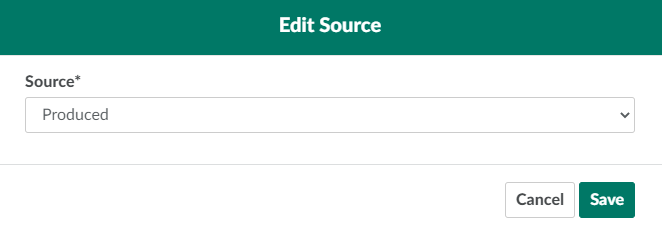
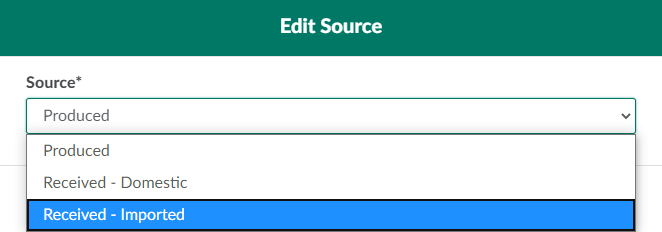
Scroll down to the Source field, and click Edit. This opens the Edit Source modal.
-
Open the drop-down menu provided and select a new source.
-
Click Save to update the Seed Lot's source.

From a Seed Lot's Profile, a Grow Technician can also Print a Seed Lot Label, Move Seeds between Seed Lots, Add Seeds to the Seed Lot, or Destroy Seeds.