After completing a harvest, Grow Technicians should mark the harvest as Closed. This allows Grow Room managers to see at a glance which harvests are complete and which are still in progress.
Required permission(s): harvest_read, harvest_update
-
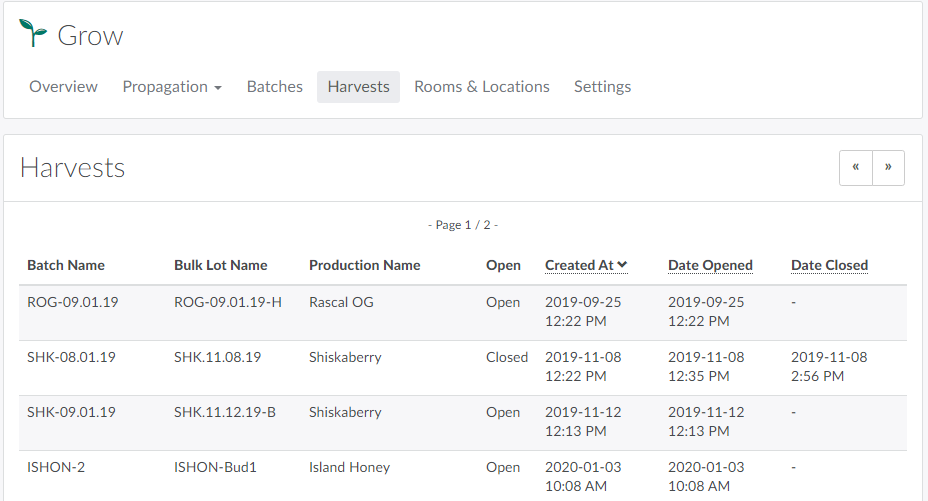
In the Grow module, open the Harvests tab.
-
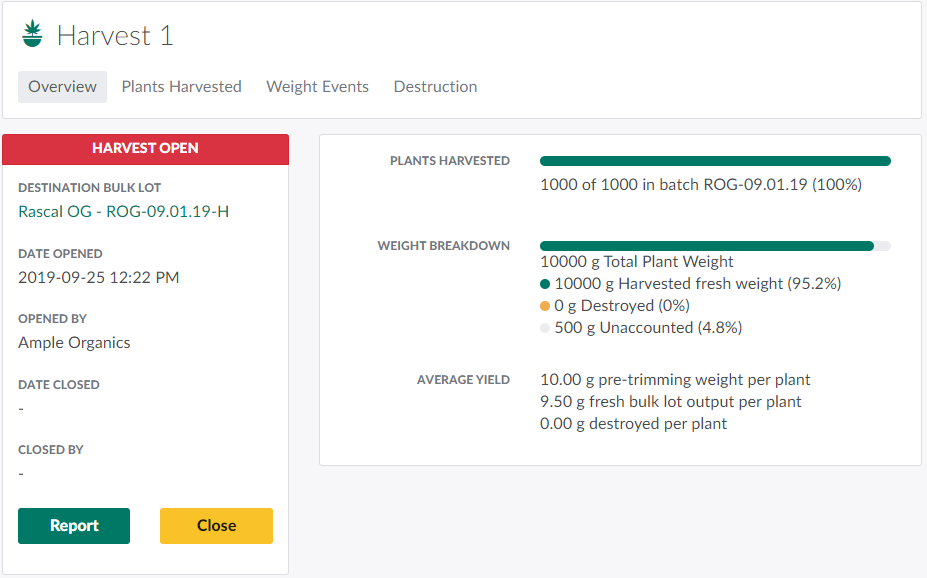
Select an Open harvest to access the Harvest's Profile.
-
Click Close to close the harvest. This prevents Grow Technicians from adding any additional weight to the harvest.
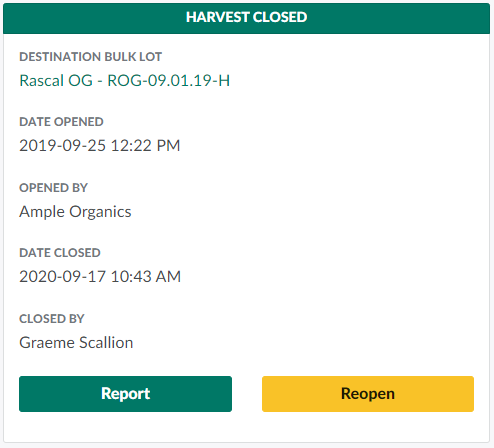
Grow Technicians can open a harvest through both the Gun App and Grow module.
Closing a harvest is the last step in the Cultivation stage of the Seed-to-Sale Process.