Once a batch of plants has spent several weeks in the Flowering stage, a Grow Technician can open the batch for harvest.
Required permission(s): batch_read, batch_update
-
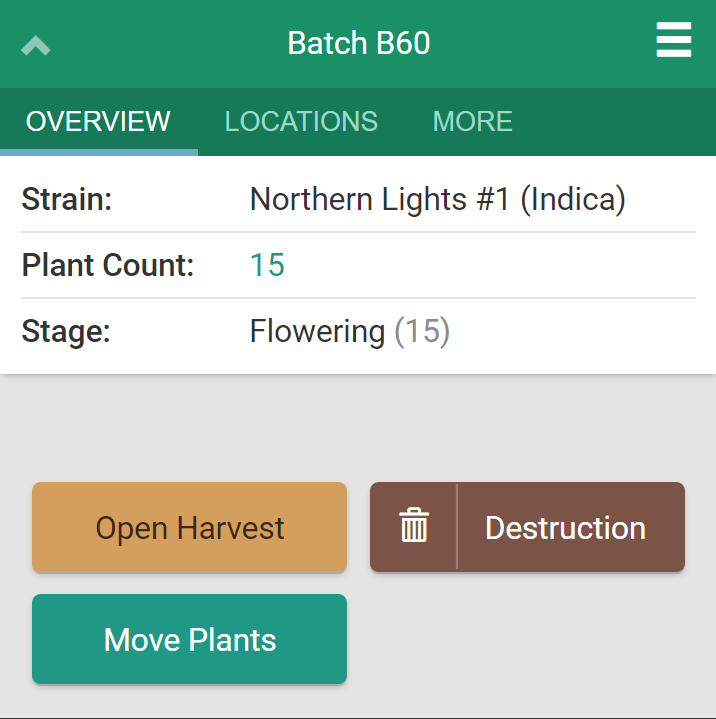
Scan or click on a batch in the Flowering stage. This opens the batch's Overview tab.
-
Note*: Only batches in the Flowering stage can be opened for harvesting. See How to Advance a Plant's Stage for instructions.*
-
-
Click Open Harvest.
-
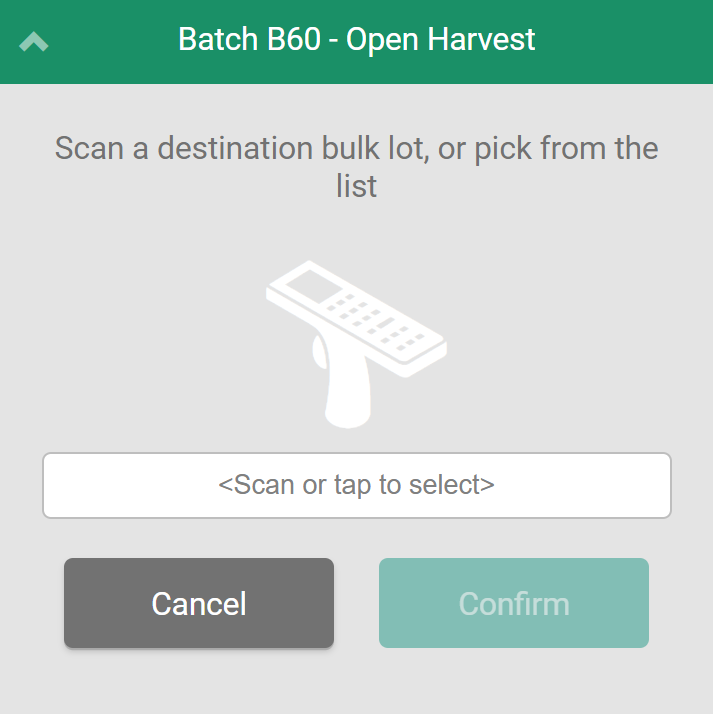
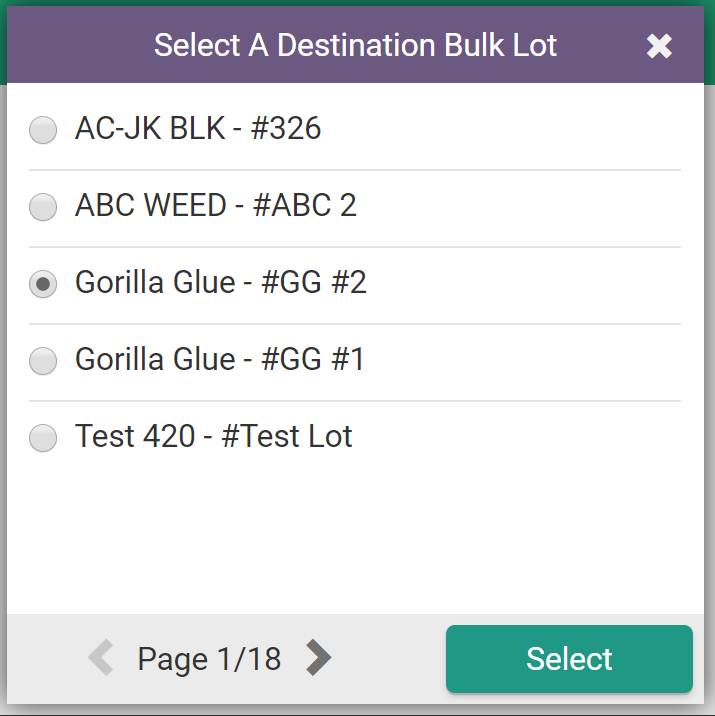
Select a destination Bulk Lot, either by scanning its barcode or by tapping the empty field and selecting a Bulk Lot from the list. Please note that only Fresh Bulk Lots will appear in this list.
-
If there are no suitable Bulk Lots, Create a New Bulk Lot.
-
-
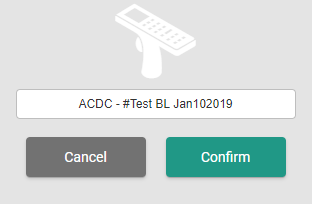
Click Confirm to open the harvest.
Once the harvest is open, Harvest the Plants into the Bulk Lot.