If a Grow Technician records plant waste incorrectly, the technician should follow the process below to revert the waste destruction.
Required permission(s): plant_read, plant_restore
-
In the Grow module, open the Propagation tab.

-
Select the Plant Search sub-tab.
[img plant-search] -
Select a plant from the list to open the Plant's Profile.
- Note*: Quickly locate a specific plant by entering its ID number in the Search bar.*
[img plant-profile]
- Note*: Quickly locate a specific plant by entering its ID number in the Search bar.*
-
Open the Destruction tab.
[img plant-profile-destruction] -
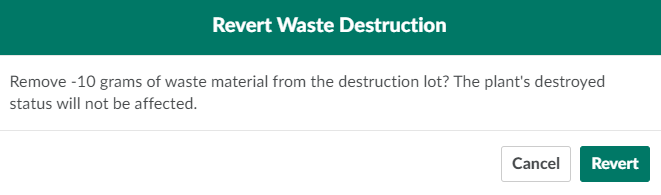
Select a destruction event, and click Revert. This opens the Revert Waste Destruction confirmation modal.
-
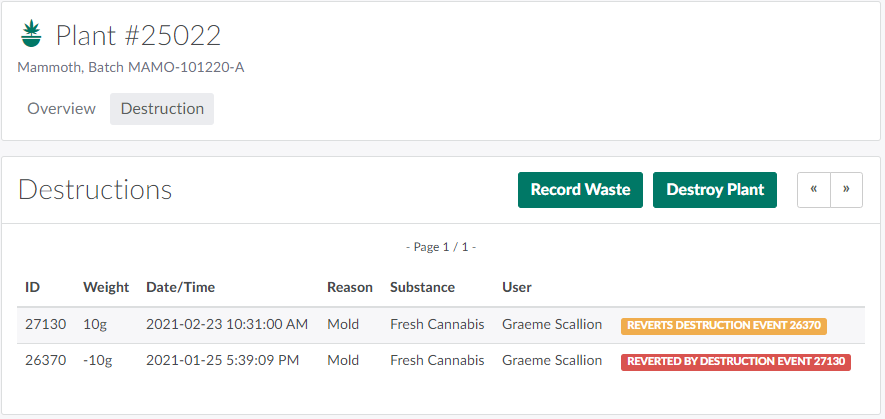
Click Revert to revert the destruction event.
Through the Grow module, a Grow Technician can also Restore a Destroyed Plant, Restore a Batch Subset, Revert a Batch Waste Destruction,or Revert a Grow Room Waste Destruction.