If a Grow Technician Destroys Grow Room Waste in error, follow the steps below to revert the destruction.
Required permission(s): destruction_lot_update
Note*: It is only possible to revert a destruction while the destination Destruction Lot is still open.*
-
In the Grow module, open the Rooms & Locations tab.
[img rooms-and-locations] -
Select a location. This opens the Location's Profile.
[img location-profile] -
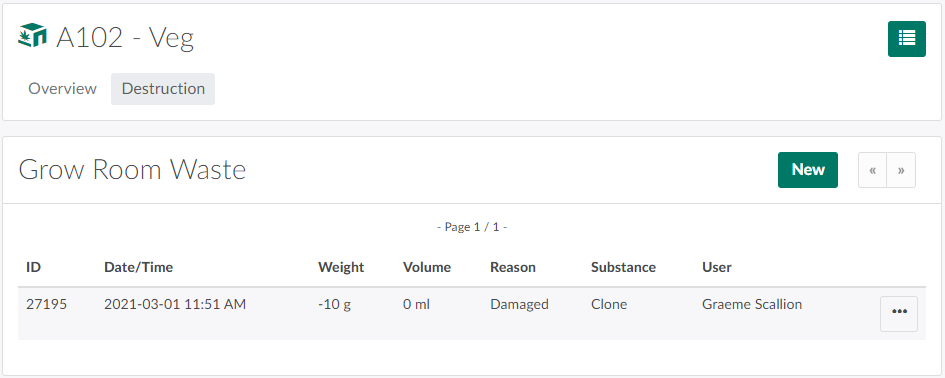
Open the Destruction tab.
-
Click the

icon beside a destruction record to open a menu of options.

-
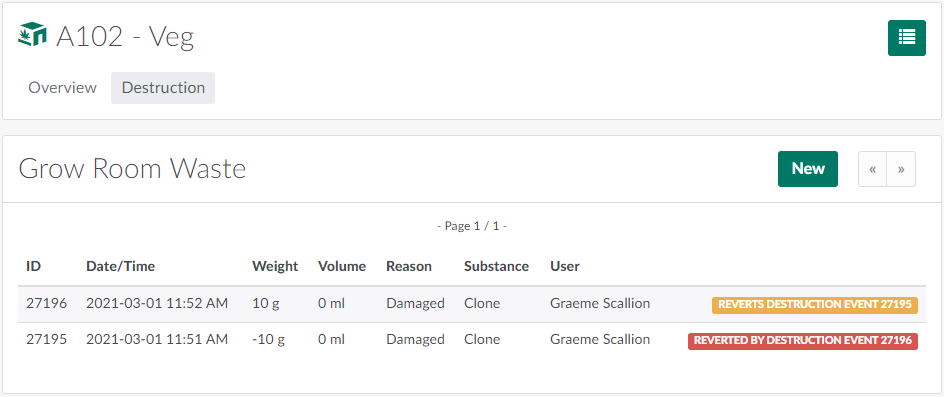
Select Revert Destruction to restore the destroyed material.
For more information on reverting destruction events in the Grow module, see How to Restore a Destroyed Plant, How to Restore a Batch Subset, How to Revert a Batch Waste Destruction,and How to Revert a Plant Waste Destruction.