While destroying plants or plant waste through the Gun App, a Grow Technician can select an existing Destruction Lot, or create a new Destruction Lot as part of the destruction workflow.
Required permission(s): destruction_lot_read, destruction_lot_create
-
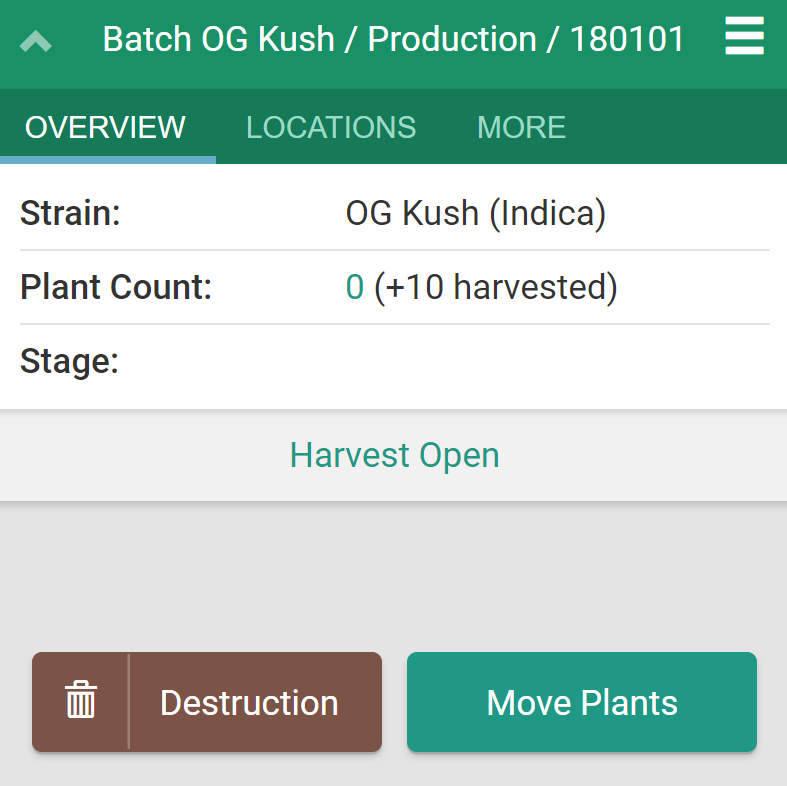
Scan or click on any batch. This opens the batch's Overview page.
-
Click Destruction to enter the destruction workflow.
-
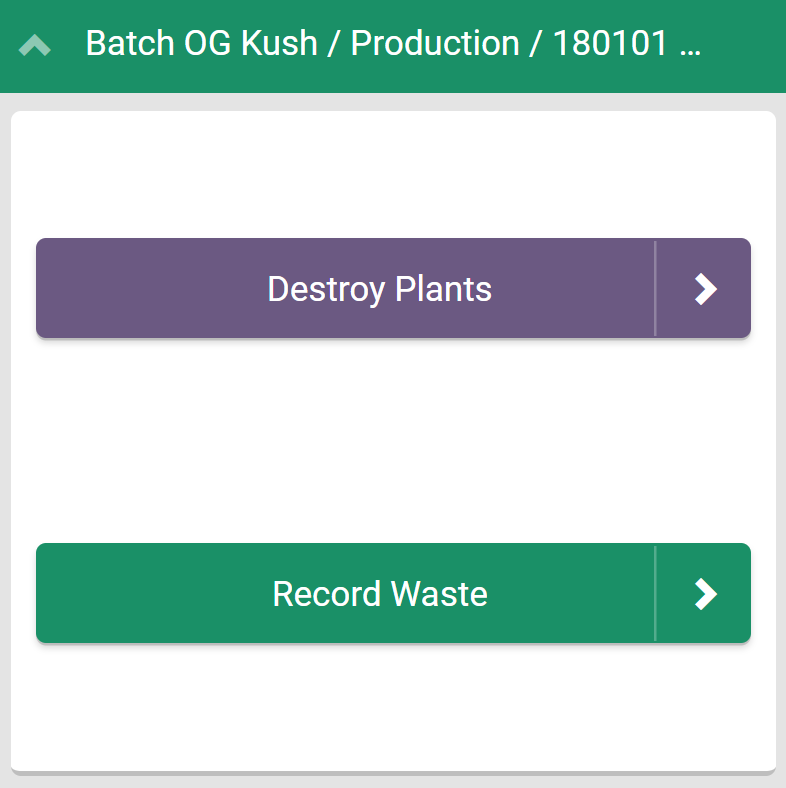
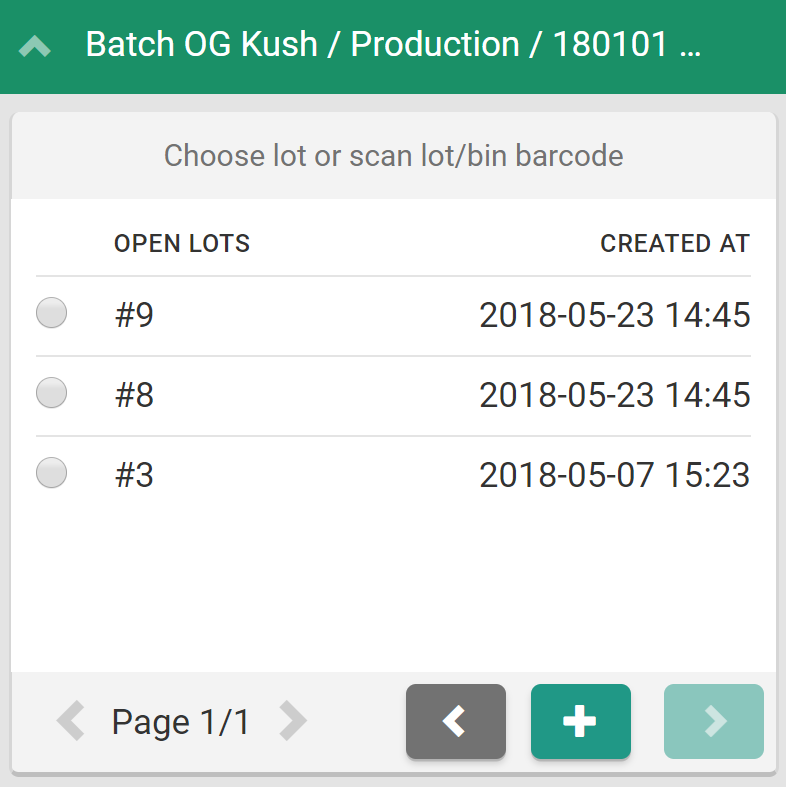
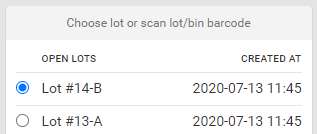
Click Record Waste. This opens a menu of all open Destruction Lots saved to the license holder's Seed-to-Sale environment.
-
Click the

icon to open the Create New Destruction Lot modal.
-
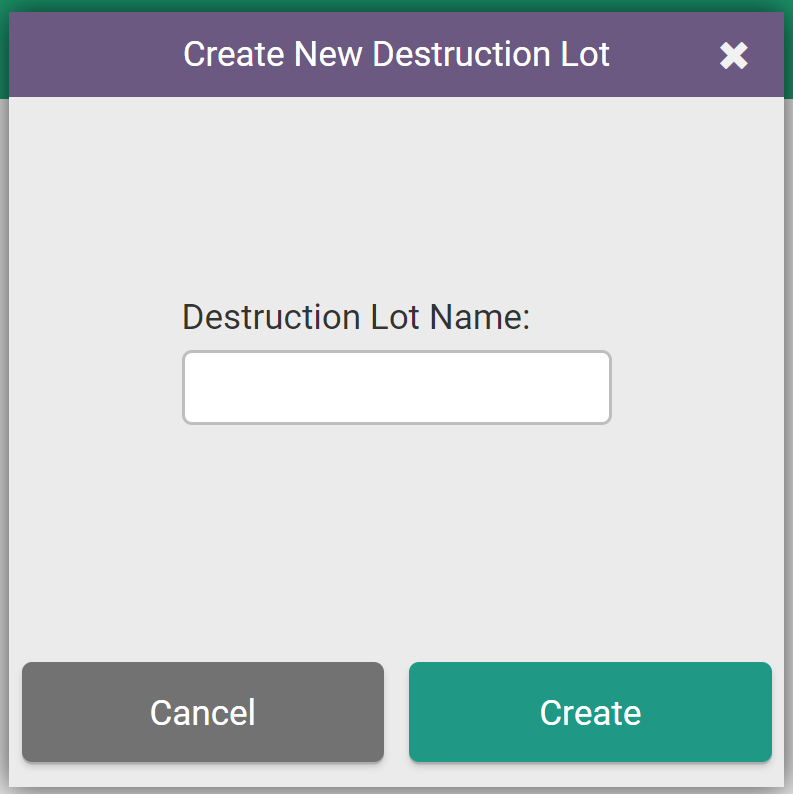
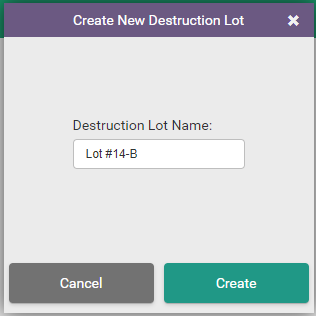
Enter a unique name for the new Destruction Lot in the field provided.
-
Click Create to save the new Destruction Lot. Proceed with the batch destruction or exit the destruction workflow.
While creating Destruction Lots and sublots is possible on the Gun App, the process is much simpler on the Web App. Visit the Destruction module to Create a New Destruction Lot or Sublot.