Over the course of cannabis production, plants may shed leaves or require trimming. This small amount of waste from all plants in a single location is known as grow room waste. Follow the steps below to record and destroy grow room waste through the Gun App.
Required permission(s): destruction_lot_read, destruction_lot_update
-
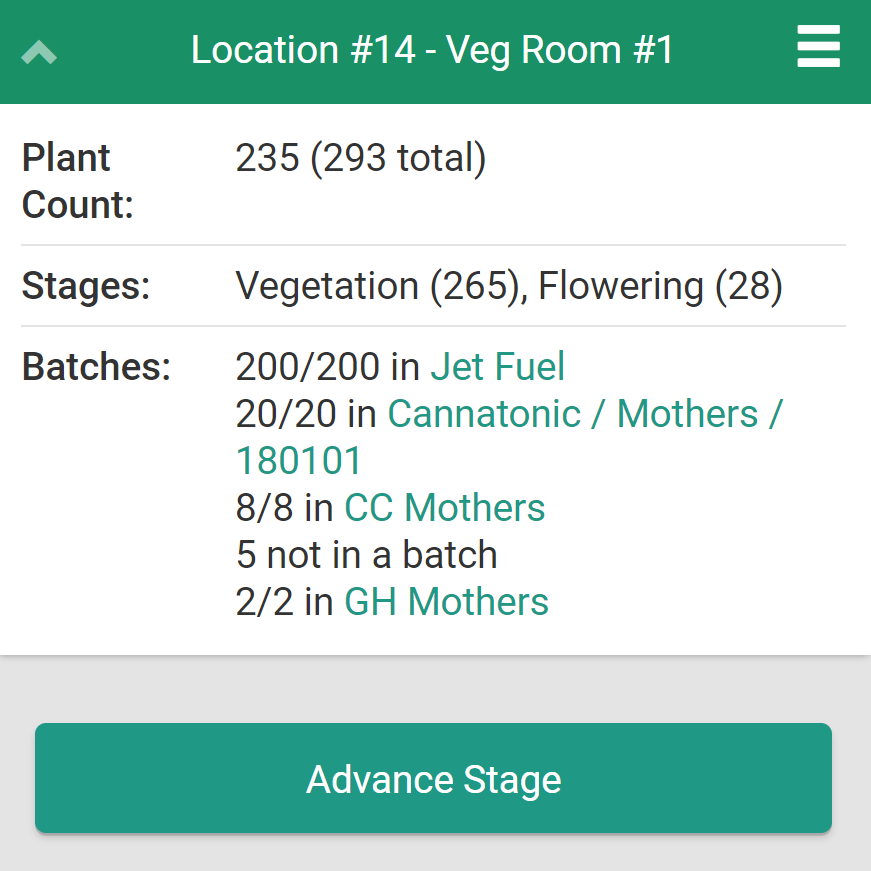
Open the location's summary page by scanning its barcode or clicking a hyperlink.
-
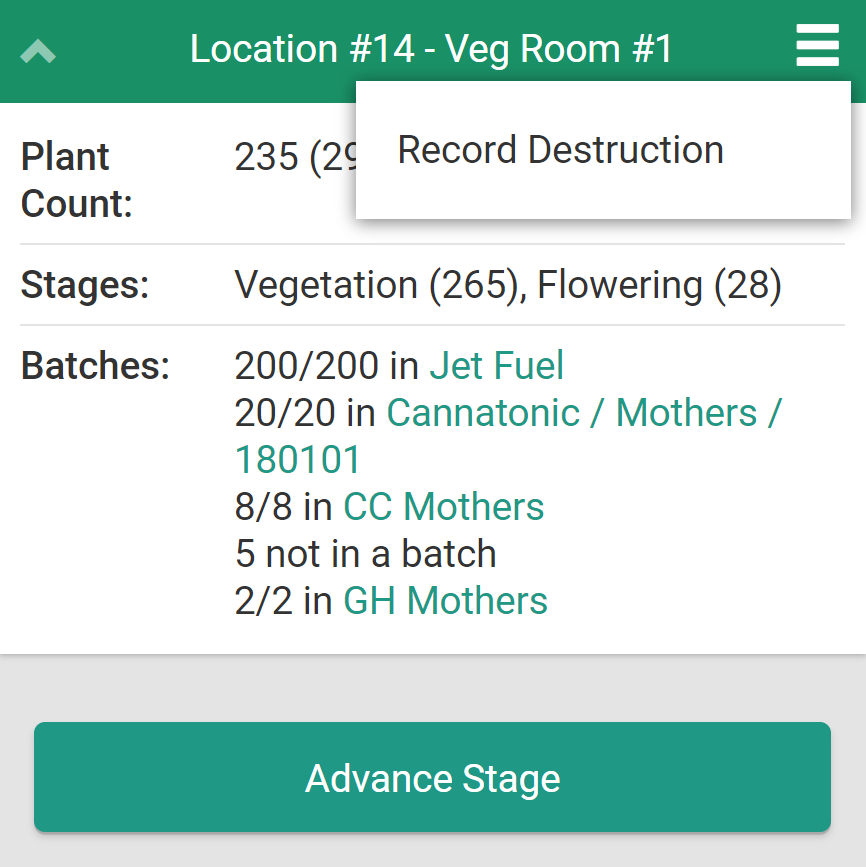
Click the

icon to open a menu of options.
-
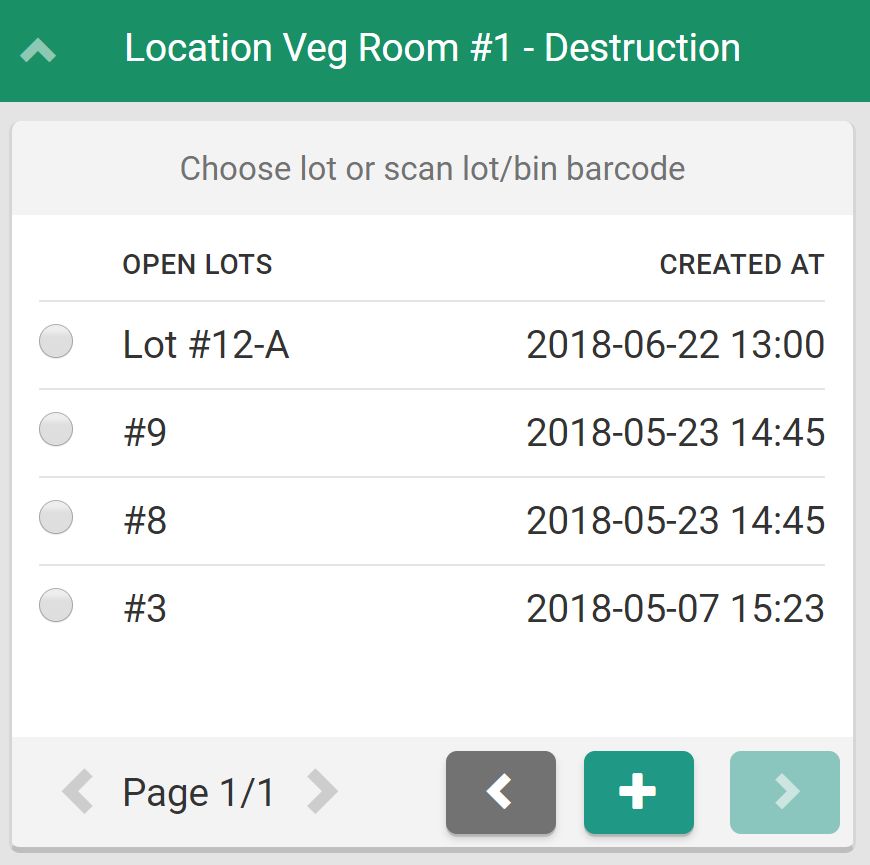
Select Record Destruction to begin the destruction process. This opens a menu of Destruction Lots.
-
Select a Destruction Lot and click the

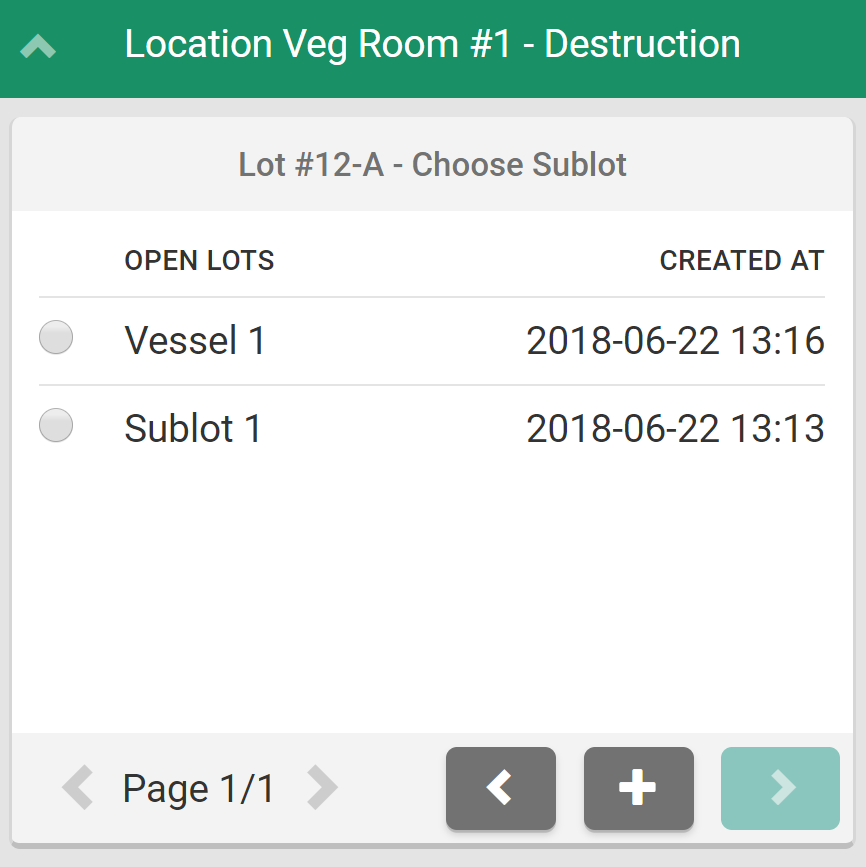
icon. This opens a menu of sublots/child lots associated with the Destruction Lot.
-
Note*: To Create a New Destruction Lot, click the*

icon.
-
-
Select a sublot and click the
icon to proceed.
-
Note*: To Create a New Sublot, click the*

icon.
-
-
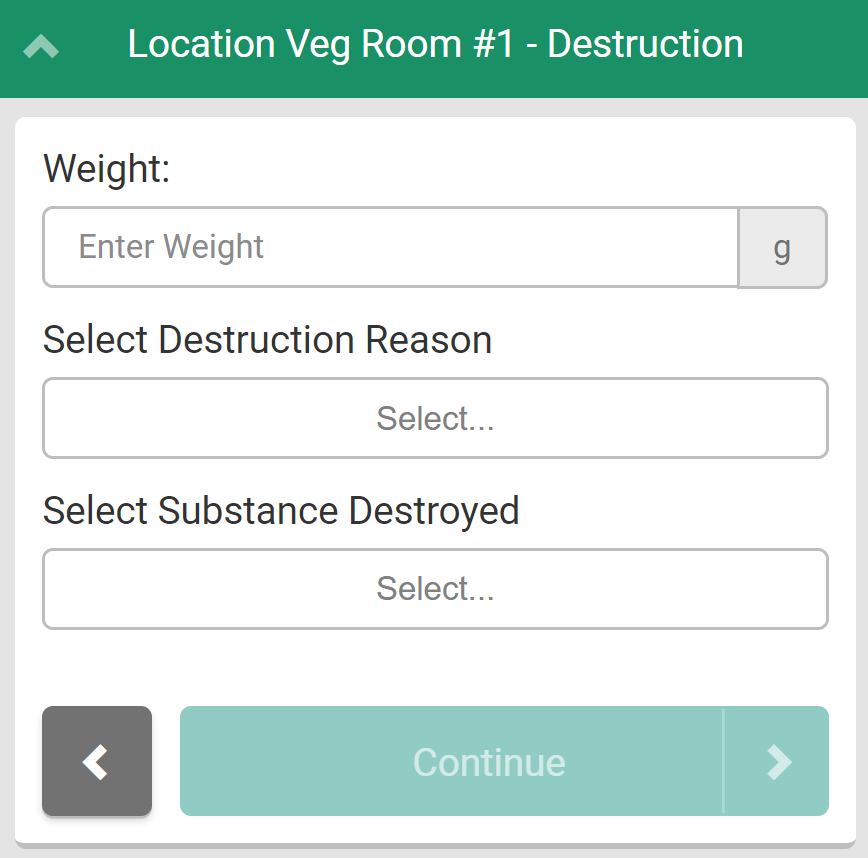
Enter the grow room waste's weight, the reason for the destruction, and the substance to be destroyed in the fields provided.
- Visit the Destruction module to Add a New Destruction Reason Code or Add a New Destruction Substance Type.
-
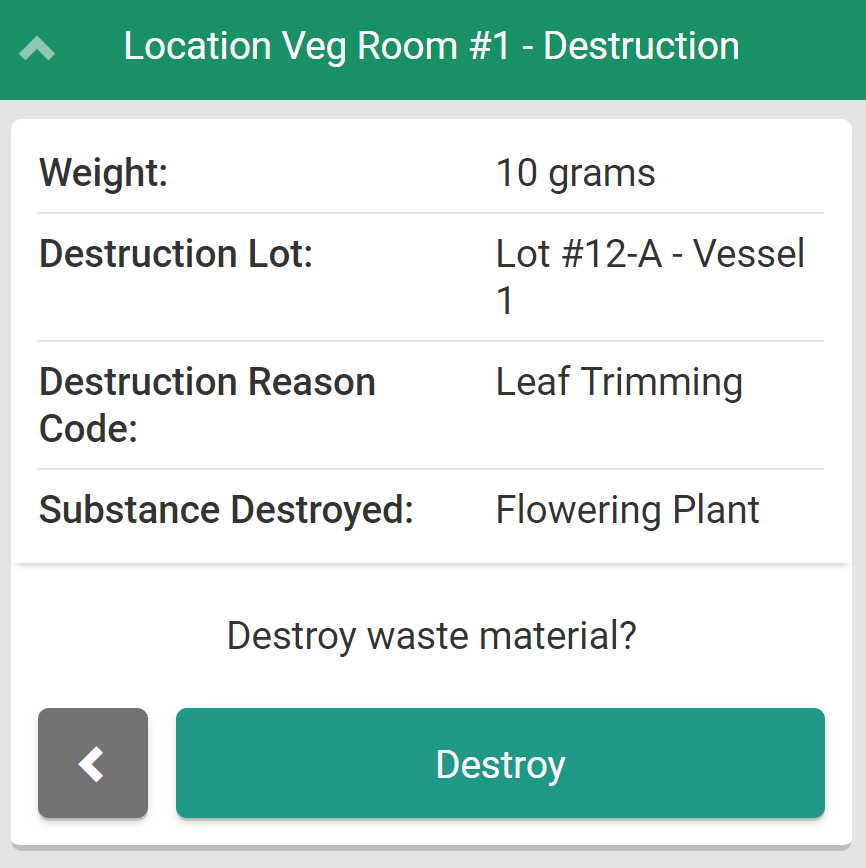
Click Continue to proceed to the destruction confirmation page.
-
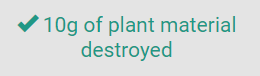
Read through the confirmation page. If everything is in order, click Destroy to destroy the grow room waste.
Through the Gun App, Grow Technicians can also Record Waste from an Individual Plant or Record Waste from a Batch.