Ideally, each grow room should have a designated Destruction Lot or sublot/child lot to receive plant waste. Follow the process below to move a Destruction Lot or sublot/child lot between grow rooms.
Required permission(s): destruction_lot_read, destruction_lot_update
-
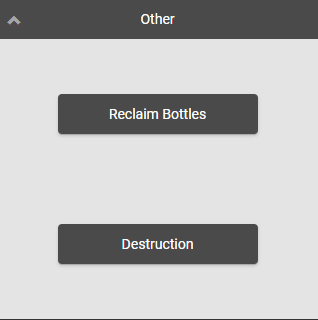
Log into the Gun App and open the Other module.
-
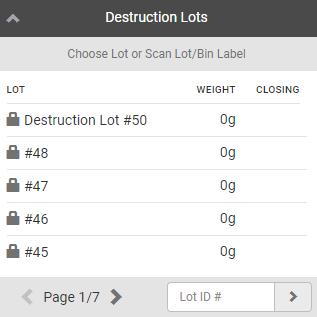
Click Destruction. This opens a menu of Destruction Lots.
-
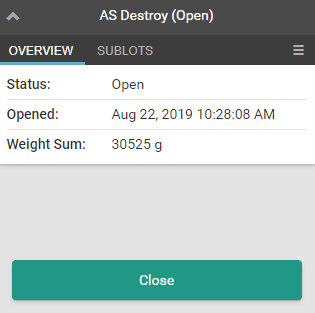
Select an Open Destruction Lot, or enter the lot's ID number in the field provided. This opens the Destruction Lot's Overview tab.
-
Note*: Closed or Destroyed Destruction Lots cannot be moved.*
-
If moving a sublot/child lot:
-
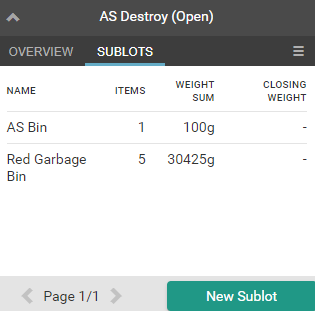
Open the Sublots tab.
-
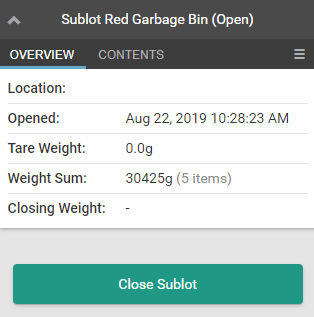
Select a sublot. This opens the sublot's Overview tab.
-
-
-
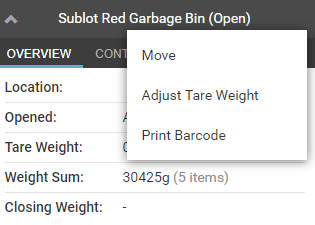
Click the

icon to open a menu of options.
-
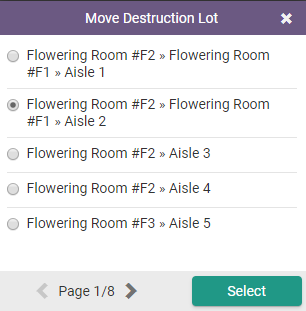
Click Move. This opens a list of grow rooms.
-
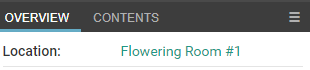
Select a location and click Select. This moves the Destruction Lot or sublot to the new location.
Visit the Destruction module to Create a New Destruction Lot or Create a Child Lot.