Grow Technicians, Packaging Associates, and Fulfillment Associates use the Gun App to perform essential actions throughout their facility. Follow the steps below to log into the Gun App.
-
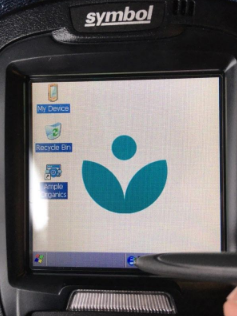
Turn on the Scanner Gun. By default, a standard Windows desktop displays.
-
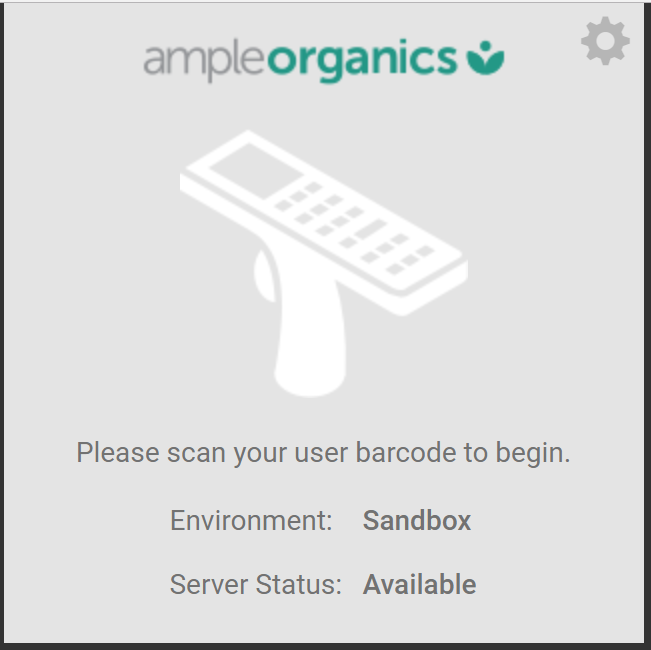
Tap the Ample Organics shortcut to open the Gun App login page.
-
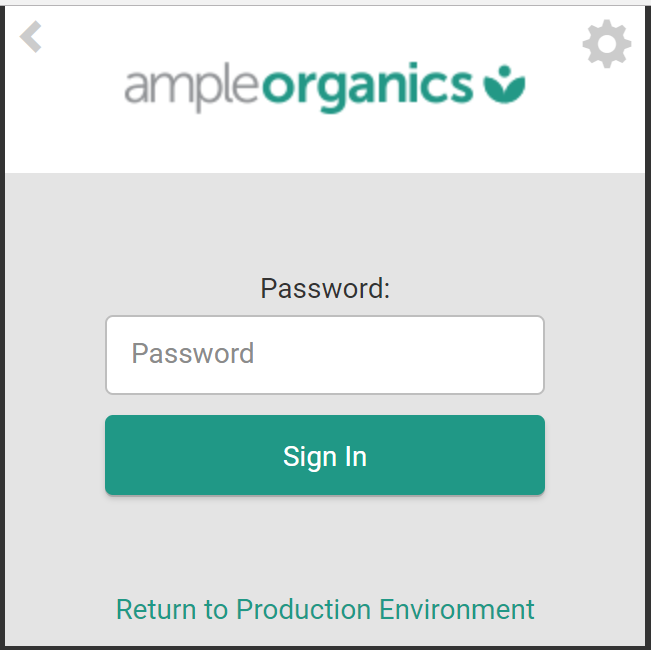
Scan a user barcode on a facility access or employee ID card. The Gun App will then prompt you to enter your password.
-
Visit the Settings module to Print a User Barcode.
-
-
Enter the password in the field provided. This will be the same password you enter to access the Seed-to-Sale web platform. A successful login brings you to the Gun App landing page.
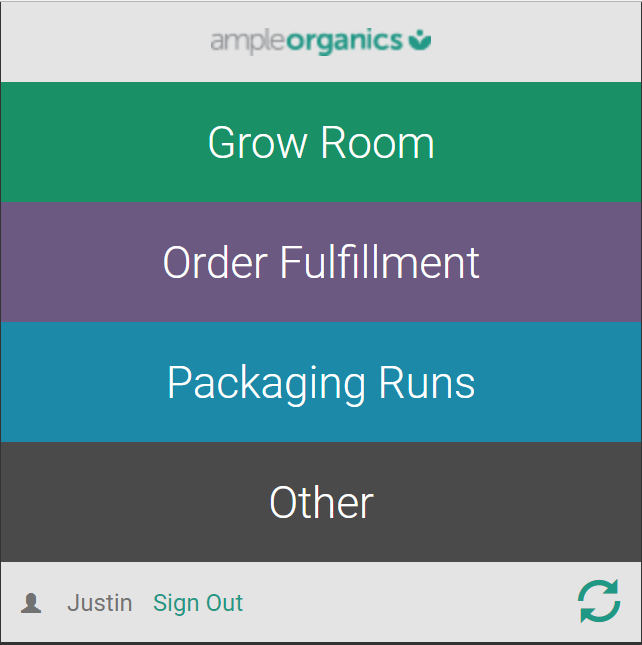
From the Gun App landing page, you can access the Grow Room, Order Fulfillment, Packaging Runs, and Other modules.
Scan a QR code to access specific functions for Plants, Batches, Locations, Destruction Lots, Seed Lots, Bottles, Totes, and Orders.