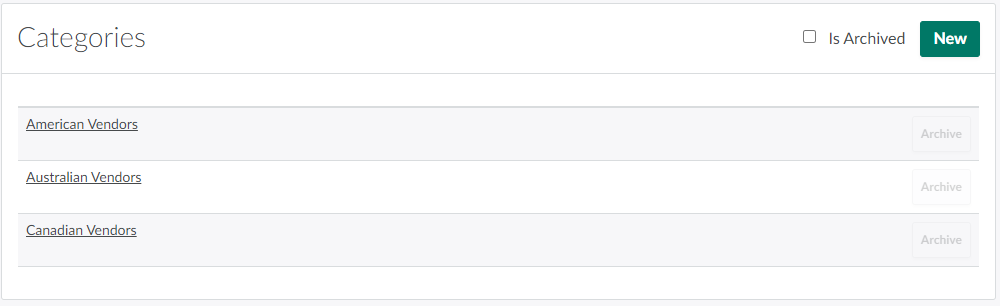
A license holder with several vendor contracts can create vendor categories to more easily sort vendors by type.
Required permission(s): purchase_order_create
-
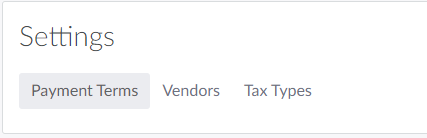
In the Wholesale application, open the Settings tab.
-
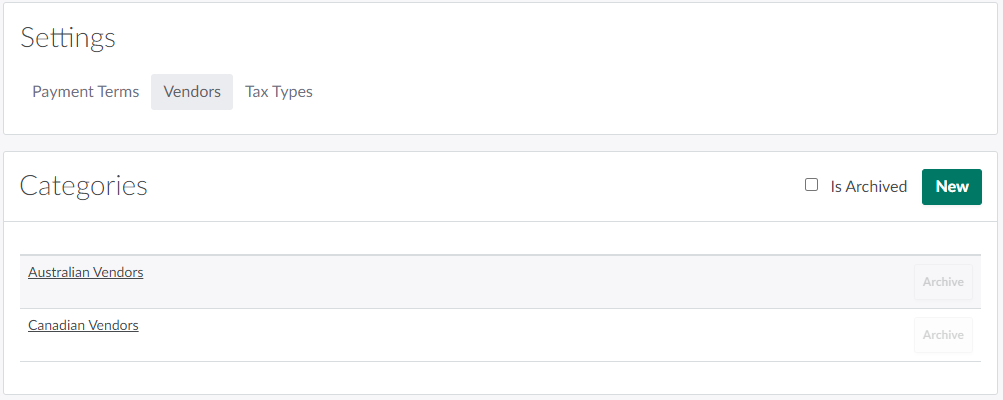
Select the Vendor Categories sub-tab.
-
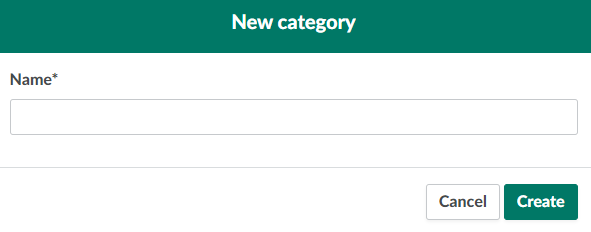
In the Categories section, click New Vendor Categories. This opens the New Category modal.
-
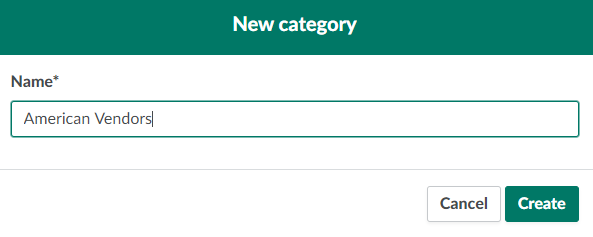
Enter a name for the new Vendor Category in the field provided.
-
Click Create to add the new Vendor Category.
From the Settings tab, you can also Add a New Payment Term or Create a Tax Type.