Through the Tax Types sub-tab, you can configure custom tax rates for specific jurisdictions. When creating a Sales Order, you can select the tax rate that applies to the order or specific order items.
Required permission(s): tax_type_read, tax_type_create
-
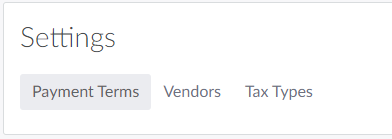
In the Wholesale application, open the Settings tab.
-
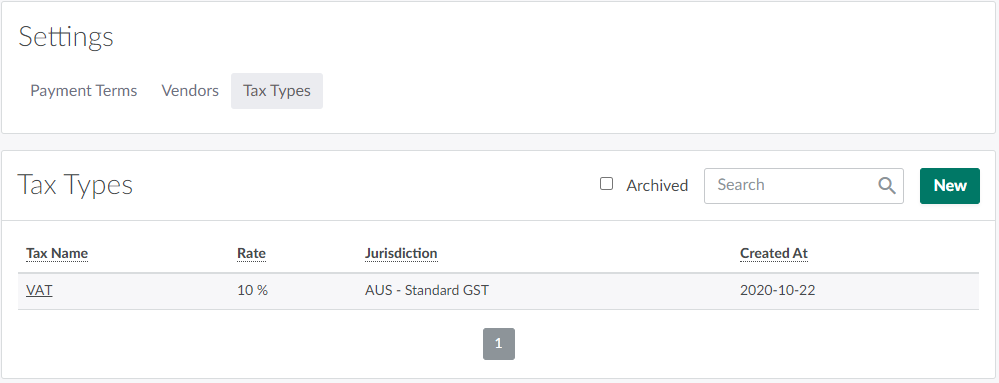
Open the Tax Types sub-tab.
-
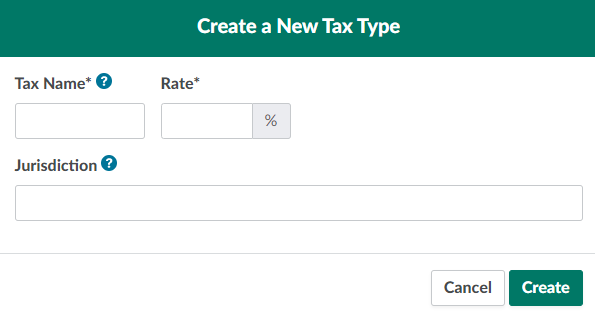
Click New. This opens the Create a New Tax Type modal.
-
Configure the tax type’s details in the fields provided.
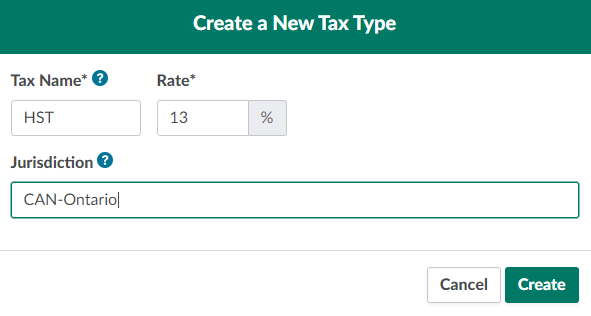
- Tax Name: The tax type’s abbreviated name–GST, PST, etc. This field will accept a maximum of five characters.
- Rate: The tax rate. This may not exceed 100%.
- Jurisdiction: The jurisdiction in which the tax type is applicable. This assists users in selecting the correct tax types when creating Sales Orders.
-
Click Create to add the new tax type.

From the Wholesale application's Settings tab, you can also Add a Payment Term or Create a Vendor Category.