After creating a new destruction child lot, also known as a sublot, a Grow Technician should immediately label the child lot. Labelling a child lot serves two distinct purposes: First, the label identifies the lot by its unique name and ID number. Secondly, and most importantly, each label includes a unique barcode that Grow Technicians can scan to interact with the child lot through the Gun App.
A Grow Technician can also print a destruction child lot label through the Gun App.
Required permission(s): destruction_lot_read
-
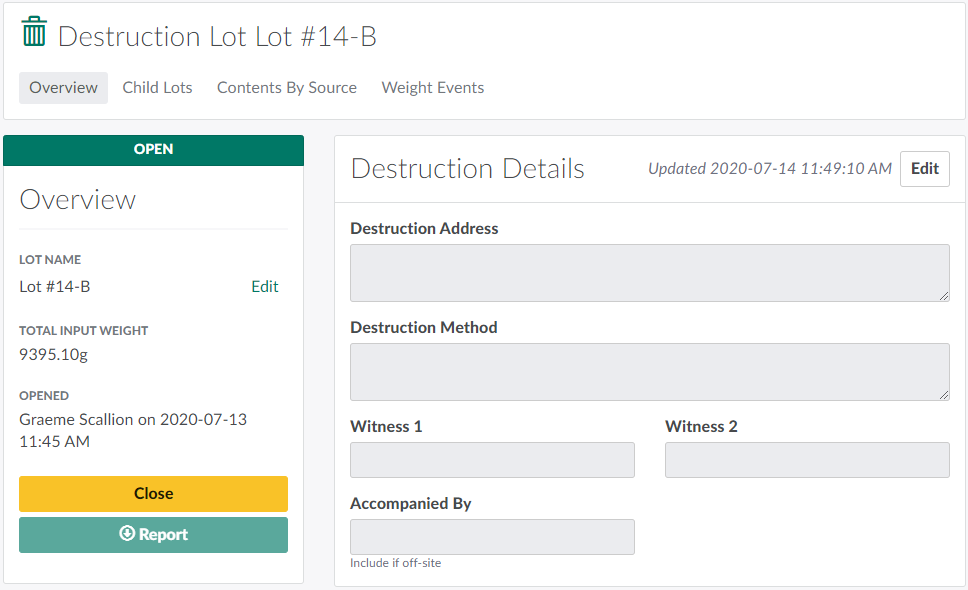
In the Destruction module, select a Destruction Lot.
-
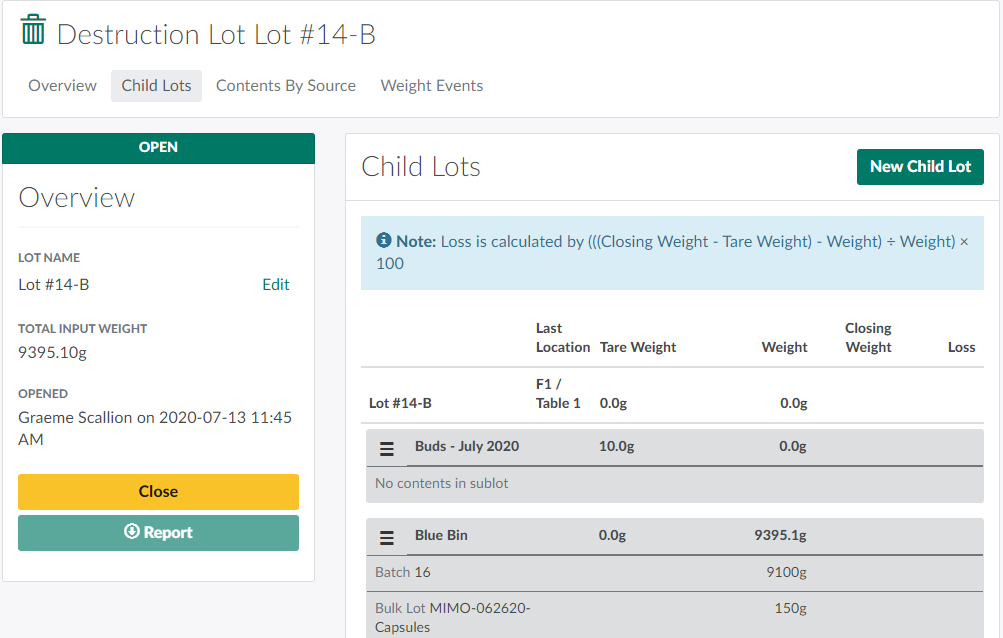
Open the Child Lots tab.
-
Select a child lot/sublot, and click the

icon to open a menu of options.
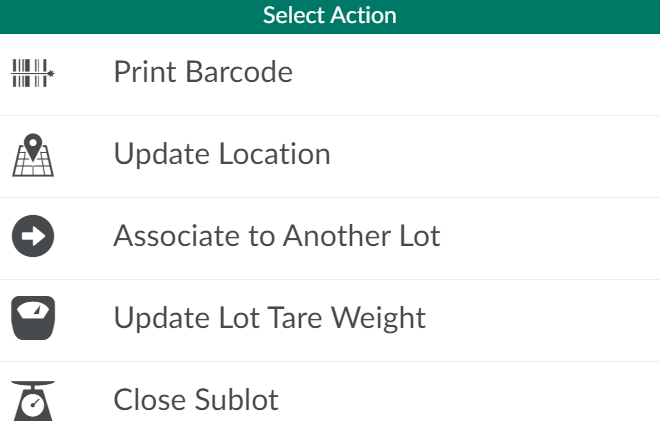
-
Select Print Barcode. This opens a printing modal.
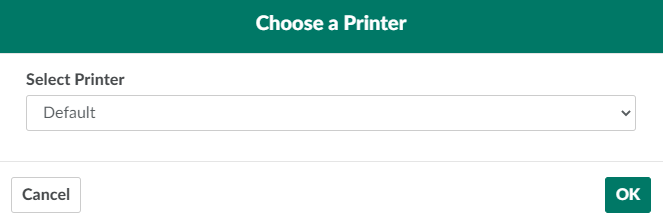
-
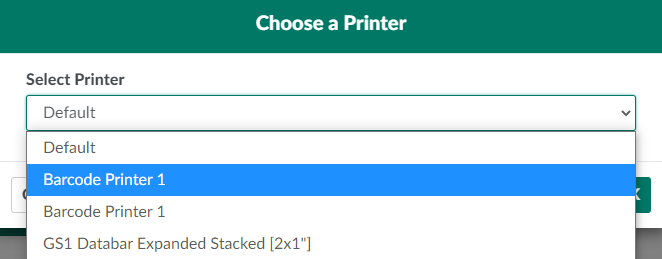
Open the drop-down menu provided, and select a printer.
-
Click OK to print the child lot label. Affix the label to the lot immediately.

From the Destruction module, a Grow Technician can also print labels for Reusable Destruction Vessels.