After creating a new reusable destruction vessel, you should immediately label the vessel. Labelling a destruction vessel serves two distinct purposes: First, the label identifies the vessel by its unique name and ID number. Secondly, and most importantly, each label includes a unique barcode that Grow Technicians can scan to destroy waste into the vessel through the Gun App.
Required permission(s): destruction_lot_read
-
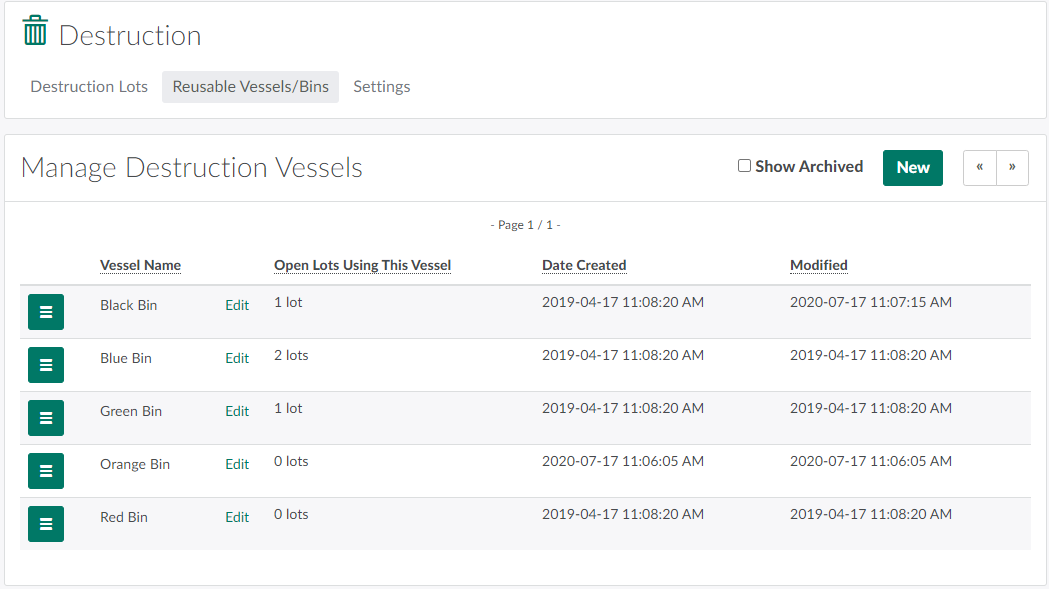
In the Destruction module, open the Reusable Vessels/Bins tab.
-
Select a vessel, and click the

icon to open a menu of options.
-
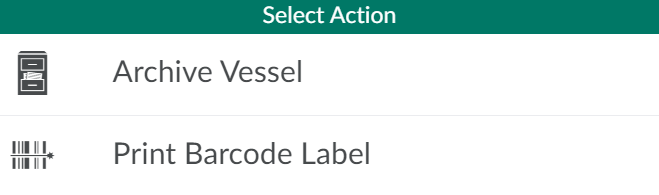
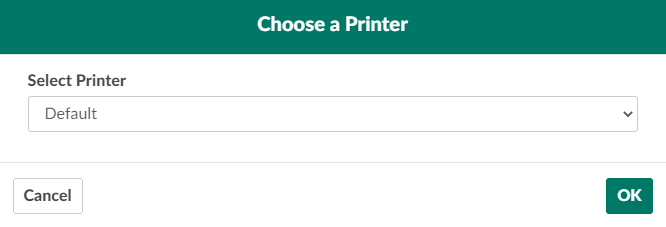
Select Print Barcode Label. This opens a printing modal.
-
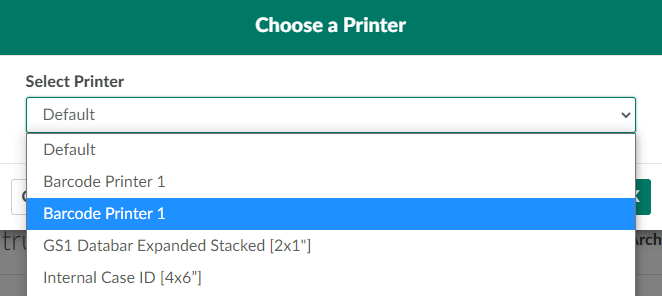
Open the provided drop-down menu, and select a printer.
-
Click OK to print the vessel label. Affix the label to the vessel immediately.

Through the Destruction module, you can also Print a Label for a Child Lot/Sublot.