A cannabis SKU must meet several criteria before it becomes available for public sale. If a product or SKU is unavailable for purchase, first ensure that it meets the following release checkpoints:
-
Has the associated Bulk Lot passed QA testing? If not, ensure the Bulk Lot has a Complete and Active Lab Report, and Release the Bulk Lot.

-
Does the SKU have inventory on hand? If not, create a Packaging Run or add Received Inventory.
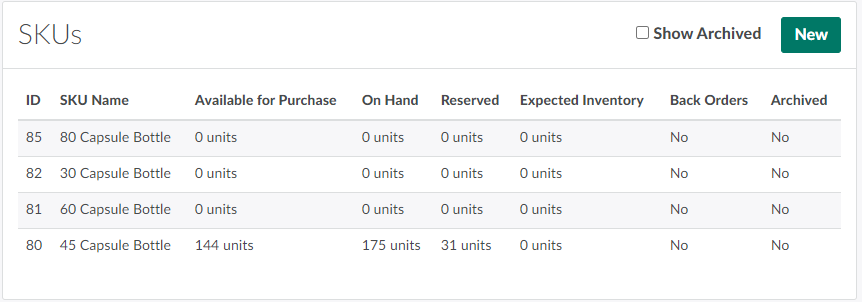
-
Package units through the Gun App:
-
Package units through the Productions module:
-
Purchase EA units from another licensed cannabis producer:
-
-
Does the SKU have EA units released to the available inventory? If not, Close and Release the SKU's Packaging Runs or Release the Received Inventory.
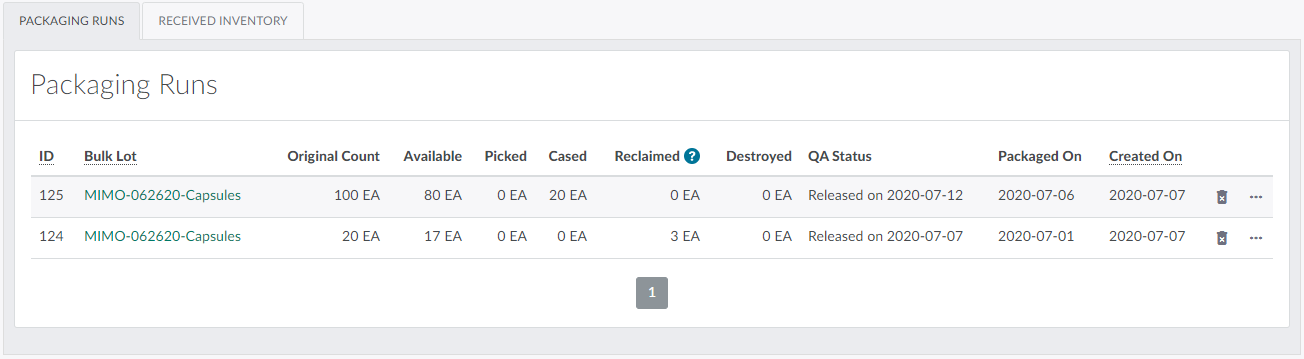
-
Is the SKU available for purchase through the Client Portal? If not, Start Selling the SKU.
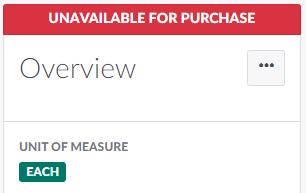
-
Does the product belong to the appropriate Sales Channels? If not, Add the Product to a Sales Channel.
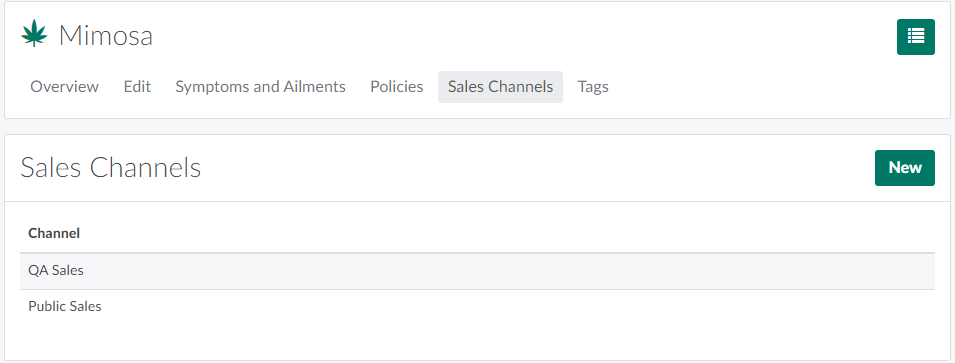
For a complete overview of cannabis cultivation, processing, and packaging stages, visit the Seed-to-Sale Process Guide.