License holders use sales channels to match clients with products; before a client can purchase a product, the client and product must be part of the same sales channel. Additionally, a product must be part of at least one sales channel before it appears for sale in the Client Portal. Follow the steps below to add a product to a sales channel.
Required permission(s): product_read, product_update
-
In the Products module, select a product to open the Product's Profile.
[img product-overview] -
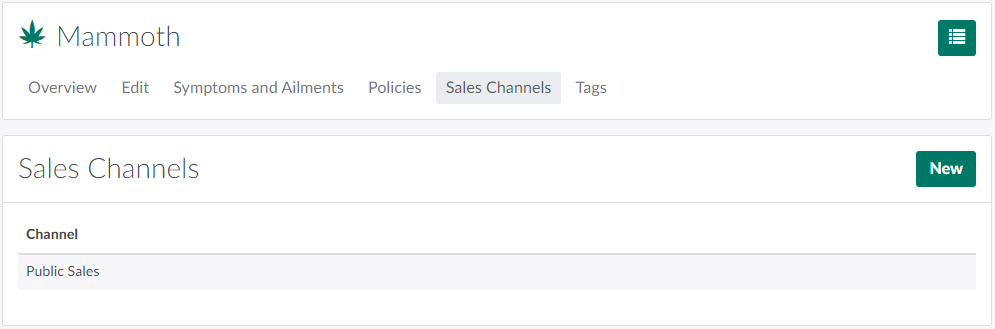
Open the Sales Channels tab.
-
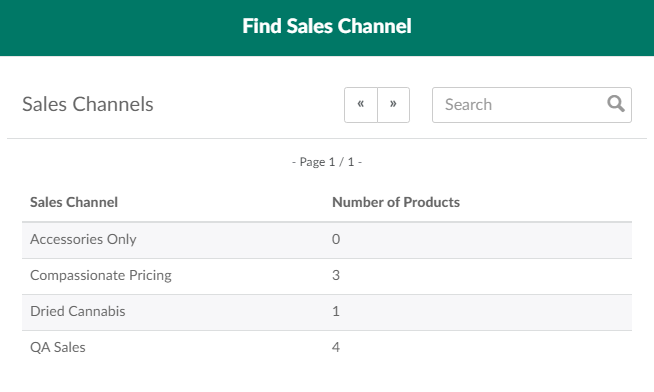
Click New to open the Find Sales Channel modal.
-
Select a sales channel to add the product to the channel.
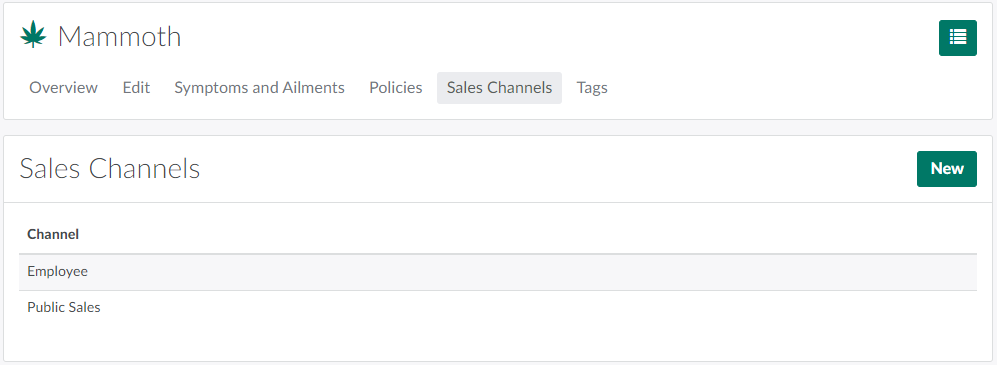
Before a client can order a product, the client and product must be part of the same sales channel. Visit the Client Profile to Add a Client to a Sales Channel.