If a package is lost or stolen, if a client Returns a Bottle, or if an order is refused or cancelled, a Customer Service Representative–or CSR–must add the grams back to the client's prescription allowance. This allows the client to create a new order to replace the cannabis.
Required permission(s): order_read, returned_grams_create
-
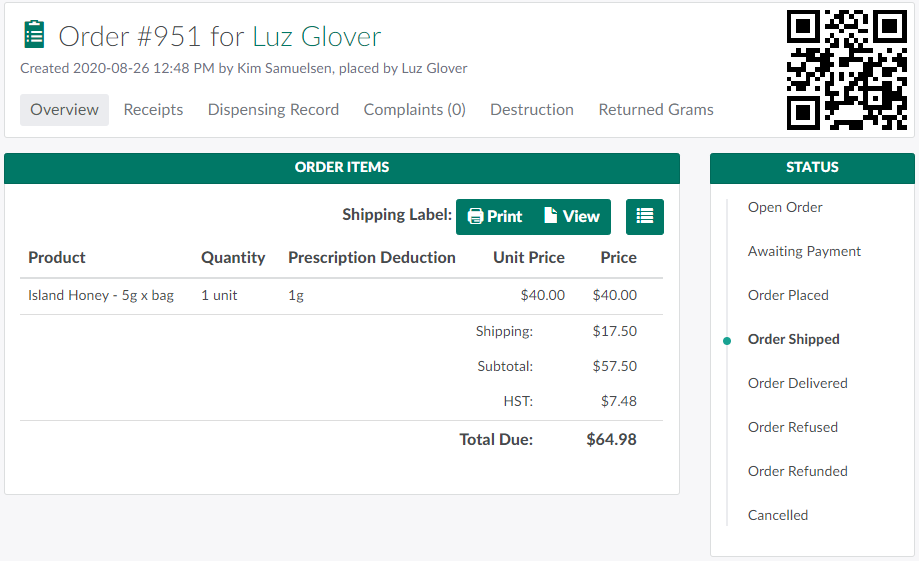
In the Orders module, select an order.
-
Note*: The order's status must be Shipped, Delivered, Refused, Refunded, or Cancelled.*
-
-
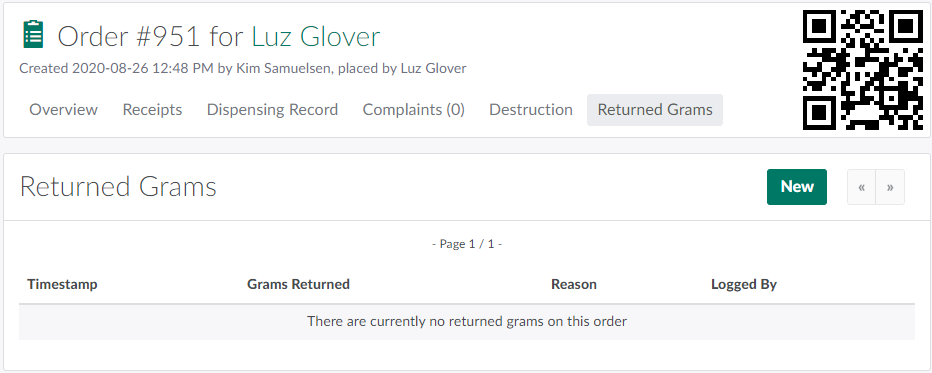
Open the Returned Grams tab.
-
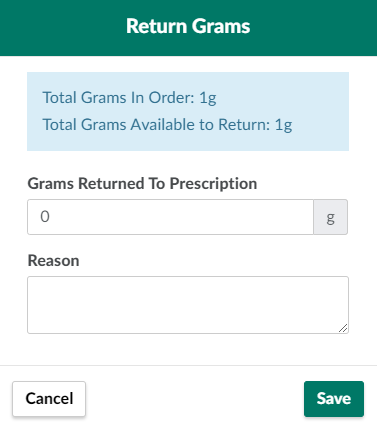
Click New. This opens the Return Grams modal. Here, the CSR will see the total grams used in the order, as well as the total grams available to return.
-
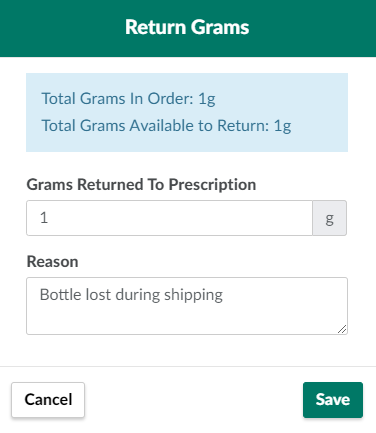
Enter the number of grams to return to the client's prescription and the reason for the return in the fields provided.
-
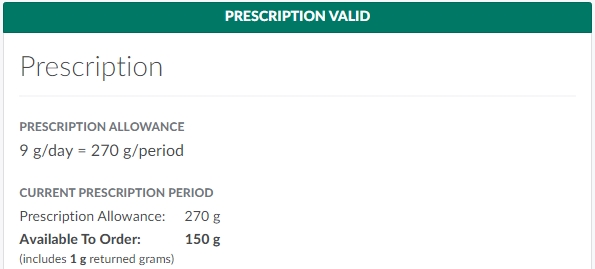
Click Save to return the grams. The returned credit will appear in the Prescription section on the client's Overview tab.
If a mistake occurs, the CSR can Delete the Returned Grams Record to remove the returned credit from the client's prescription.