If a Customer Service Representative–or CSR–refuses or cancels an order, and the order has already been fulfilled, the CSR must return the items picked for the order to the licence holder's inventory. This is necessary in the event of a Product Recall.
Required permission(s): order_read, order_return_bottles_when_shipped
-
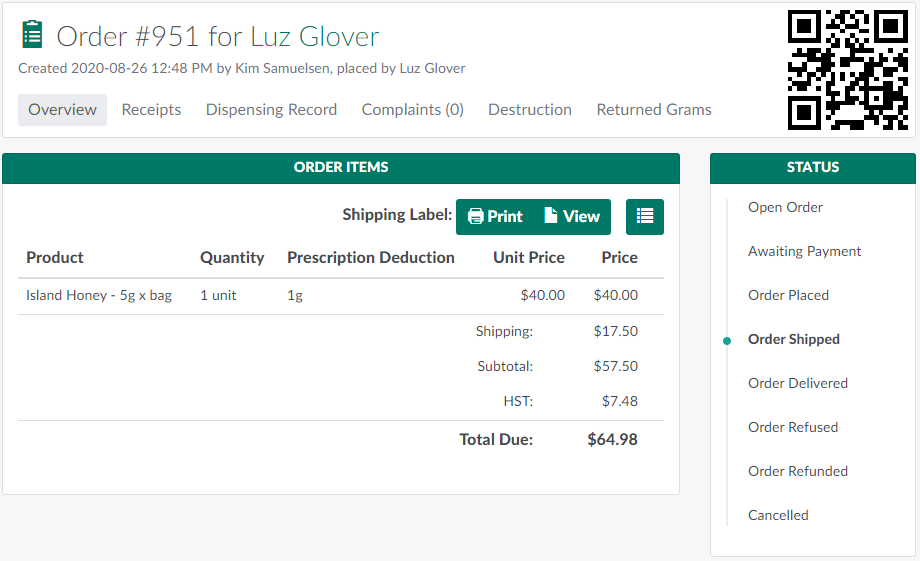
In the Orders module, select an order to open the Order's Profile.
-
Note*: The order's status must be Shipped or Delivered.*
-
-
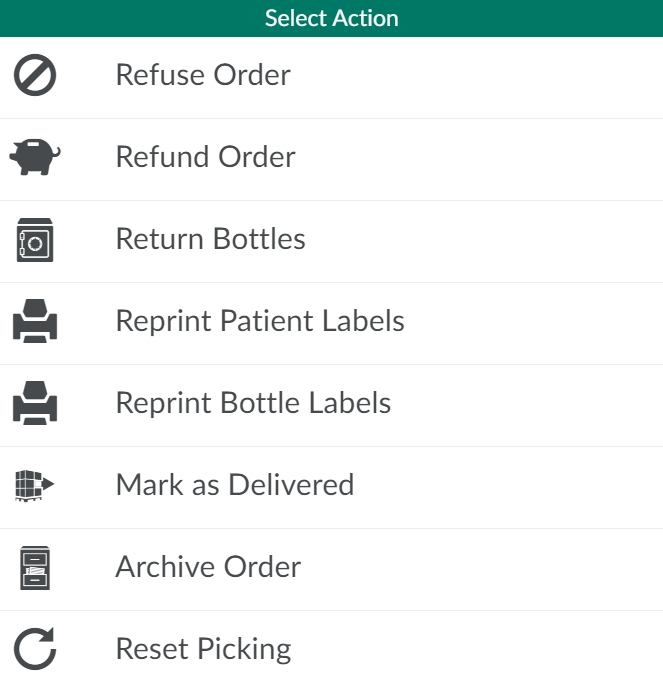
Click the

icon to open a menu of options.
-
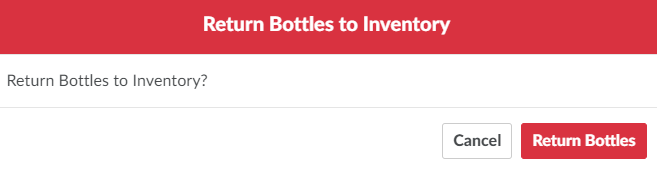
Click Return Bottles.This opens a Return Bottles to Inventorymodal.
-
Click Return Bottles to return the bottles used to fulfill the order to the licence holder's inventory.

Once the client has returned their bottles, the CSR should Refund the Client's Order.If the return is part of a product recall, visit the Productions module to Destroy the Bottles.