If a Customer Service Representative–or CSR–returns grams to a client's prescription in error, they should delete the returned grams record to remove the credit from the prescription once again.
Required permission(s): order_read, returned_grams_update
-
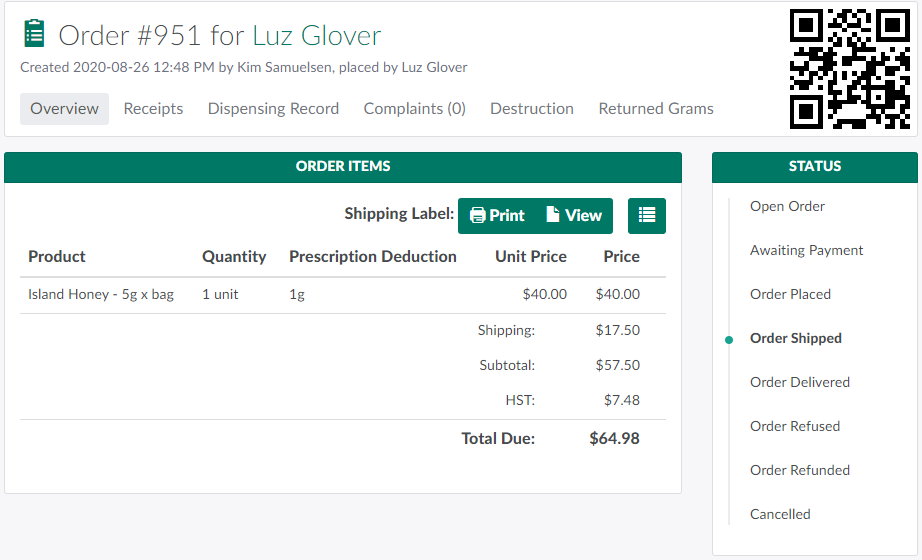
In the Orders module, select an order.
-
Note*: The order's status must be Shipped, Delivered, Refused, Refunded, or Cancelled.*
-
-
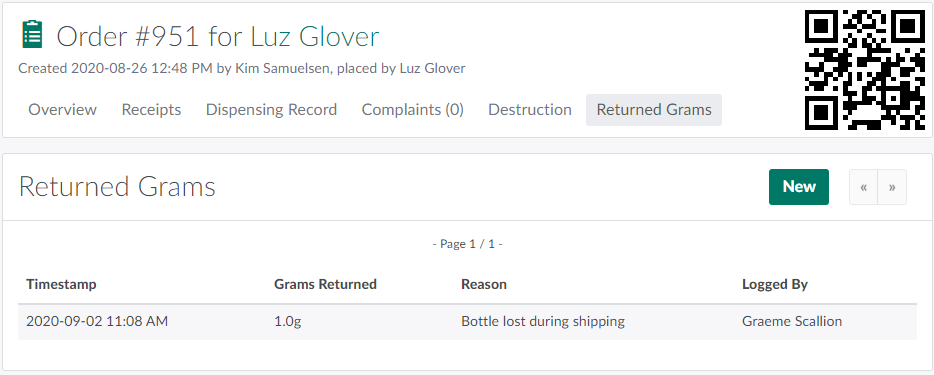
Open the Returned Grams tab.
-
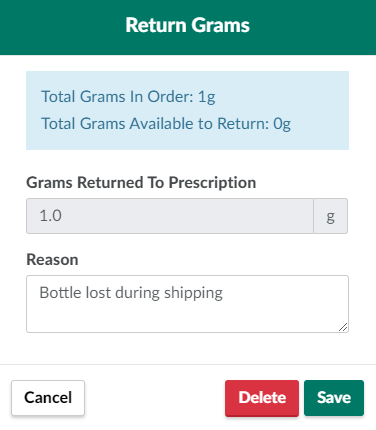
Select a returned grams record. This opens a Return Grams modal.
-
Click Delete to destroy the record. This removes the returned credit from the client's prescription.
- Note*: The Delete button will not appear if the returned grams have already been u*sed.
Learn more about the Returned Grams feature and How to Return Grams to a Prescription.