A Bulk Lot's migrated ID is a unique alphanumeric string that's used to track the Bulk Lot in a foreign management system. The migrated ID is an optional field, but adding a migrated ID may be useful if the licence holder purchased the Bulk Lot from another producer, or if the licence holder tracks Bulk Lots in a system outside of the Seed-to-Sale software.
Required permission(s): production_read, bulk_lot_update
-
In the Productions module, select a Production.
[img production-profile] -
Select a Bulk Lot to open the Bulk Lot's Profile. The Overview tab will be open by default.
[img bulk-lot-overview] -
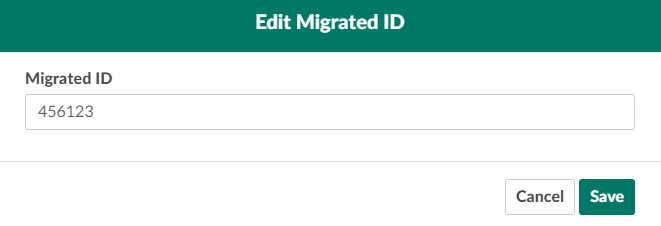
Click Edit in the Migrated ID field. This opens the Edit Migrated ID modal.
-
Enter a new migrated ID in the field provided.
-
Click Save to update the Bulk Lot's migrated ID.

From a Bulk Lot's Overview tab, you can also Update a Bulk Lot's Type, Update a Bulk Lot's Cannabis Form, Move a Bulk Lot, or Archive a Bulk Lot.