After creating a retained sample, a Processing Technician should immediately label the sample. A retained sample label identifies the sample by its unique ID number, which ensures that QA Technicians can trace the sample back to the correct Bulk Lot.
Required permission(s): production_read, retention_sample_read
-
In the Productions module, select a production.
[img production-profile] -
Select a Bulk Lot to open the Bulk Lot's Profile.
[img bulk-lot-overview] -
Open the Retained Samples tab.
[img bulk-lot-retained-samples] -
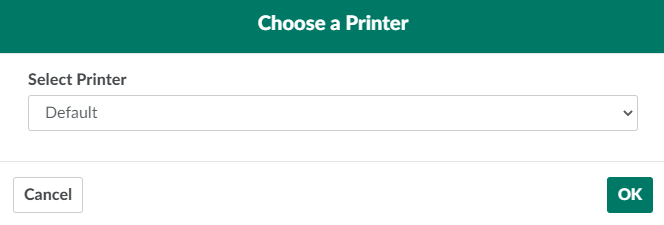
Select a retained sample, and click Print Label. This opens a printing modal.
-
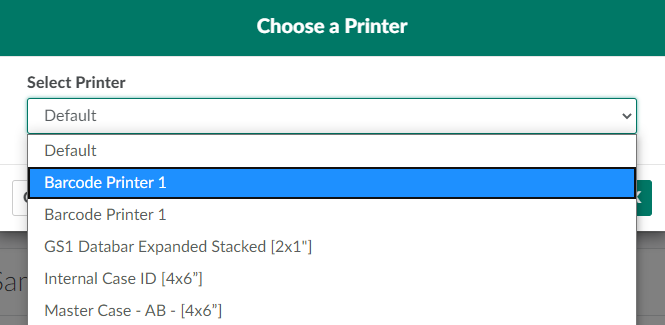
Open the drop-down menu provided, and select a printer.
-
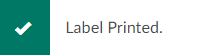
Click OK to print a label. Affix the label to the retained sample's container immediately.
From the Productions module, a Processing Technician can also print a label for a Vault Location or Picking Bin, Bulk Lot, or Tote.