If an error occurs when finalizing or closing a Work Order, reset the Work Order to the previous stage to correct the mistake.
Required permission(s): work_order_update
-
In the Work Orders module, select a Work Order in the Finalized or Closed stage/status.
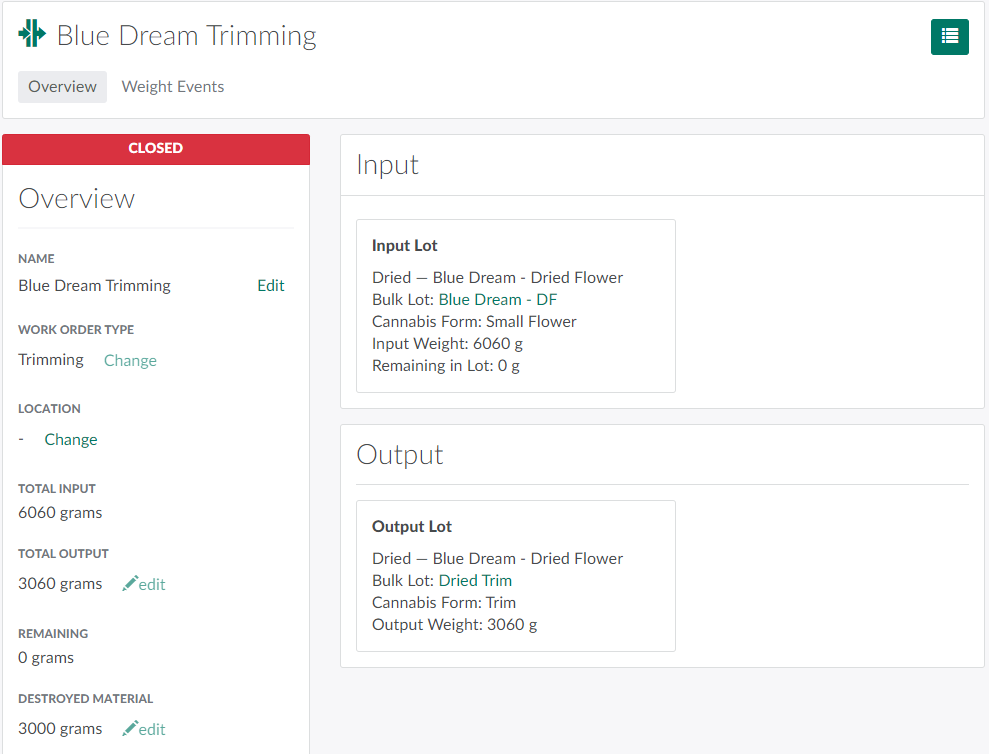
-
Click the

icon to open a menu of options.

-
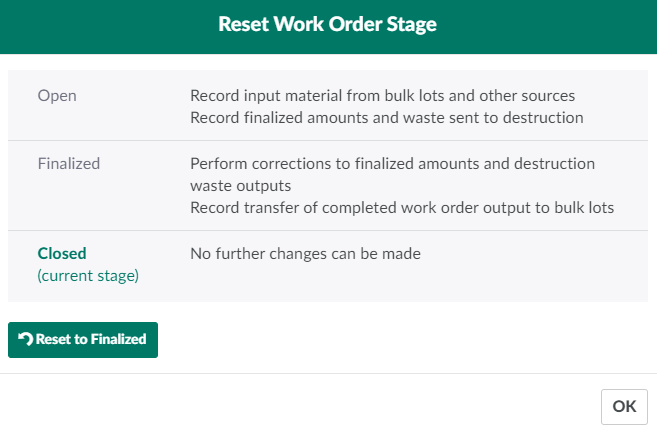
Select Reset Stage. This opens the Reset Work Order Stage modal. This modal displays a summary of tasks a Processing Technician can perform at each Work Order stage.
-
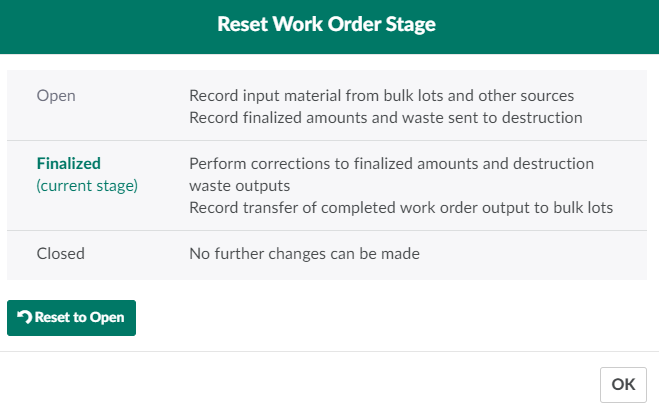
Click Reset to _______ to reset the work order to the previous stage. This resets a Closed Work Order to the Finalized stage, or a Finalized Work Order to the Open stage.
For more on Work Orders, see How to Create a New Work Order, How to Finalize a Work Order, and How to Close a Work Order.
Visit the Work Order Workflows section to see examples of how Processing Technicians can use a series of Work Orders to produce a variety of product types.