Upon creating new child locations within a grow room, a Grow Technician should immediately print labels for the locations. Child location labels serve two distinct purposes: First, labels identify each child location by a unique name and ID number. Secondly, and most importantly, each label includes a unique barcode that Grow Technicians can scan to interact with the child location through the Gun App.
Required permission(s): location_read
-
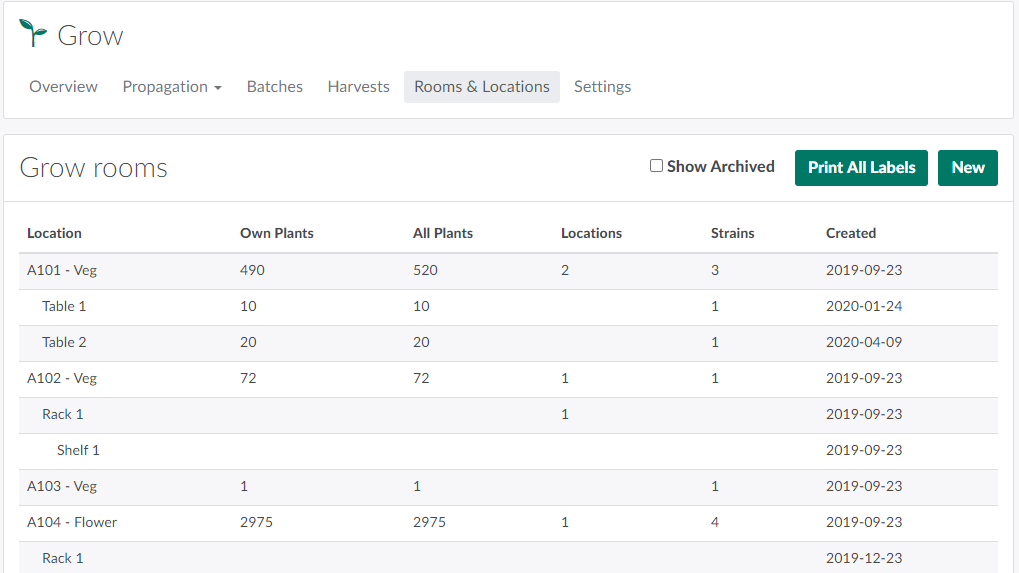
In the Grow module, open the Rooms & Locations tab.
-
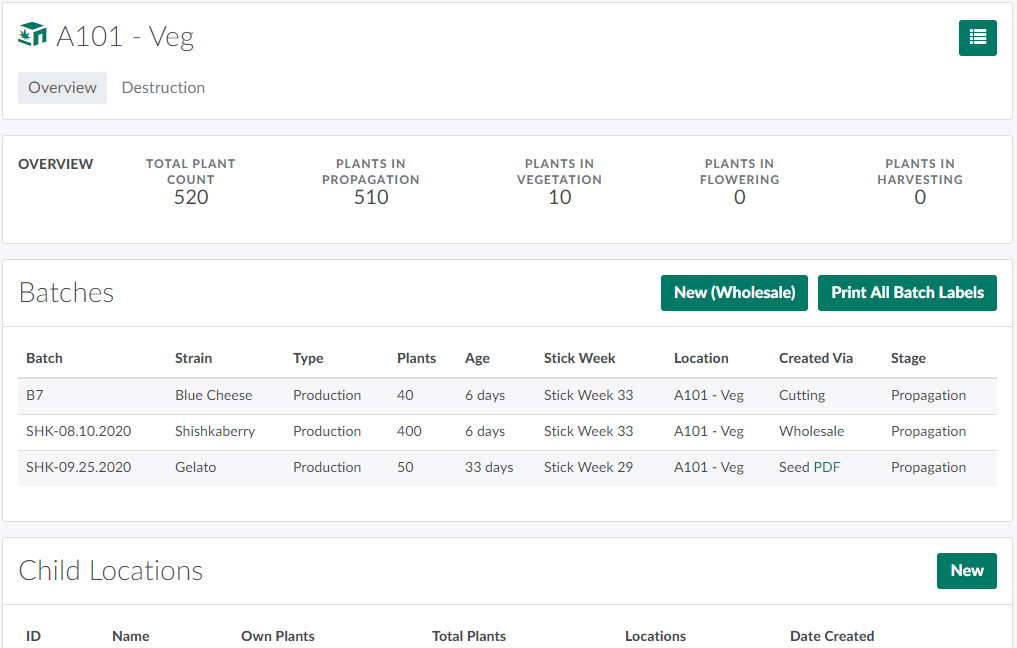
Select a location to open the Location's Profile.
-
Click the

icon to open a menu of options.
-
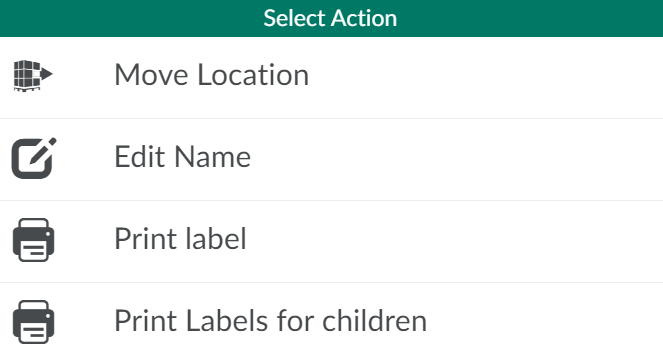
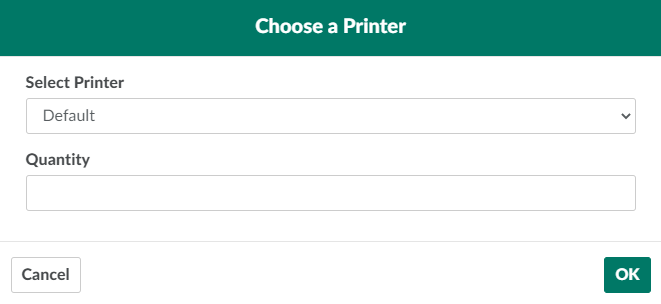
To print labels for child locations, including all descendants of child locations, select Print Labels for children. This opens a printing modal.
-
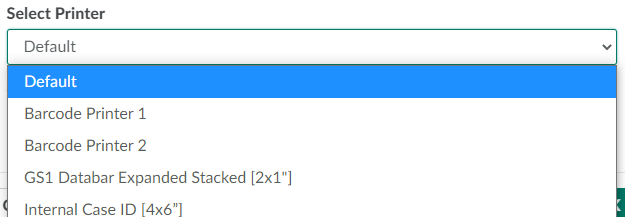
Open the drop-down menu provided, and select a printer.
-
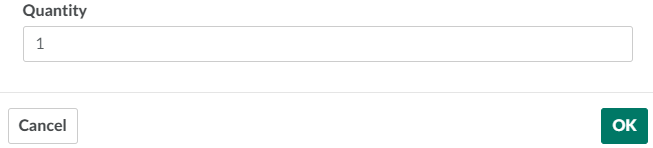
Enter the quantity of labels to print in the field provided.
-
Click OK to print labels for all Child Locations within the Location.

-
Affix the label(s) directly to the object(s) for easy access.
From the Grow module, a Grow Technician can also print labels for Individual or Multiple Plants, Batches, and Seed Lots.