Child lots, also known as sublots, are the physical receptacles that store cannabis waste as it awaits destruction. A child lot must be associated to a parent Destruction Lot, but Grow Technicians can move child lots between parent lots using the process below.
Required permission(s): destruction_lot_read, destruction_lot_update
-
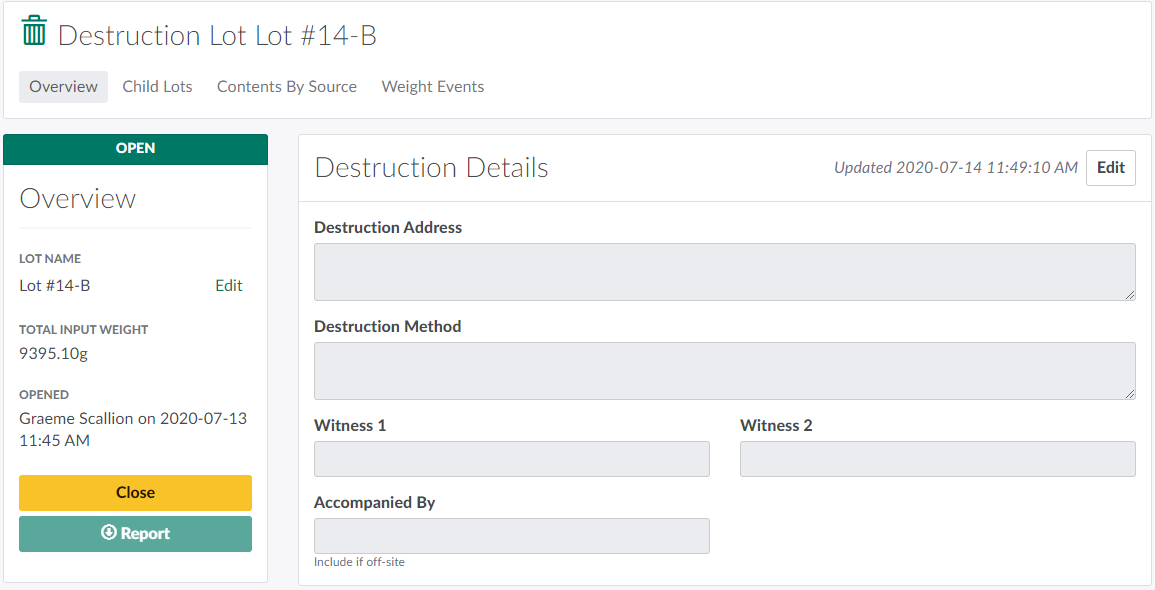
In the Destruction module, select an Open Destruction Lot. This opens the Destruction Lot's Profile.
-
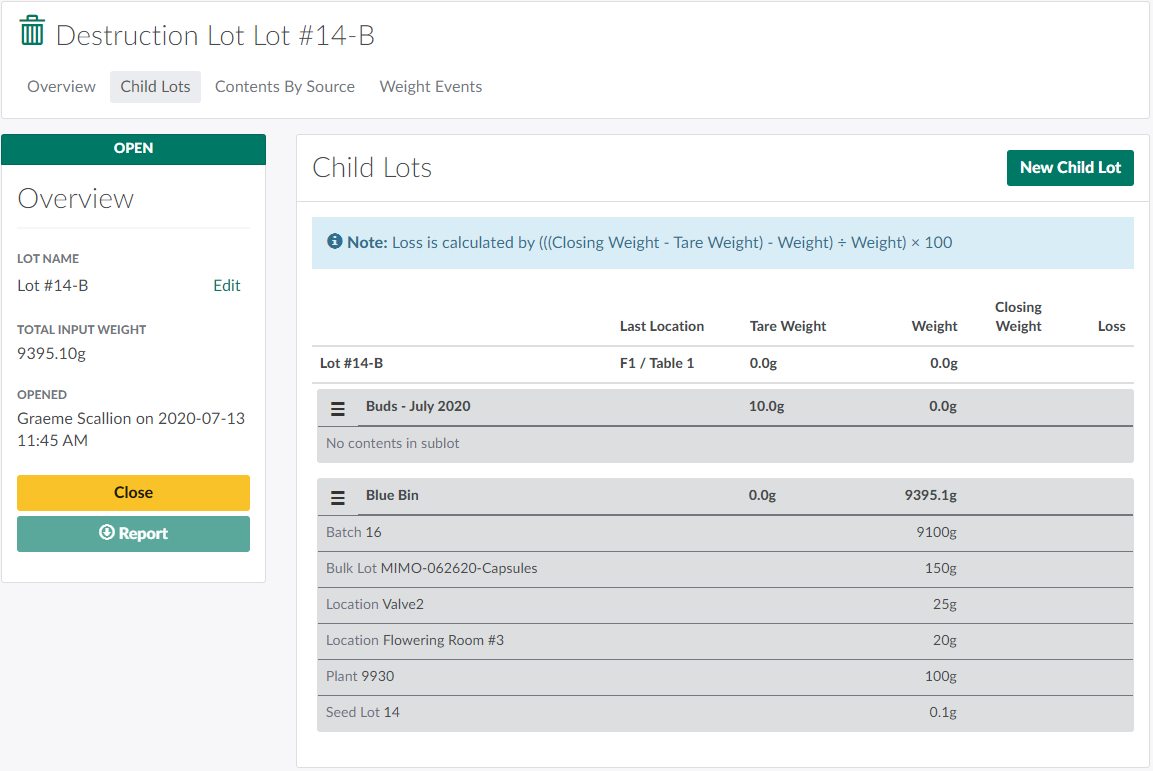
Open the Child Lots tab.
-
Click the

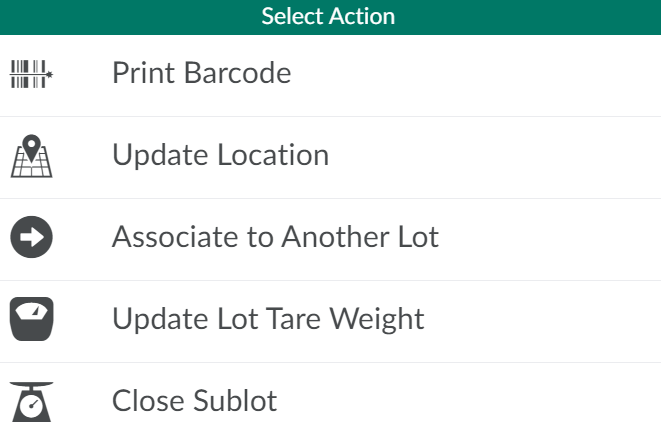
icon beside a child lot to open a menu of options.
-
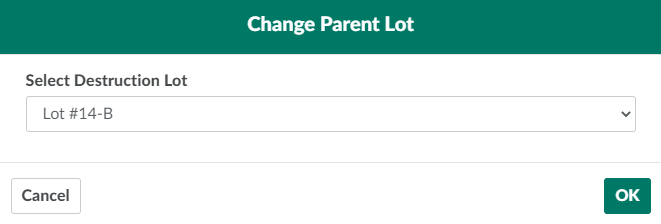
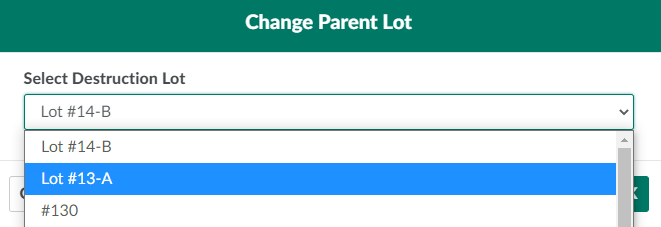
Select Associate to Another Lot. This opens the Change Parent Lot modal.
-
Select a new parent Destruction Lot from the provided drop-down menu.
-
Click OK to transfer the child lot to the new parent Destruction Lot.

If a Grow Technician moves a child lot between Grow Rooms, Update the Child Lot's Location. Once the child lot is full, Close the Sublot in preparation for destruction.