The Destruction Reason Codes sub-tab allows a licence holder to customize the acceptable reasons for a destruction event, such as trimming leaves, eliminating moldy plants, or removing plants or seeds that are not viable for production. To update a destruction reason code, follow the steps below.
Required permission(s): destruction_lot_read
-
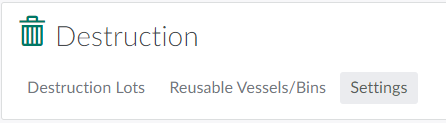
In the Destruction module, open the Settings tab.
-
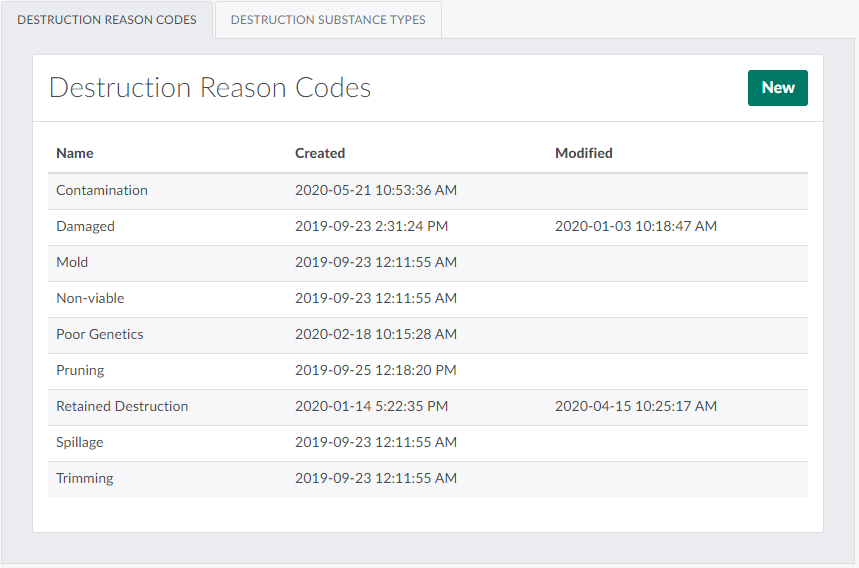
Open the Destruction Reason Codes sub-tab. It should be open by default.
-
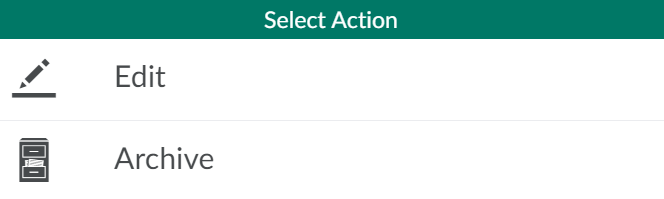
Select a destruction reason code. This opens a menu of actions.
-
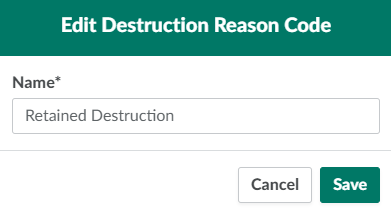
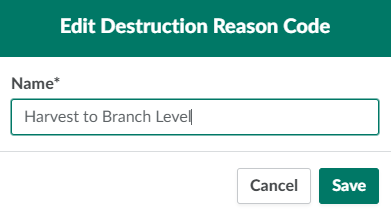
Click Edit. This opens an Edit Destruction Reason Code modal.
-
Edit the reason code's name in the field provided.
-
Click Save to save the changes.

From the Destruction Reason Codes sub-tab, you can also Add or Archive a destruction reason code. From the Destruction Substance Type sub-tab, you can Add, Edit, or Archive a destruction substance type.