Sales channels match clients with the products they are permitted to purchase. In order to purchase a product, the client and product must be in the same sales channel. A licence holder can customize the list of available sales channels to fit the needs of their products and clients.
Required permission(s): sales_channel_read, sales_channel_create
-
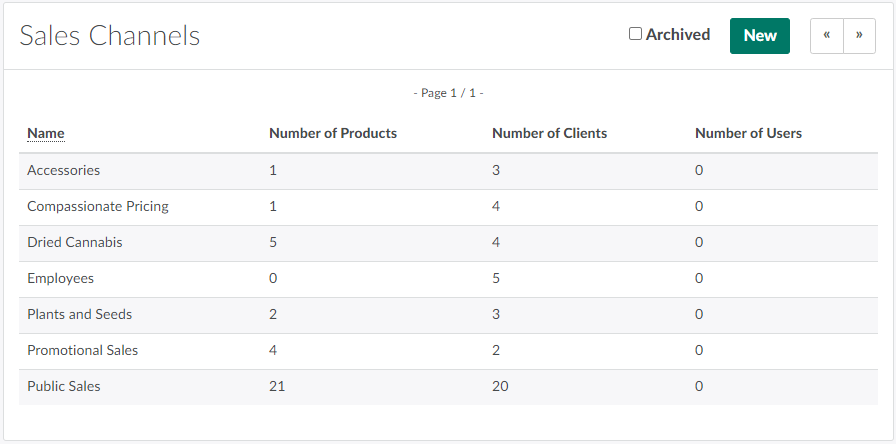
In the Settings module, open the Sales Channels tab.
-
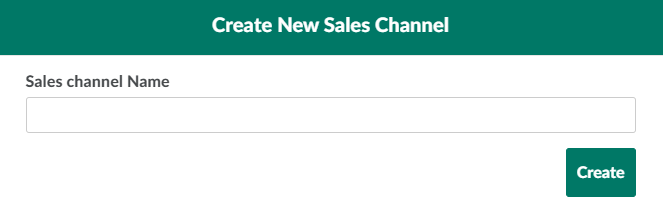
Click New to open the Create New Sales Channelmodal.
-
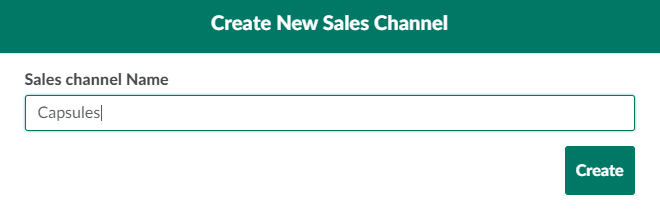
Enter a unique name for the new sales channel in the field provided.
-
Click Create to add the new sales channel to the list.
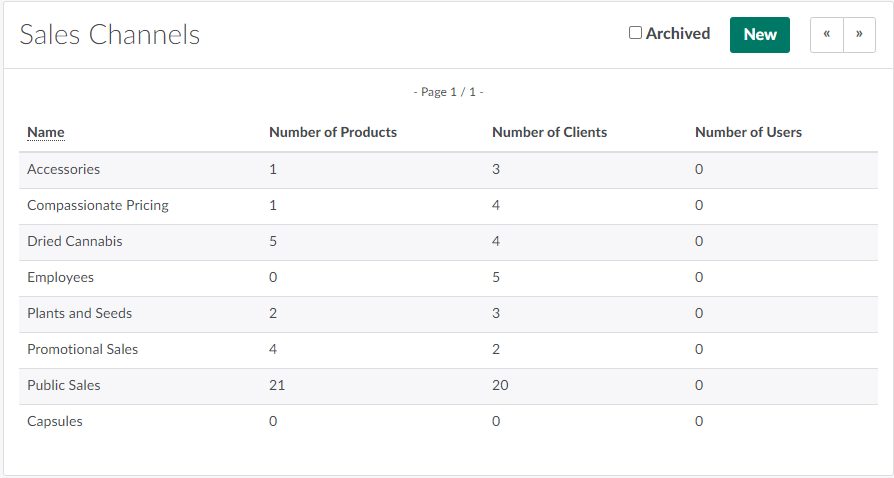
Visit the Client Profile to Add a Client to a Sales Channel, or the Product Profile to Add a Product to a Sales Channel.