You can quickly add several clients to a sales channel through the Sales Channel's Profile in the Settings module. However, to add a single client to several sales channels, visit the Client's Profile.
Required permission(s): sales_channel_read, client_read, sales_channel_update
-
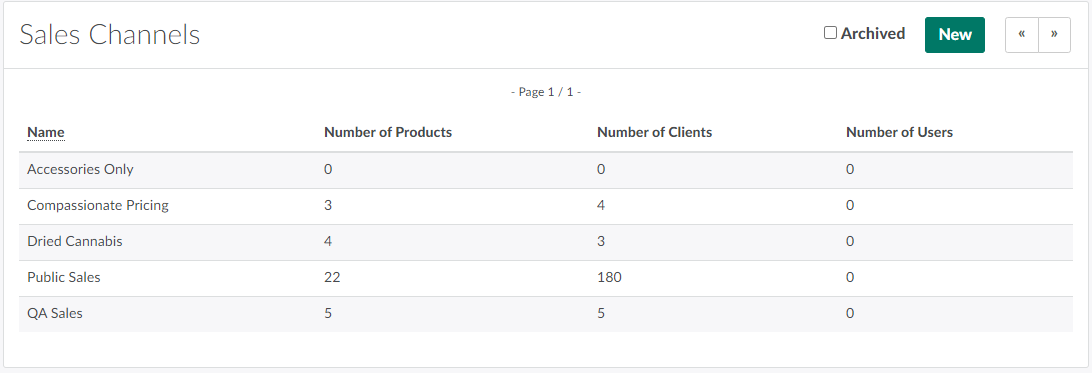
In the Settings module, open the Sales Channels tab.
-
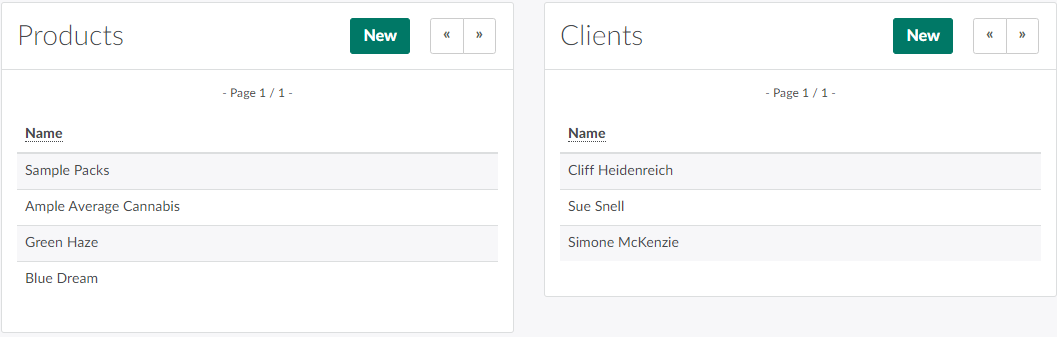
Select a sales channel. This opens the Sales Channel's Profile.
-
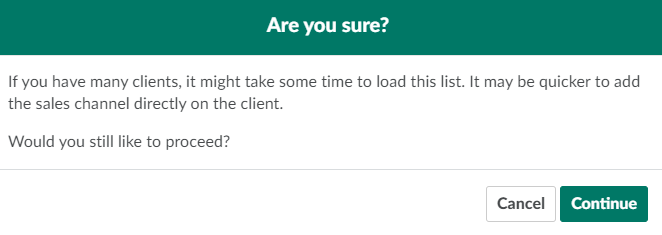
In the Clients section, click New. This opens a confirmation modal.
-
Click Continue to open the Add Client to Sales Channel modal.
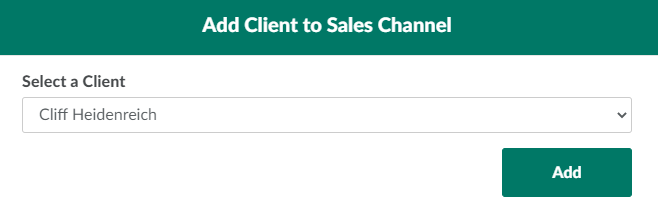
- Please note that it may time some time to load this modal if the licence holder has a long list of clients.
-
Open the provided drop-down menu of clients, and select a client.
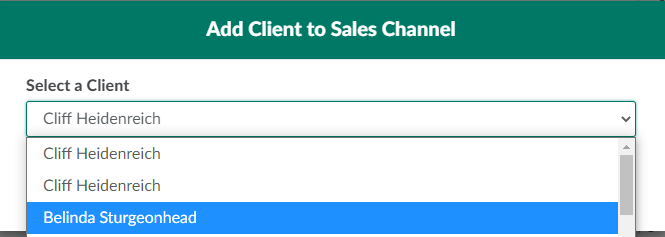
-
Click Add to add the client to the sales channel.
To Add a Product to a Sales Channel, click New in the Products section.