In order to Log into the Gun App, you must scan you unique user barcode label. You can print a user barcode label at any time through the Settings module.
-
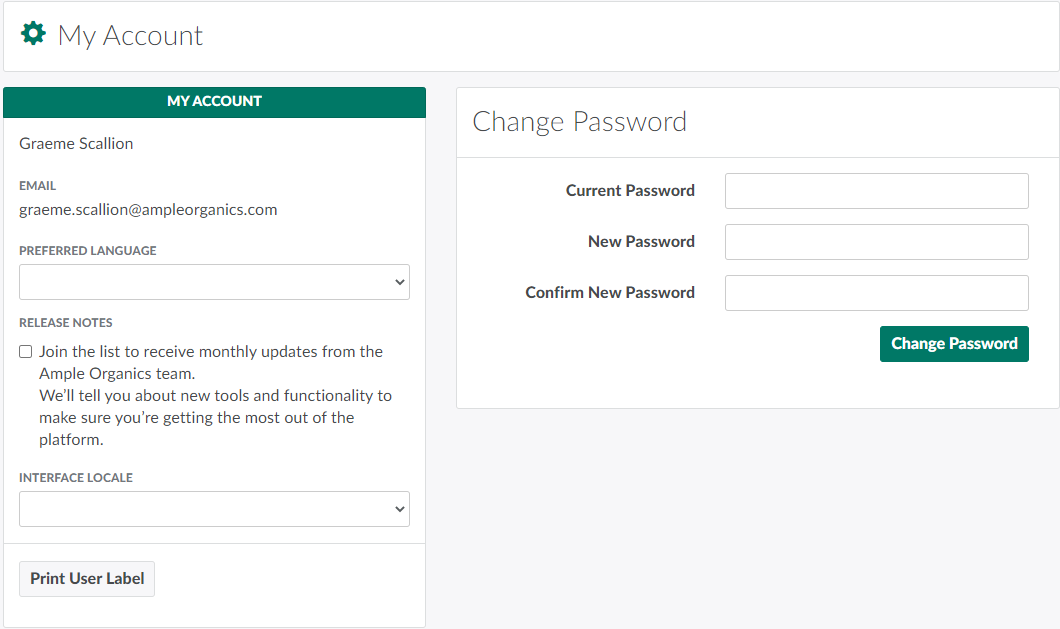
In the Settings module, open the My Account tab.
-
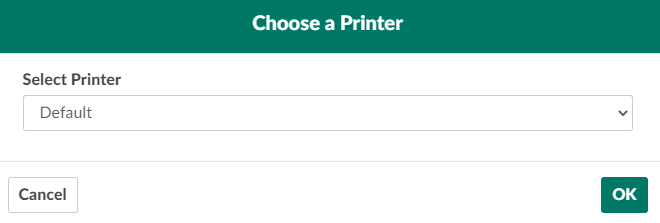
Click Print User Label. This opens a printing modal.
-
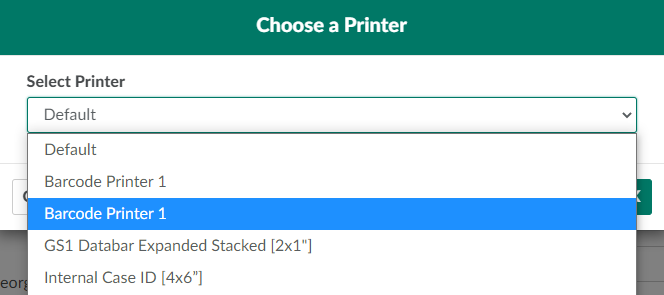
Select a printer from the provided drop-down menu.
-
Click OK to print the user barcode label. Affix the label to a facility access or employee ID card.
From the My Account Tab, you can also change your preferred language or password, or Change the Interface Locale.