The Ample Organics Seed-to-Sale software is available in Canadian English, Canadian French, Latin-American Spanish, and German. Changing the interface locale updates the entire application to your selected language.
-
In the Settings module, open the My Account tab.
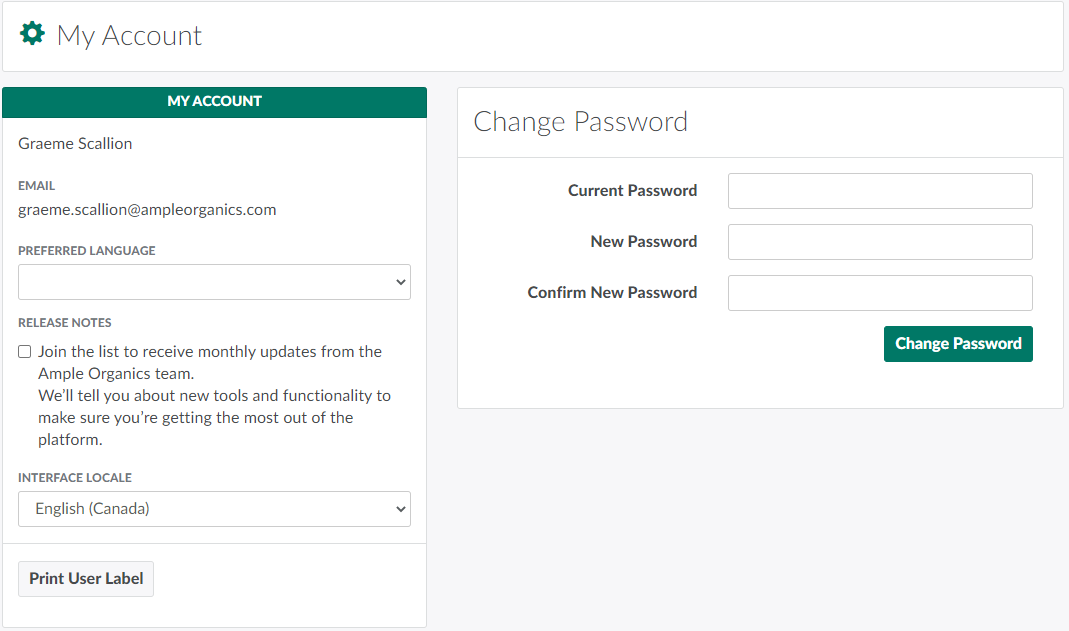
-
Open the Interface Locale drop-down menu.
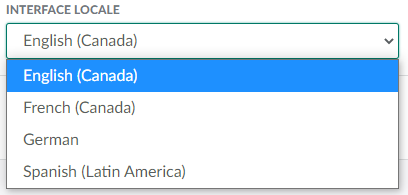
-
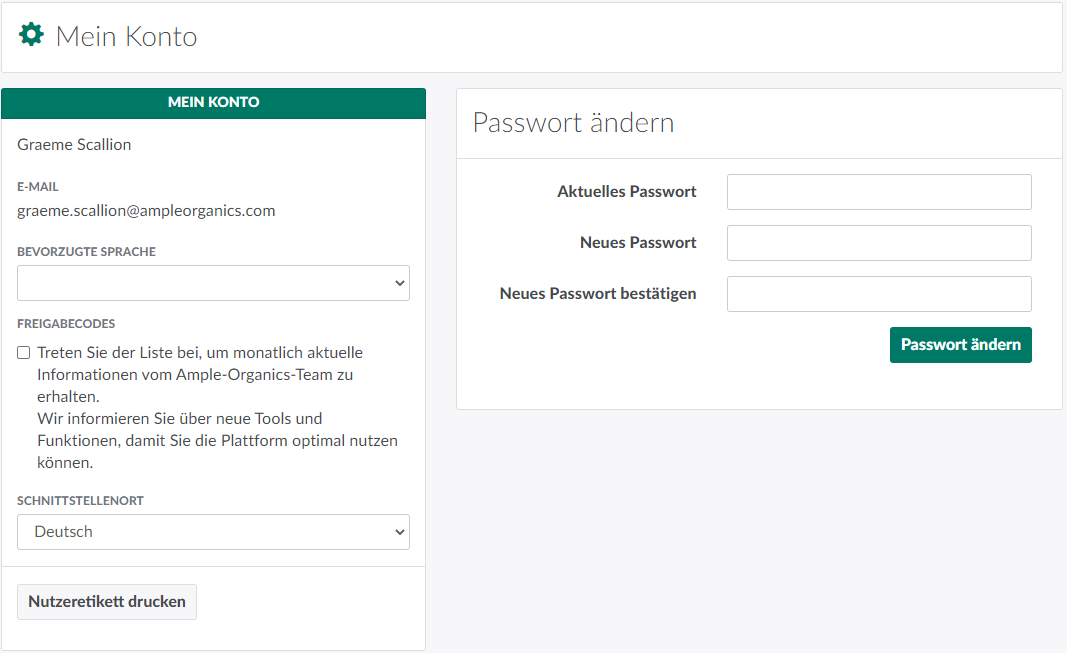
Select a language. The application will immediately update to the selected language. This change will persist even if you log out and back in again, so you do not need to change the interface locale with every login.
In the Settings module, you can also Create a New User, Reset a User's Password, and Create a New Security Role.