If an Ample Organics user forgets their password, an administrator can reset the user's password from the User's Profile in the Settings module.
Required permission(s): user_read, user_update
-
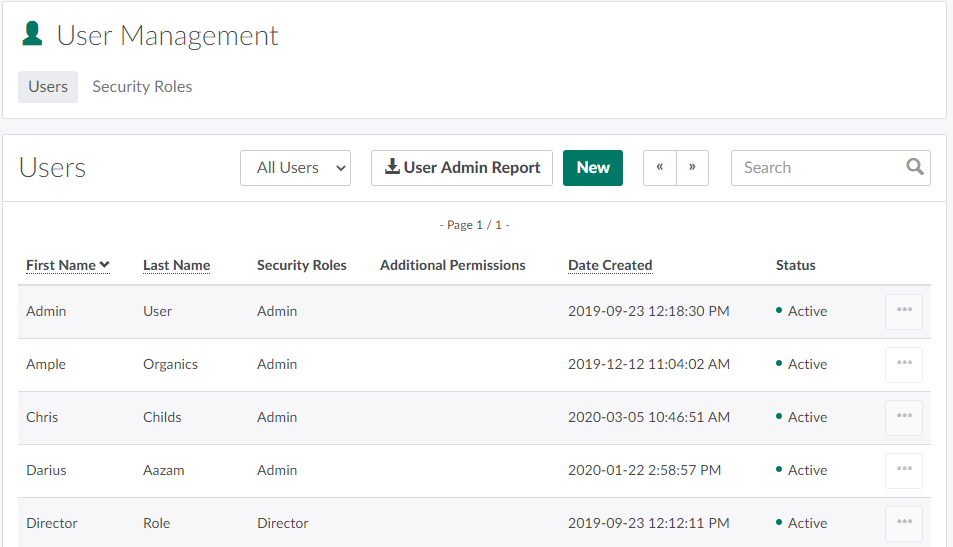
In the Settings module, open the User Management tab.
-
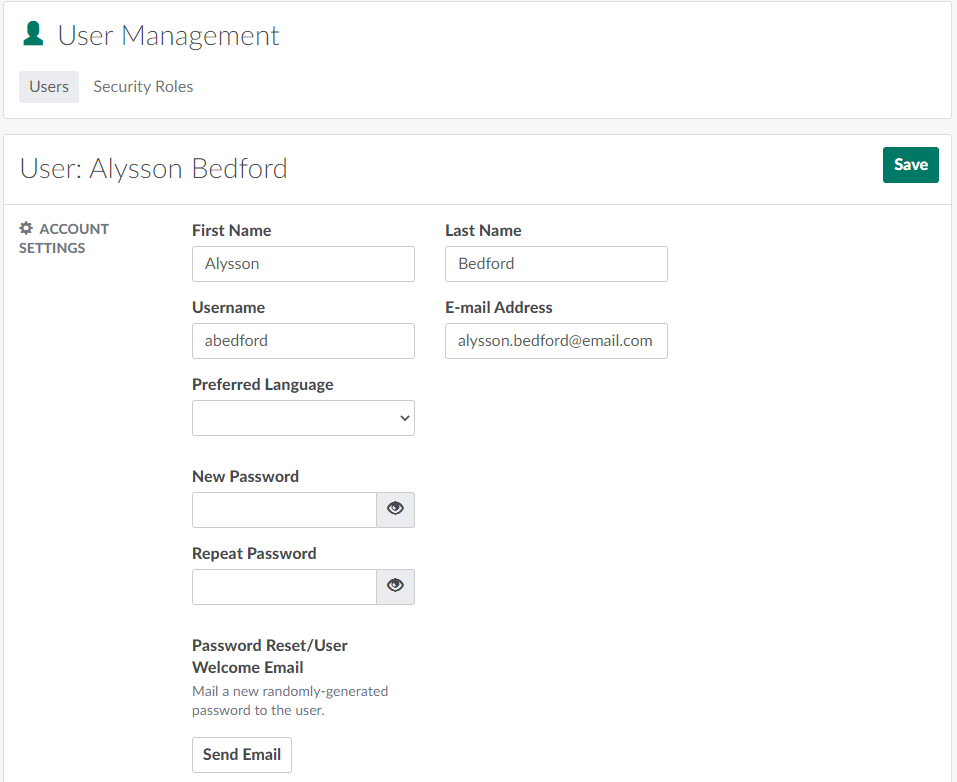
Select a user. This opens the User's Profile.
-
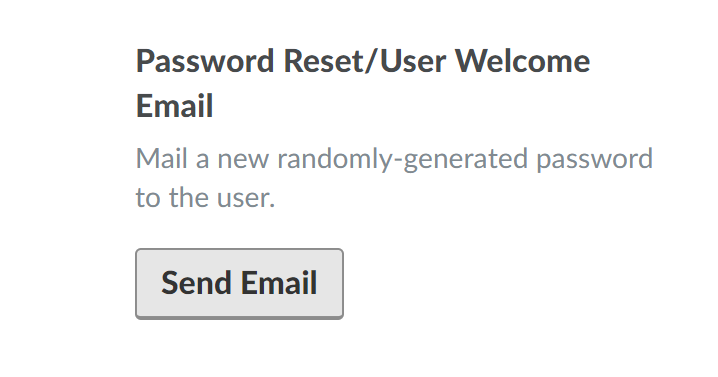
In the Account Settings section, click Send Email. This resets the user's password to a randomized token, and sends an email to the user to notify them of the change.

Visit the Settings module to Create a New User or Create a New Security Role.