A user with Admin status can create new users and assign security roles and permissions. This is necessary anytime the licence holder has a new employee who requires access to the Seed-to-Sale software.
Required permission(s): user_read, security_role_read, permission_read, user_create
-
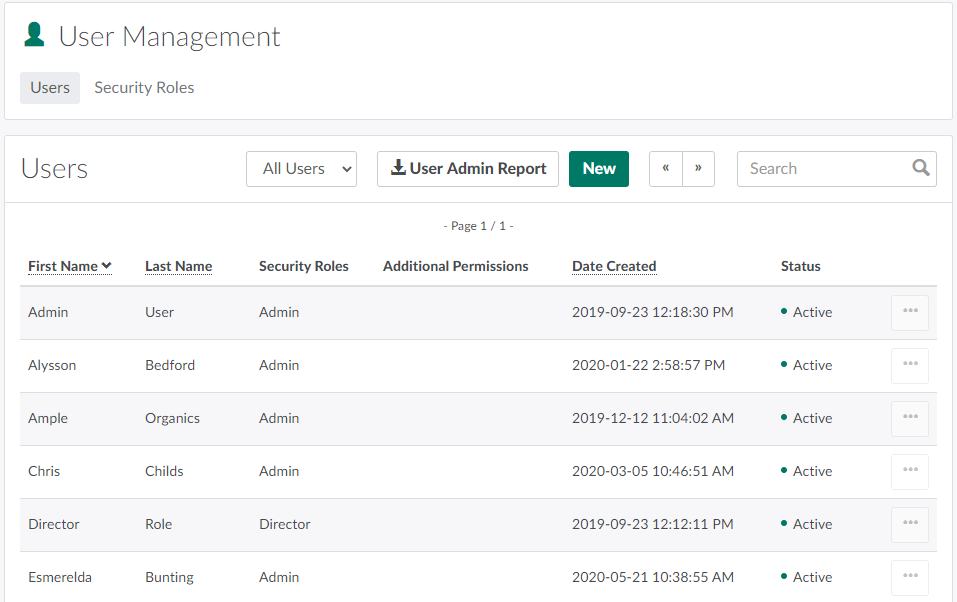
In the Settings module, open the User Management tab.
-
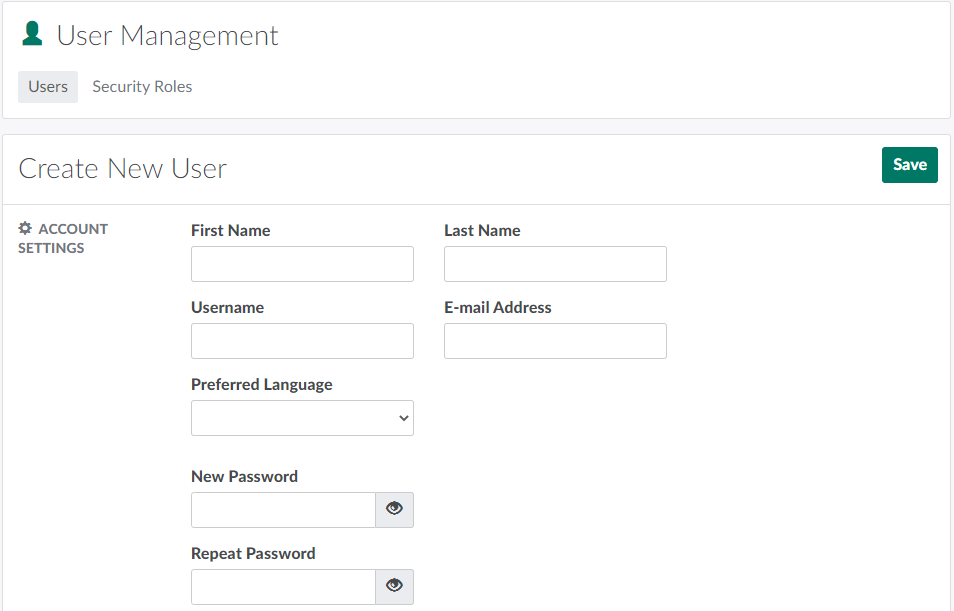
Click New to open a new user page.
-
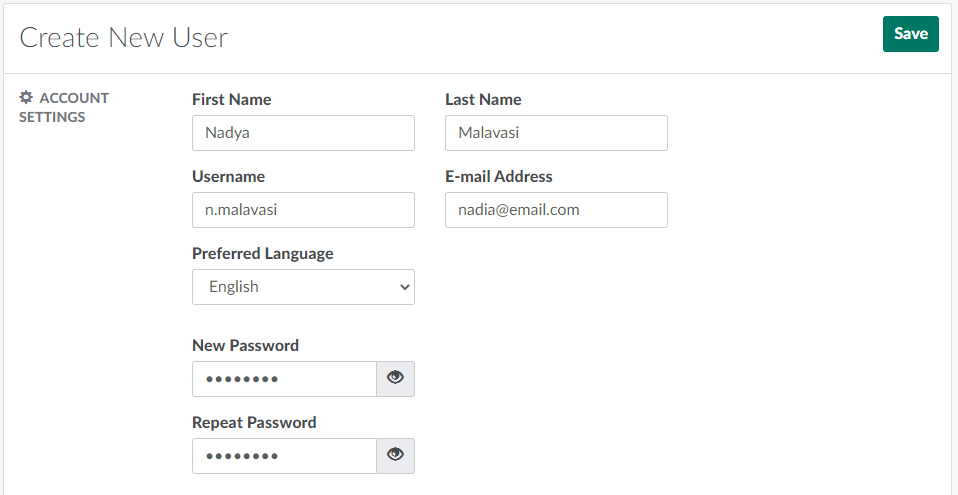
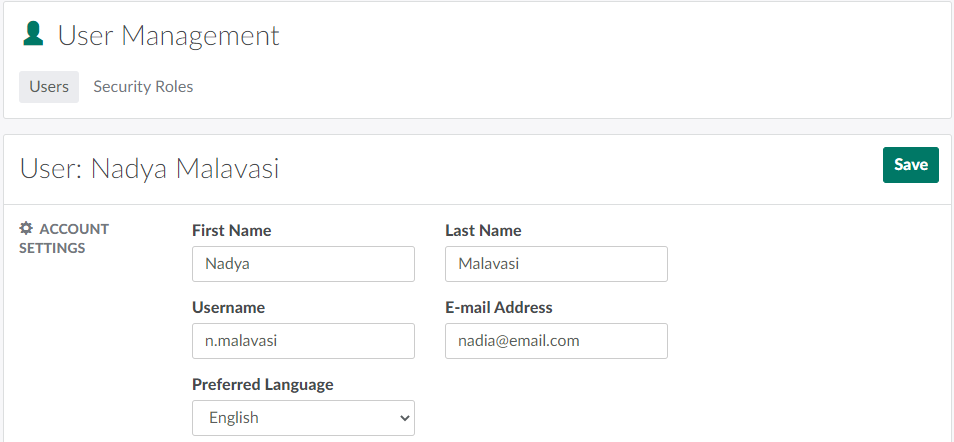
In the Account Settings section, enter the user's personal information, and set a password.
-
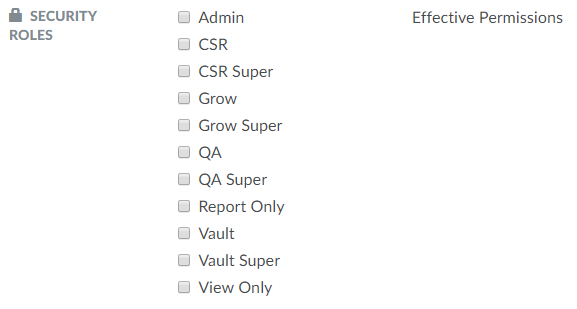
In the Security Roles section, assign security role(s) to the new user. Security roles determine the modules and functions the user can access depending on their position or rank.
-
Select from the Seeded Security Roles that come ready-to-go with the Seed-to-Sale platform, or Create a New Security Role.
-
-
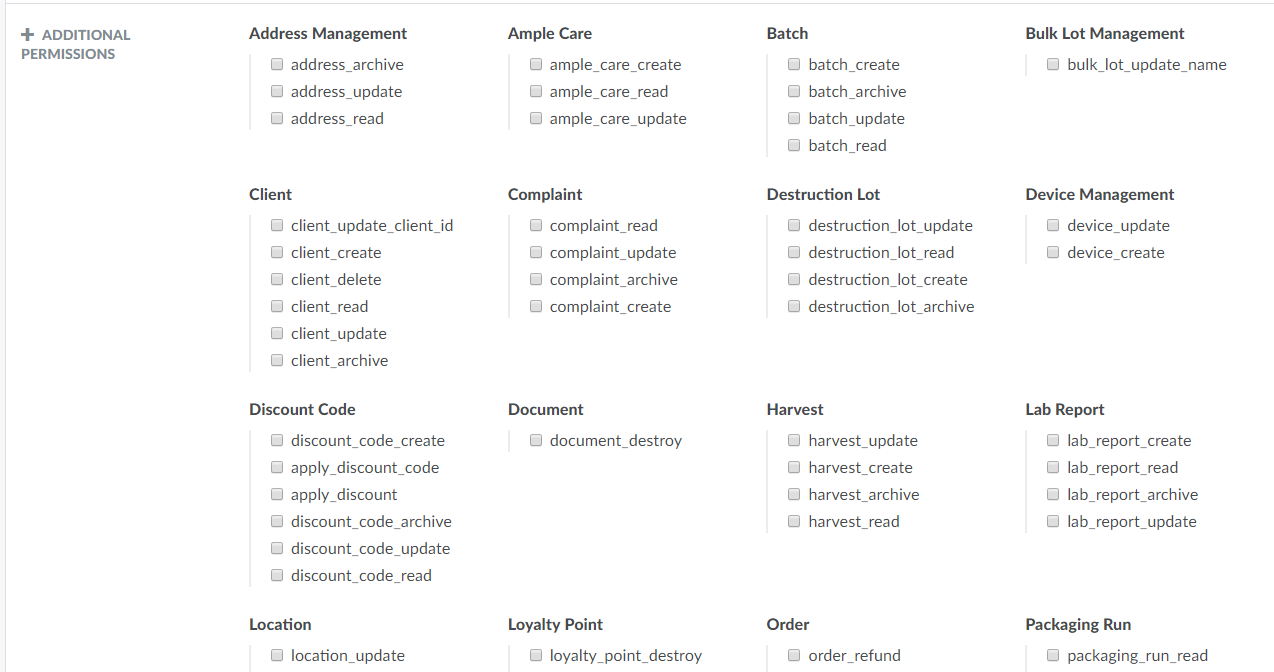
In the Additional Permissions section, select any user-specific permissions.
-
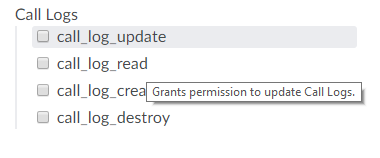
Note*: Hover over a permission for a description.*
-
-
Click Save to save the new user.
For more information on security roles, visit the User Management tab.