Once a complaint is resolved, declutter the index on the Complaints Dashboard by archiving the complaint. Archived complaints only appear in the complaints index if a user selects Show Archived.
Required permission(s): complaint_read, complaint_archive
-
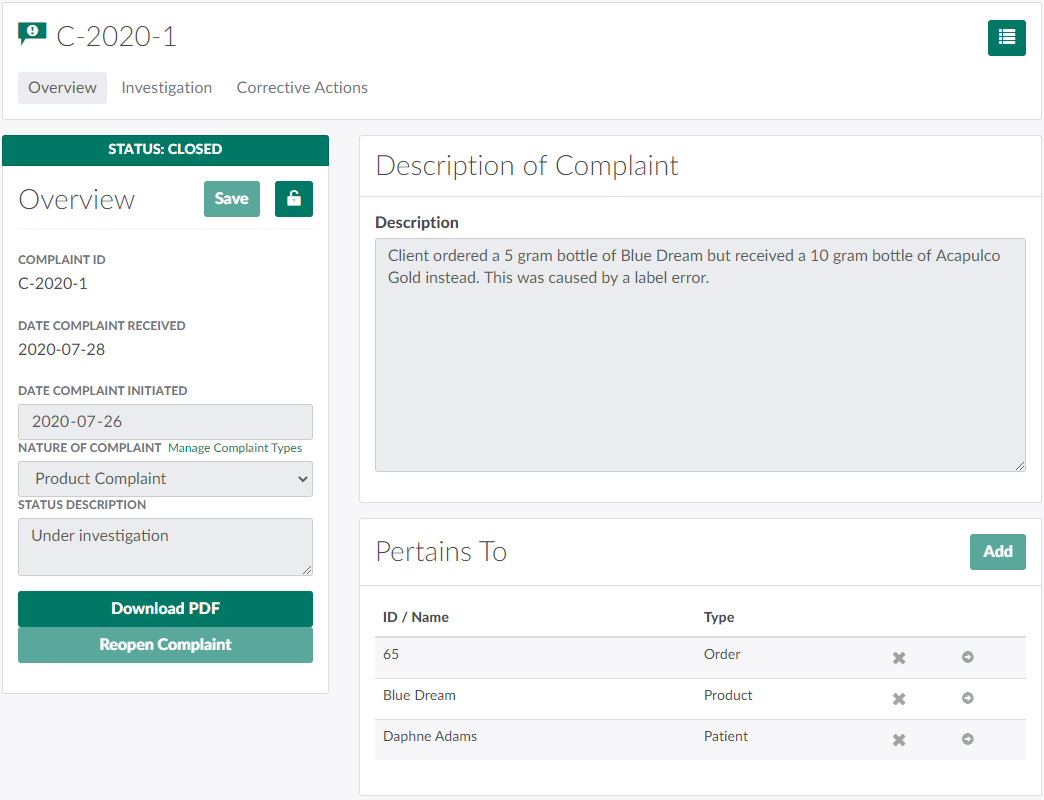
In the Complaints module, select a complaint.
-
Click the

icon to open a menu of options.

-
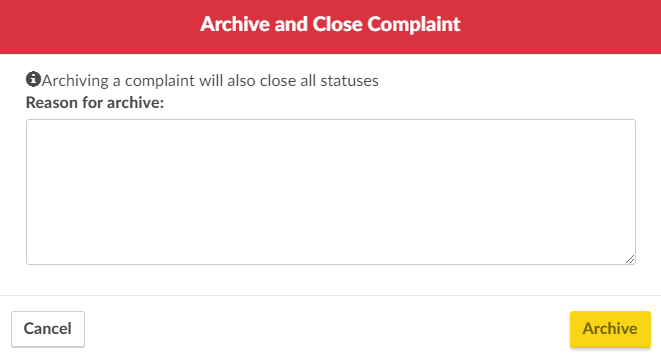
Select Archive and Close. This opens the Archive and Close Complaint modal.
-
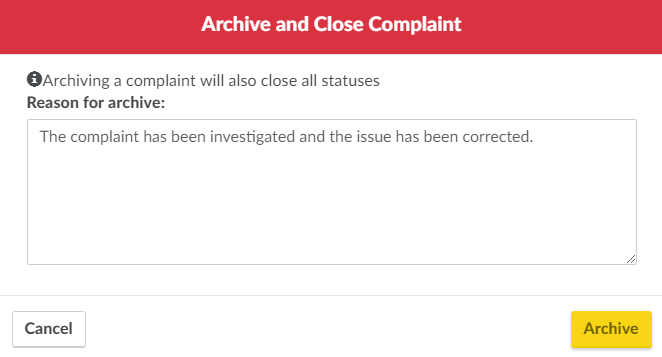
Enter the reason for archiving the complaint in the field provided.
-
Click Archive to archive and close the complaint, if not closed already.
Visit the Complaints Dashboard to Record a New Complaint or Close a Complaint.