Closing a complaint indicates that the licence holder's QA team has completed all necessary investigations and/or corrective actions, and no further action is required.
-
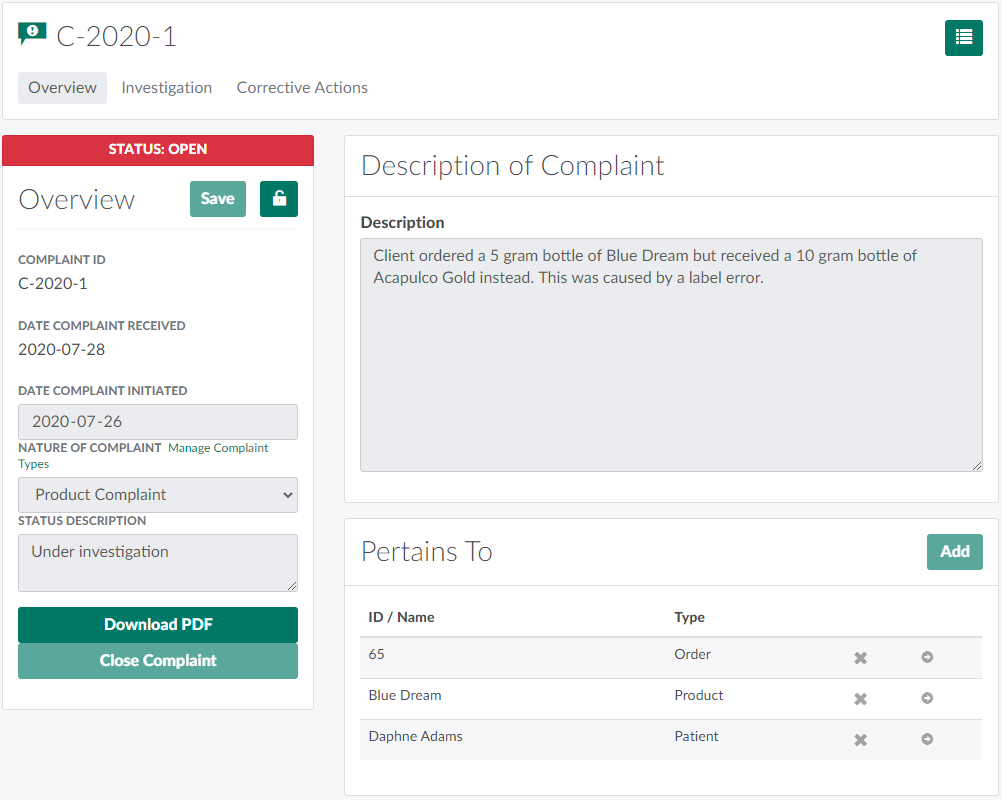
In the Complaints module, select a complaint.
-
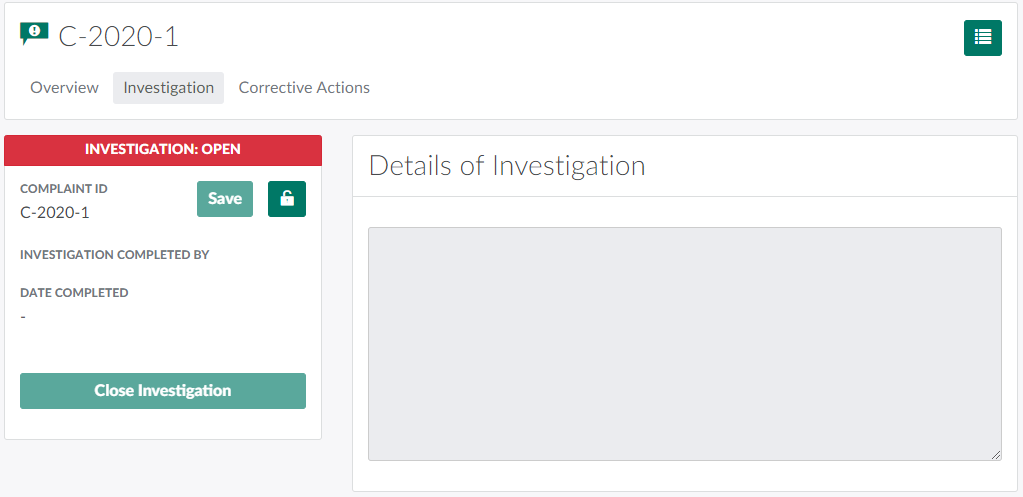
Ensure that the investigation is closed, if applicable.
-
Open the Investigation tab.
-
Click the

icon to unlock editing capabilities.
-
Update the details of the investigation, if necessary.
-
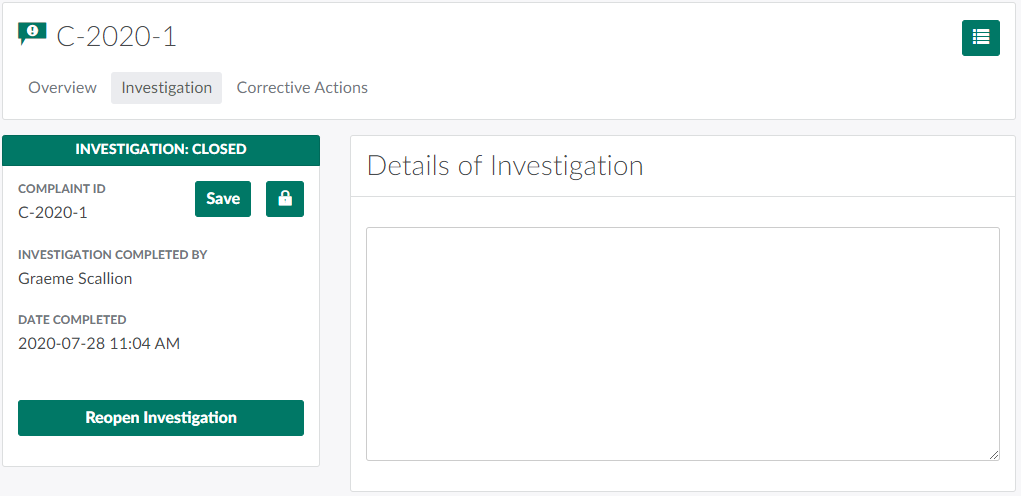
Click Close Investigation. The tab's status will update to Closed.
-
Click Save to finalize the change.
-
-
Ensure that any corrective actions are closed.
-
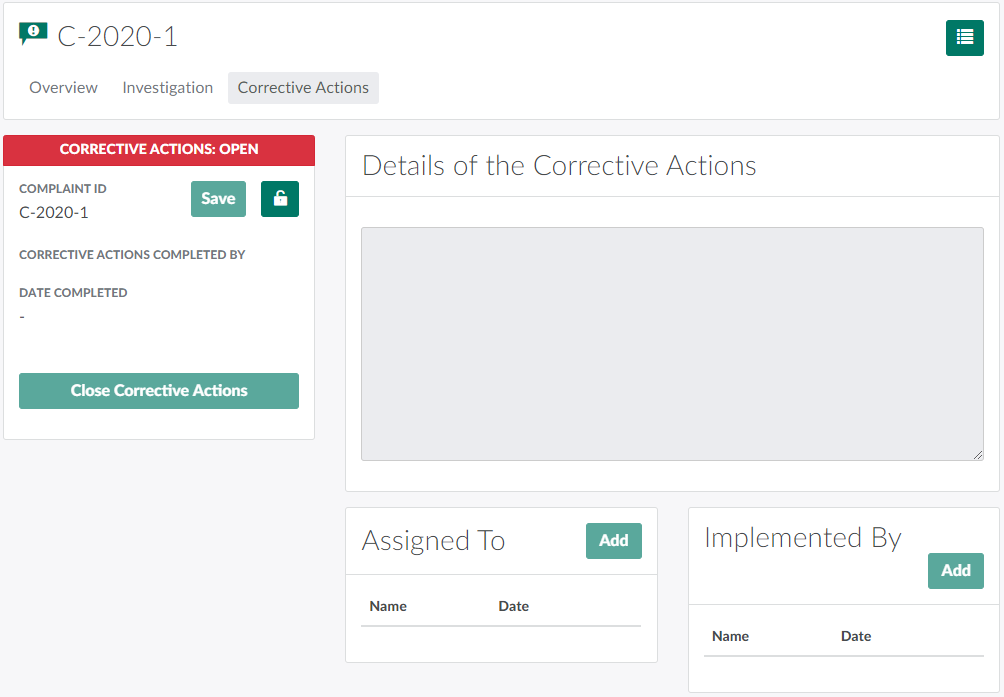
Open the Corrective Actions tab.
-
Click the
icon to unlock editing capabilities.
-
Update the details of the corrective actions, if necessary.
-
Click Close Corrective Actions.The tab's status will change to Closed.
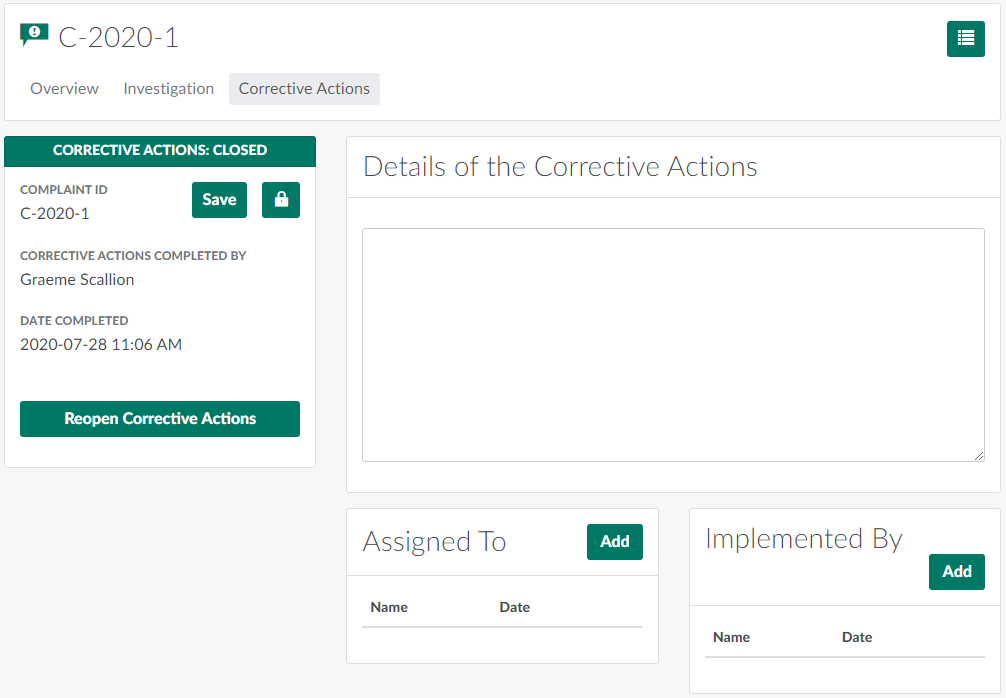
-
Click Save to finalize the change.
-
-
Navigate back to the Overview tab.
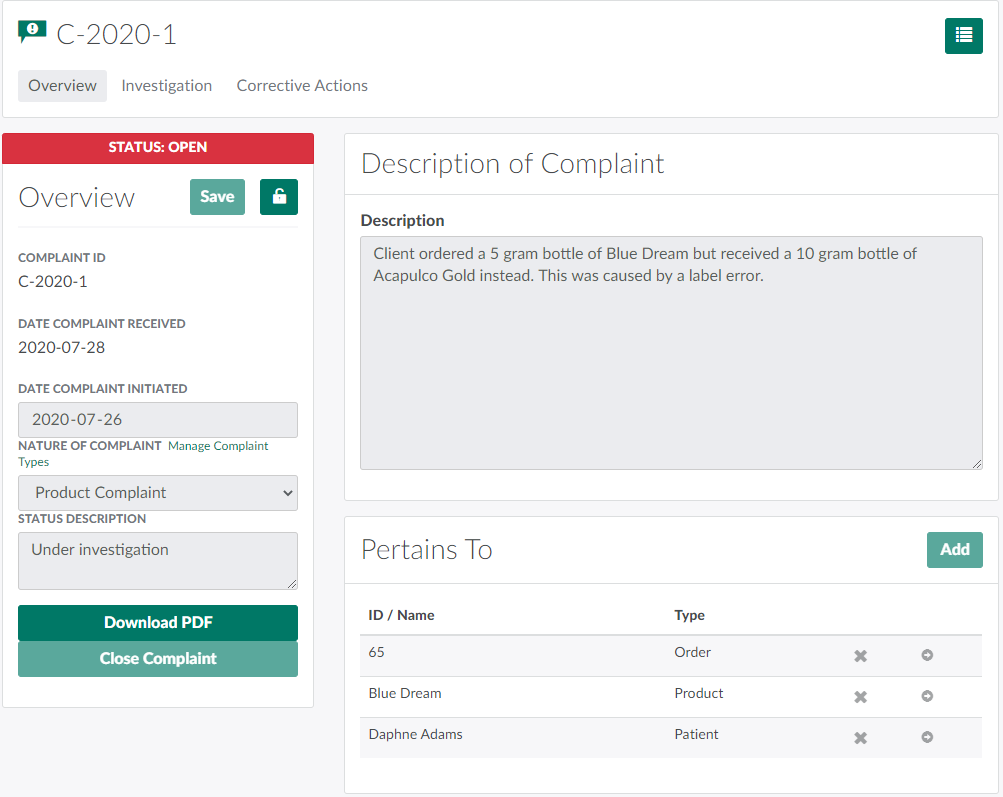
-
Click the
icon to unlock editing capabilities.
-
Click Close Complaint. The complaint's status will change to Closed.
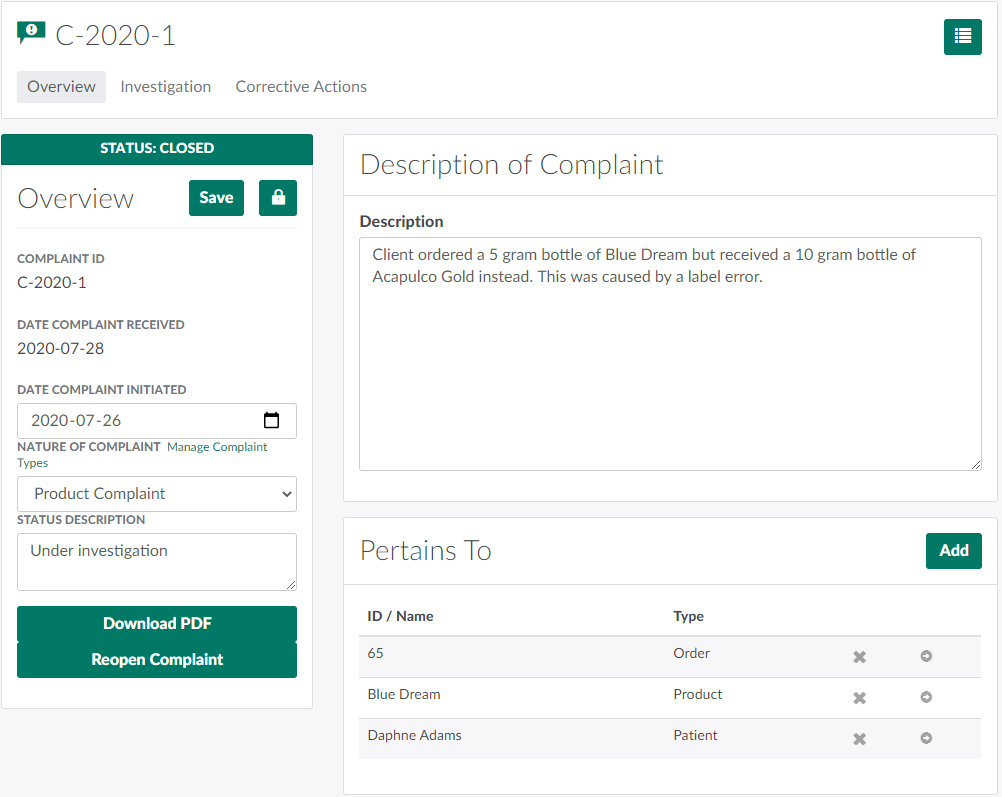
-
Click Save to finalize the change.
Once closed, the complaint will still appear in the index on the Complaints Dashboard. To remove the complaint from the index, Archive the Complaint.