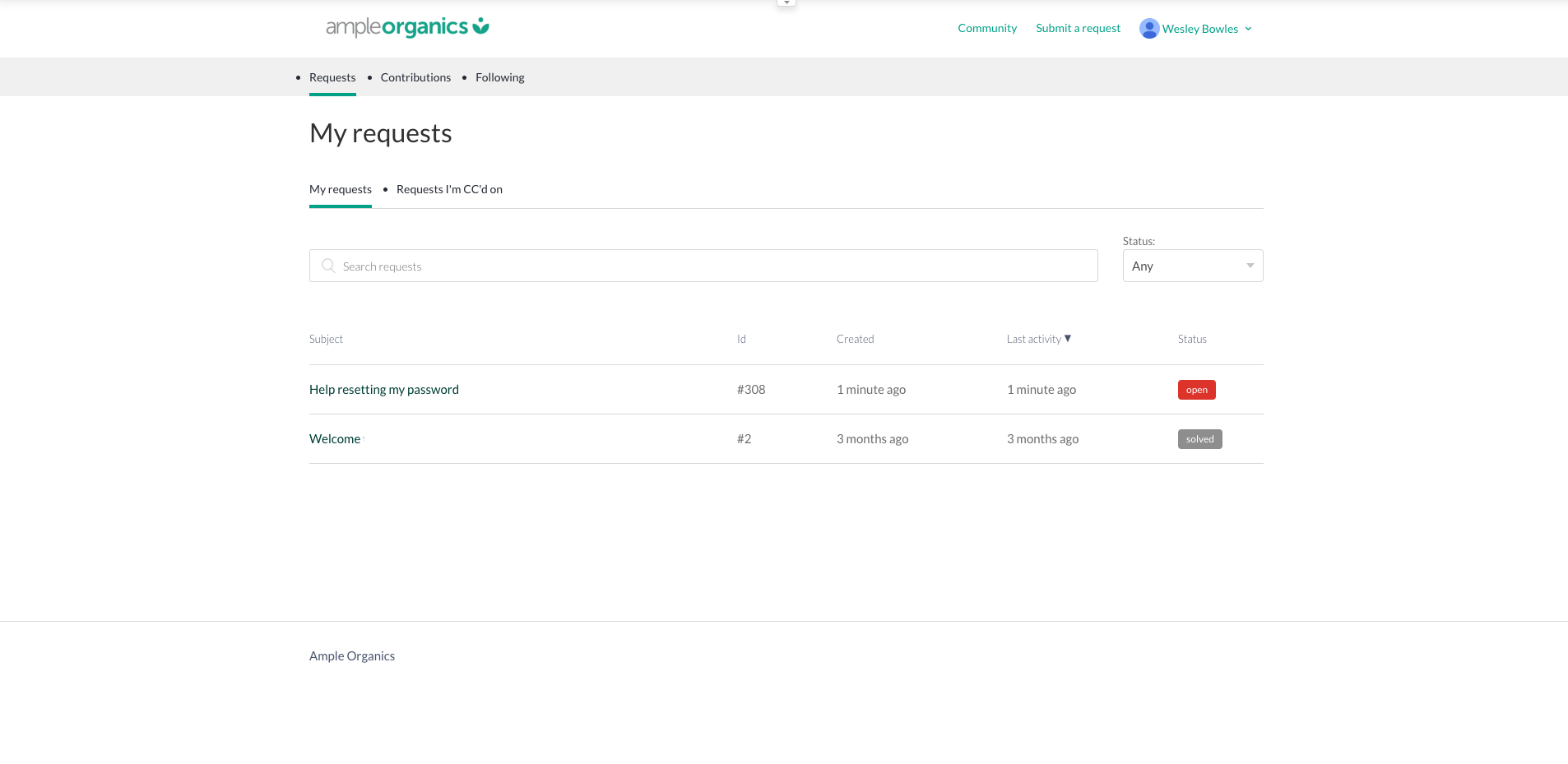
The Knowledge Base allows Ample Organics clients to submit and track existing requests.
Submitting a New Request
-
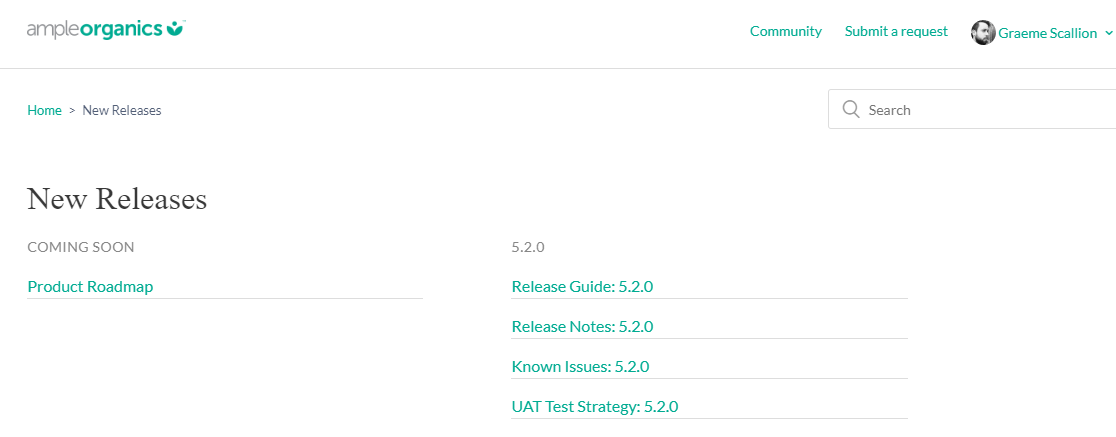
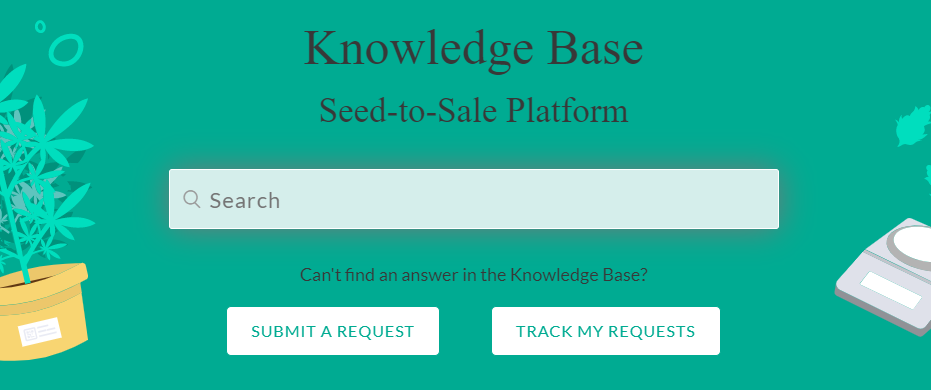
Click Submit A Request from the homepage.

-
Clients can also submit a request from any other page within the Knowledge Base using the Submit a Request link at the top of the page.
-
-
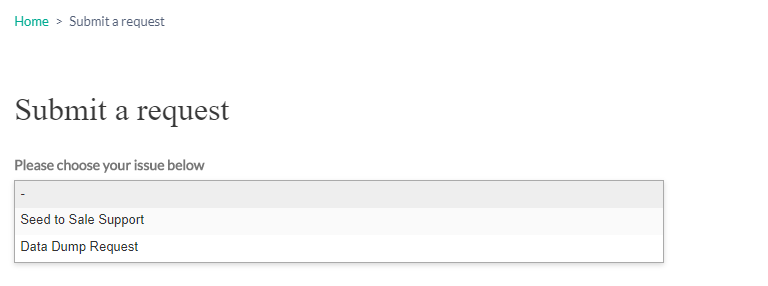
Indicate whether the request is for Seed-to-Sale Support or a Data Dump.
-
Learn more about Data Dumps.
-
-
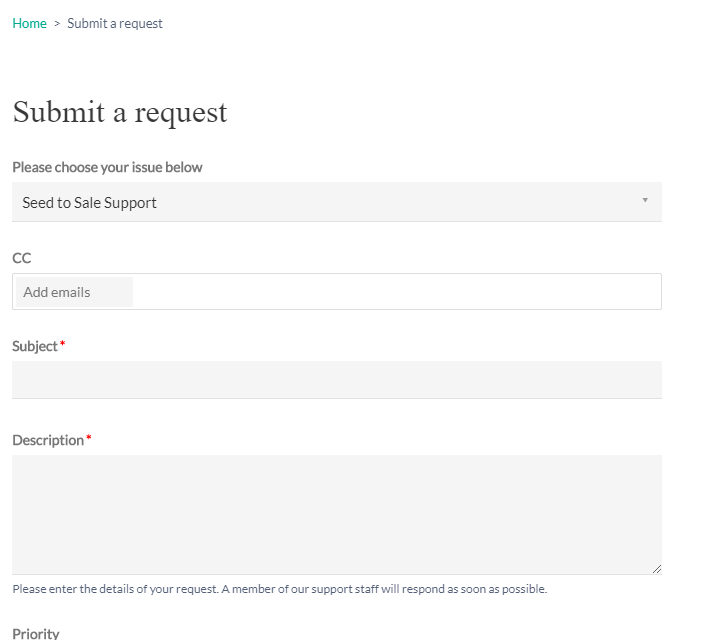
Upon selecting an option, fill out the form with further information.
-
Click Submit.
Tracking Existing Requests
Click Track My Requests from the homepage.
This opens a page with a record of current and previous requests. From here, you can select individual requests for more details or to add additional comments.