When Adding a New Client, a Customer Service Representative–or CSR–must indicate the client's preferred language. CSRs configure these language options from the Settings tab.
-
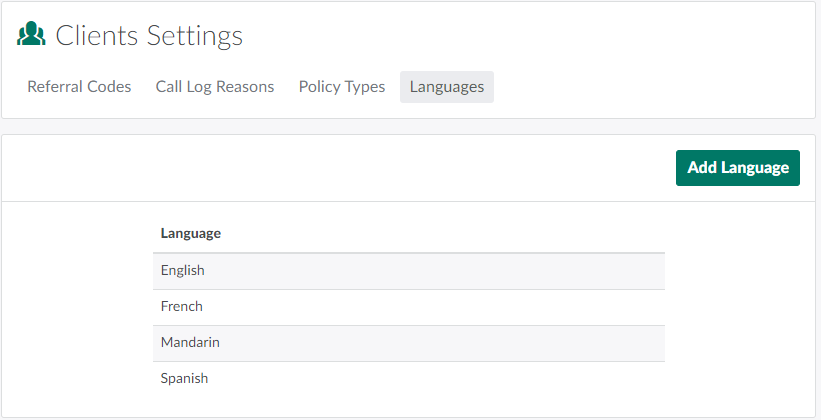
In the Clients module, open the Settings tab.

-
Click the Languages sub-tab.
-
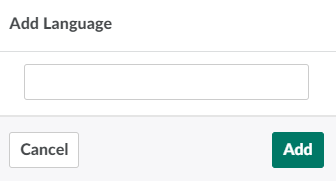
Click Add Language to open the Add Language modal.
-
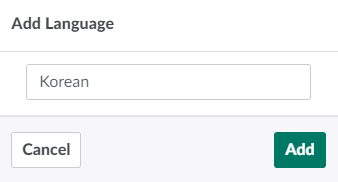
Enter the new language in the field provided.
-
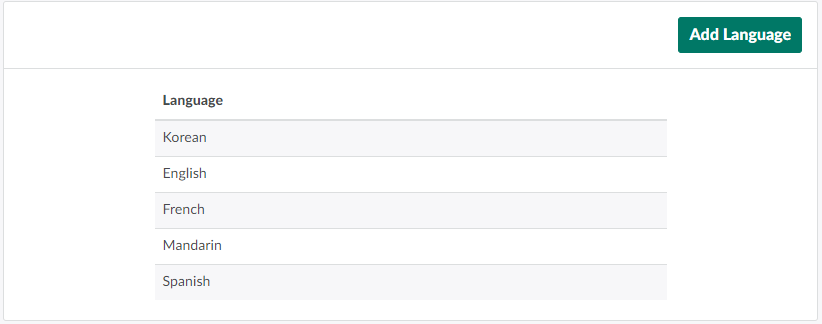
Click Add to add the new language.
From the Clients Settings tab, a CSR can also Add a New Referral Code, Add a New Call Log Reason,or Add a New Policy Type.