If a Customer Service Representative–or CSR–learns of a problem with an active client, the CSR may disable the client's profile. A client with a Disabled profilecannot place orders, regardless of their registration status. Once the problem has been rectified, follow these steps to enable the client.
Required permission(s): client_read, client_archive
-
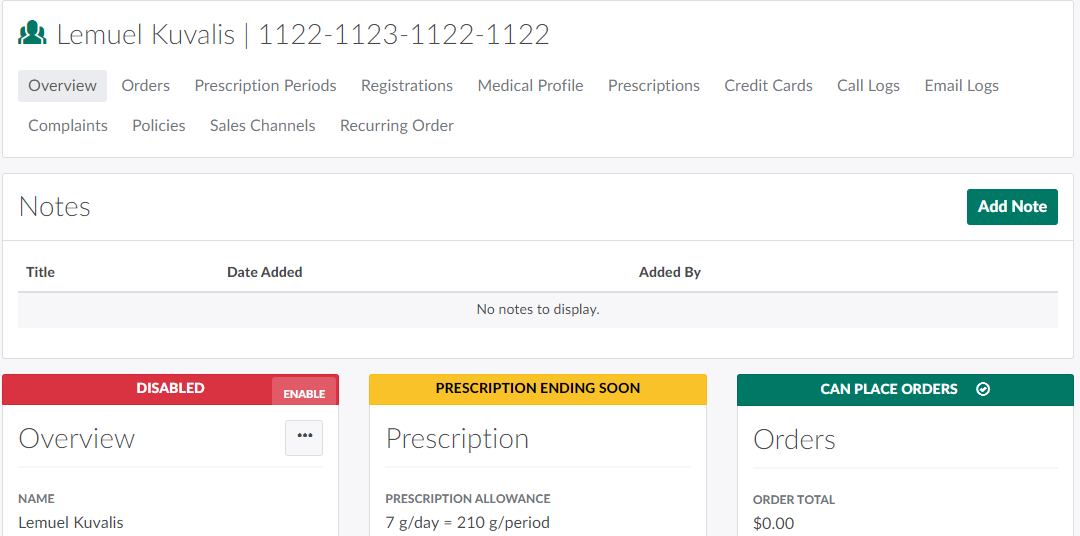
In the Clients module, select a disabled client. This opens the Client's Profile.
-
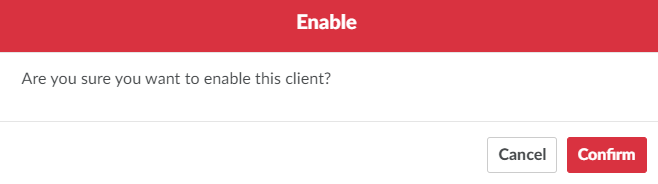
In the Overview section, click Enable. This opens a confirmation modal.
-
Click Confirm to enable the client. This allows the client to place orders, provided the client has an active prescription and an Approved registration, and is in at least one sales channel.
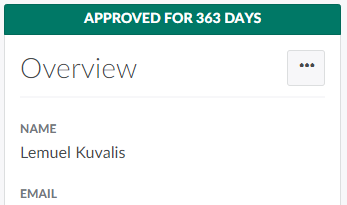
To prevent the client from placing orders, regardless of their registration status, Disable the Client.