Disabling a client prevents the client from placing orders, both through the Client Portal and the Orders module.
Required permission(s): client_read, client_archive
-
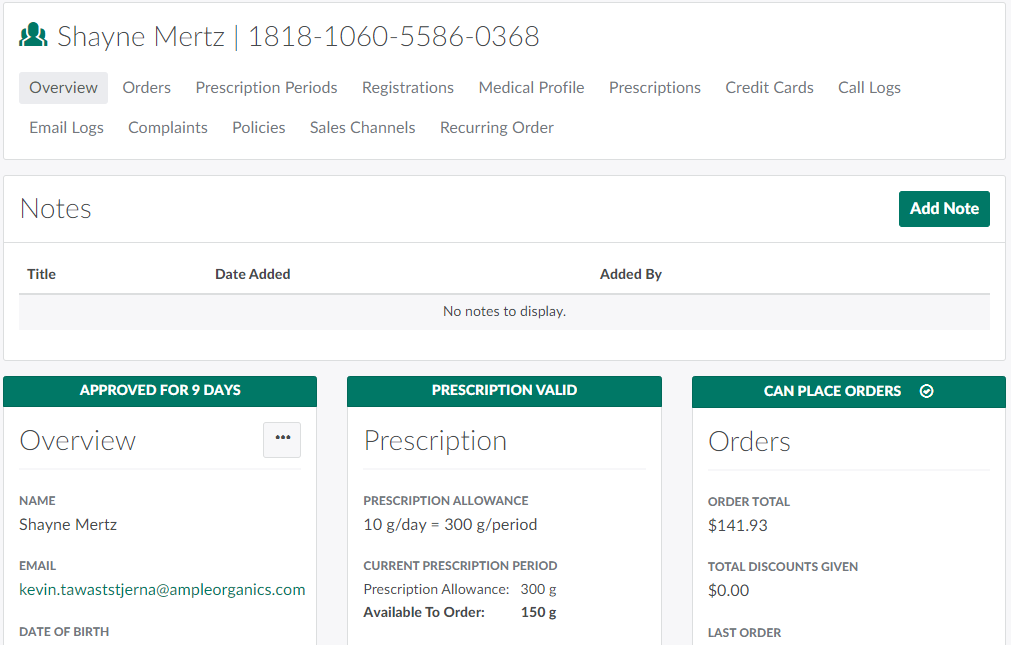
In the Clients module, select a client. This opens the Client's Profile.
-
Click the

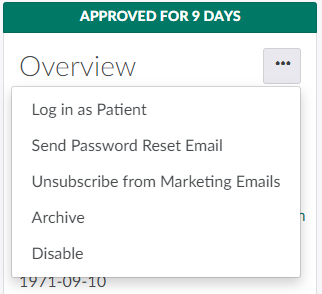
icon in the Overview section to open a menu of options.
-
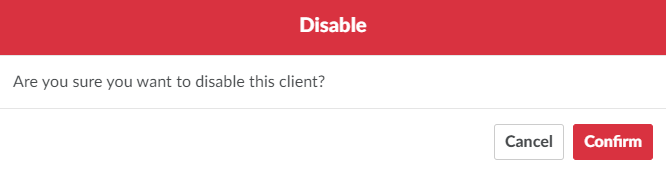
Select Disable. This opens a confirmation modal.
-
Click Confirm. This disables the client and prevents them from placing orders regardless of their registration status.

To allow the client to place orders once again, Enable the Client.