When a client calls in with a question, comment, or complaint, a Customer Service Representative–or CSR–should create a call log to document the call. This ensures that, if the client calls in again to follow up, any CSR is aware of the client's previous communications with the support team.
Required permission(s): client_read, call_log_read, call_log_create
-
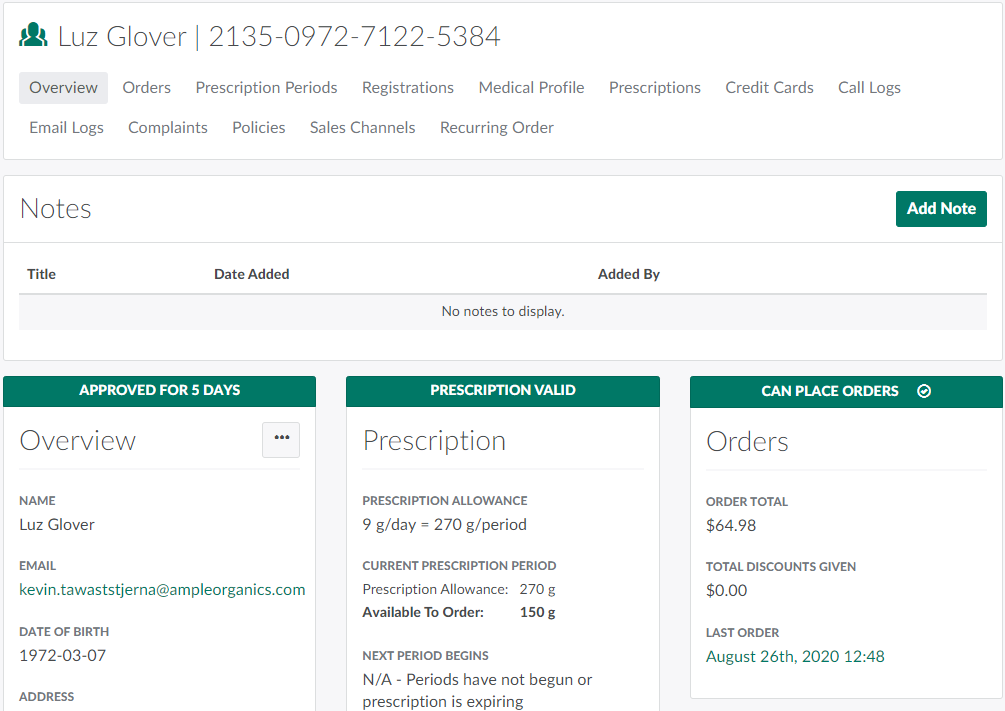
In the Clients module, select a client. This opens the selected Client's Profile.
-
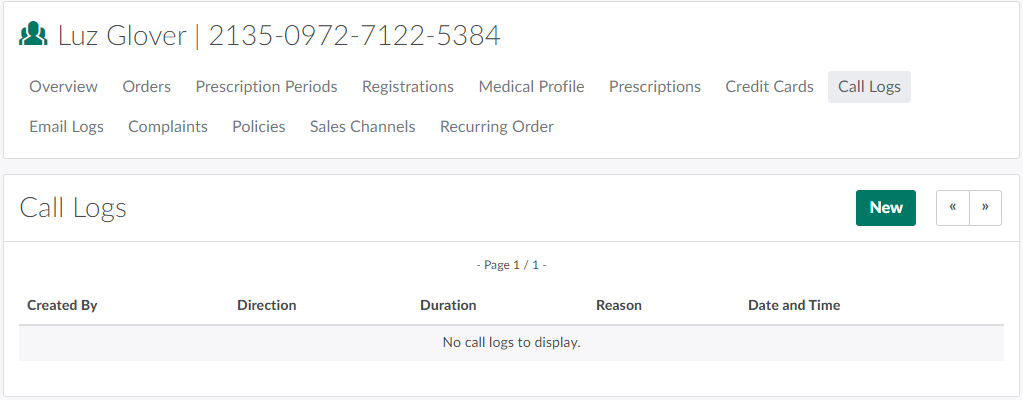
Open the Call Logs tab.
-
Click New to open a new Call Log page.
-
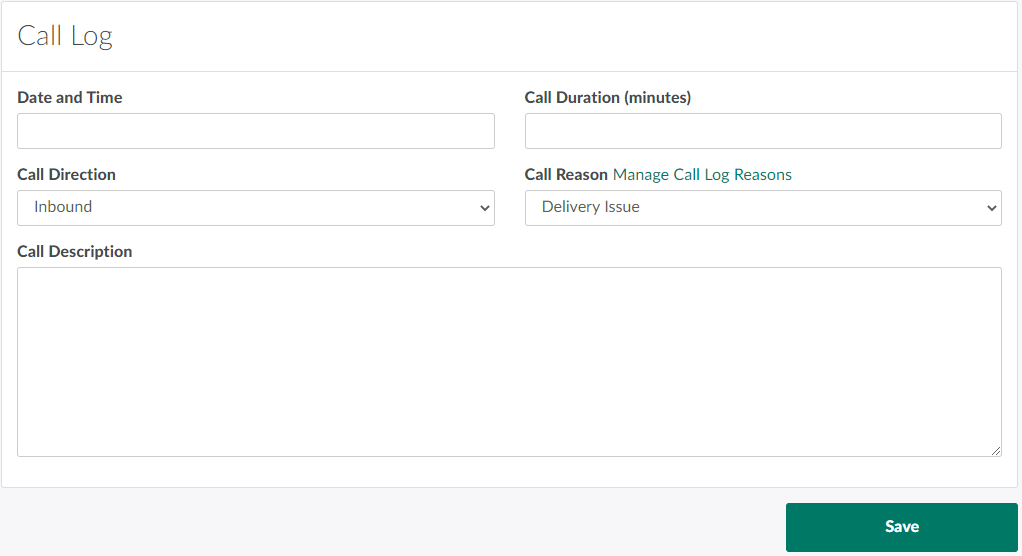
Complete all applicable fields.
-
Date and Time: The date and time at which the call occurred.
-
Call Duration (minutes): The length of the call, in minutes
-
Call Direction: Indicates whether the call was inbound or outbound.
-
Call Log Reason: The reason for the call.
- The list of available call log reasons can be customized in the Clients Settings tab. For more information, see How to Add a New Call Log Reason.
-
Call Description: A brief description of the CSR's correspondence or other interaction with the client.
-
-
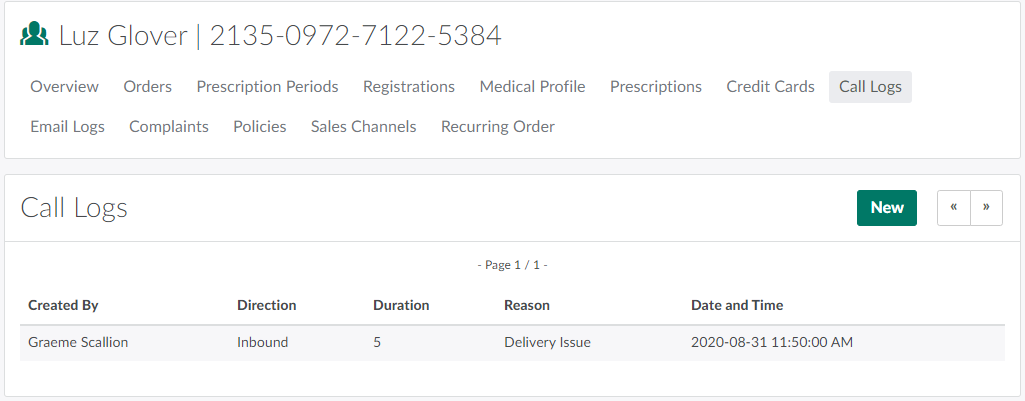
Click Save to add the new call log to the list on the Call Logs tab.
Visit the Email Logs tab to Send a Confirmation Email.