If a client with a recurring order wants to resume creating orders manually, a Customer Service Representative–or CSR–can disable the recurring order.
Required permission(s): client_read, order_update
-
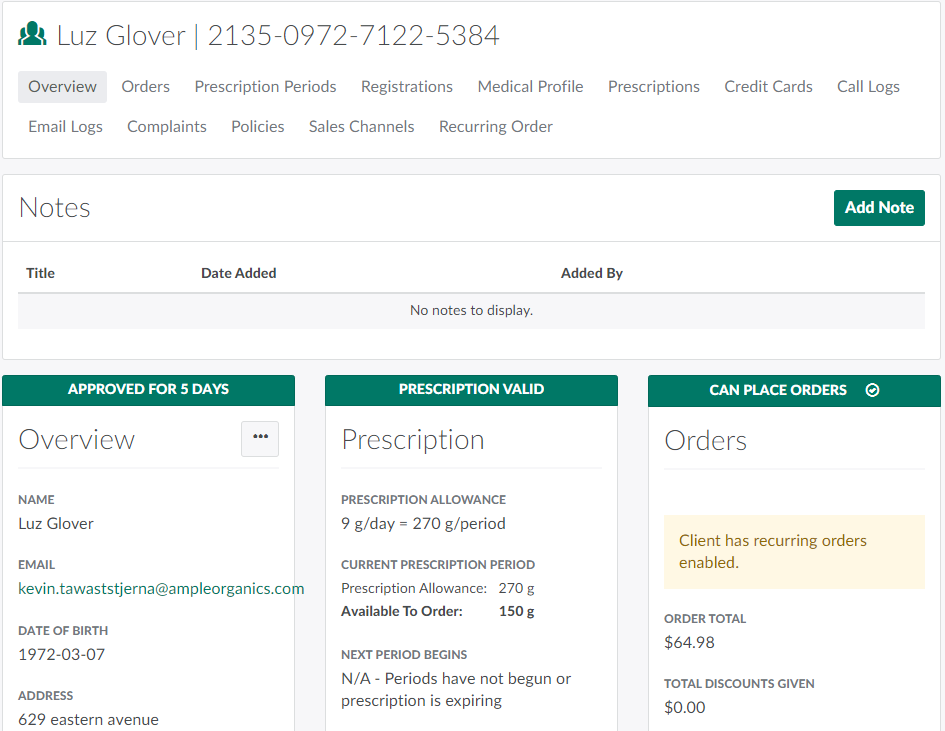
In the Clients module, select a client.
-
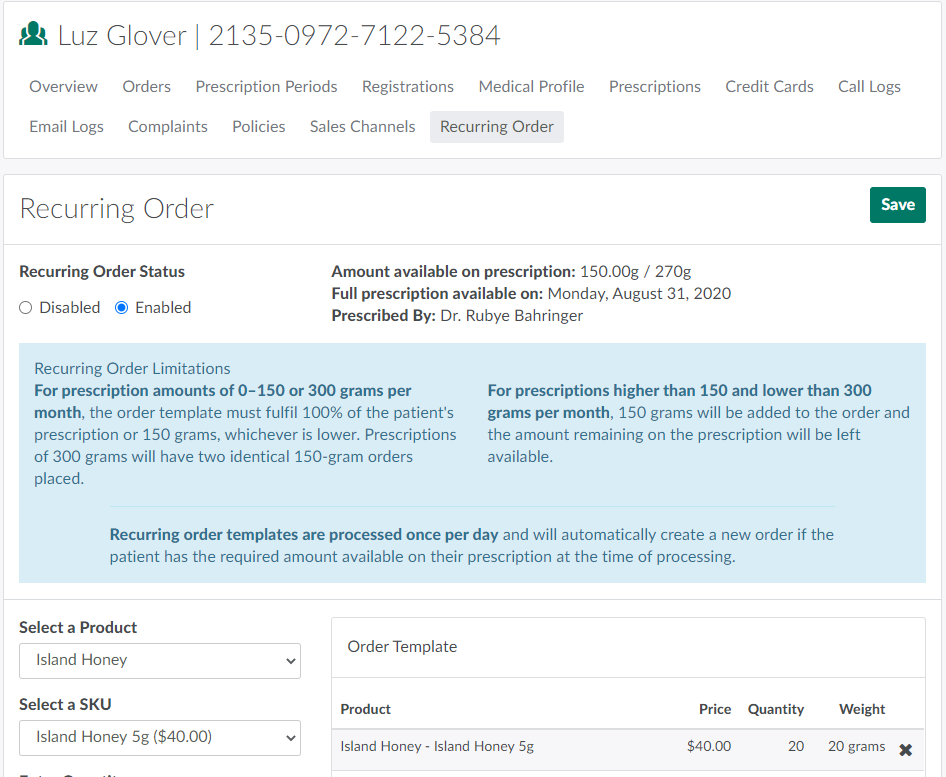
Open the Recurring Order tab.
-
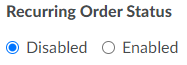
Set the recurring order's status to Disabled.
-
Click Save to disable the recurring order.
Once the recurring order is disabled, a CSR can manually Create New Orders for the client in the Orders module. Alternatively, the client can Place Orders through the Client Portal.