After a client renews their registration, a Customer Service Representative–or CSR–should generate and download the client's Confirmation of Registration Renewal document for internal recordkeeping.
Required permission(s): client_read, client_update
-
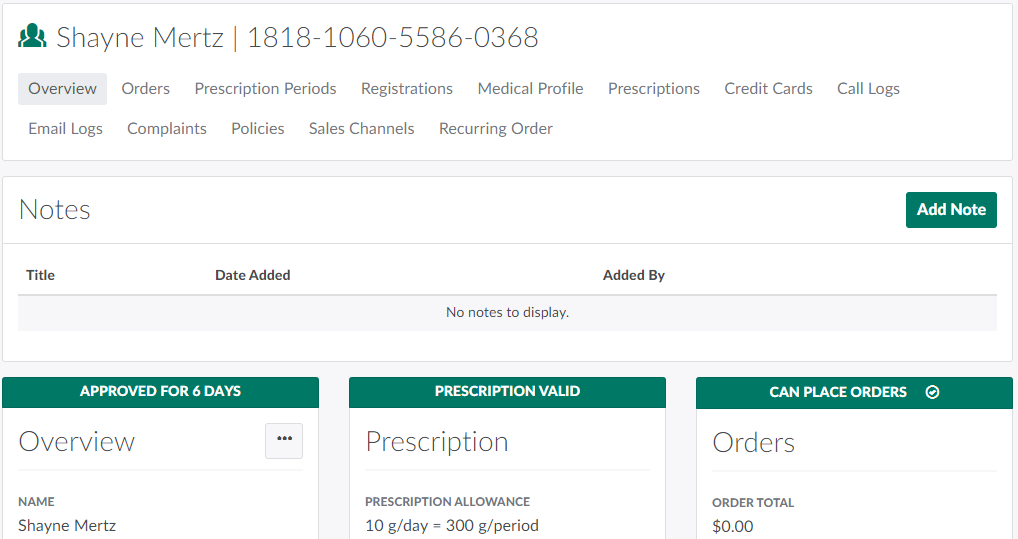
In the Clients module, select a client with a recently renewed registration. This opens the Client's Profile.
-
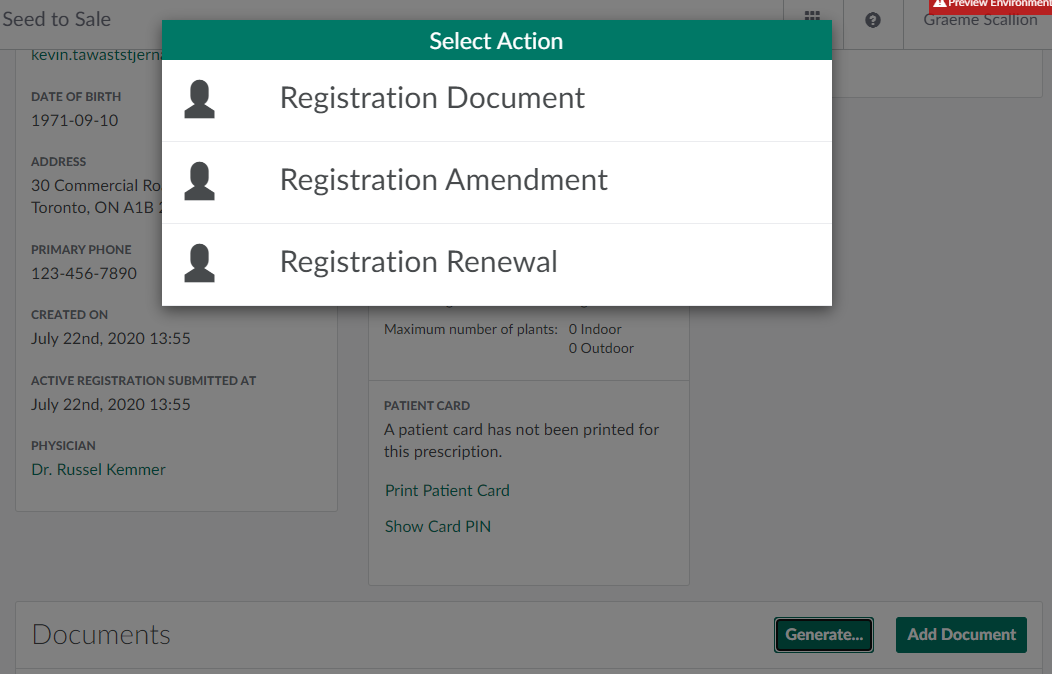
Scroll down to the Documents section and click Generate.This opens a menu of options.
-
Select Registration Renewal to generate a Confirmation of Registration Renewal document. The new document will appear in the table in the Documents section.

-
Click Download to download the document in PDF format.
A CSR can also generate and download a Confirmation of Registration Document or a Confirmation of Registration Amendment Document.