When Creating a Discount, a Customer Service Representative–or CSR–can set an expiry date to limit how long the discount will be available to clients. However, to deactivate a discount that does not have an expiry date, or to deactivate a discount before it expires, follow the steps below.
Required permission(s): discount_code_read, discount_code_update
-
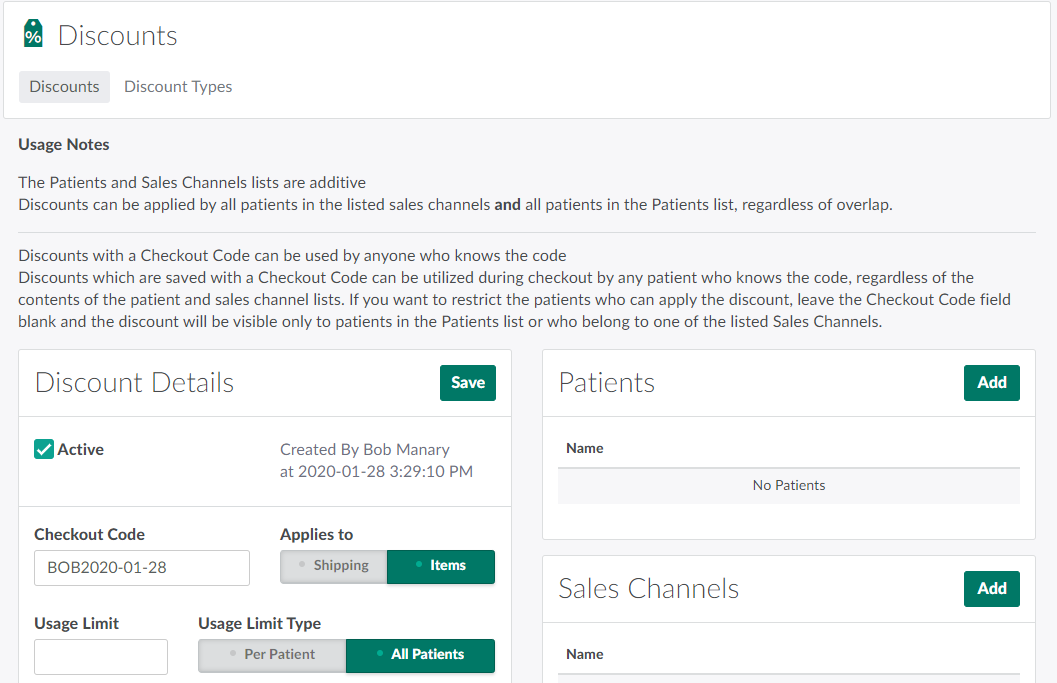
In the Discounts module, select a discount.
-
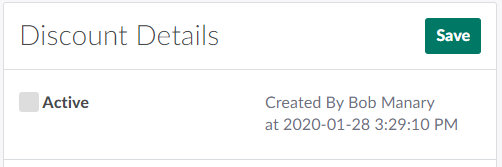
Uncheck the Active checkbox.
-
Click Save to deactivate the discount.
Visit the Orders module to Apply a Discount or a Line Item Discount to an order.