Once a client's payment has been processed, a Customer Service Representative–or CSR–can generate an order confirmation receipt from the Order's Profile.This receipt includes a summary of the order, the date on which the order took place, and a record of the client's payment method.
Required permission(s): order_read, order_update
-
In the Orders module, select an order that is Placed, Shipped, Delivered, Refused, or Refunded.
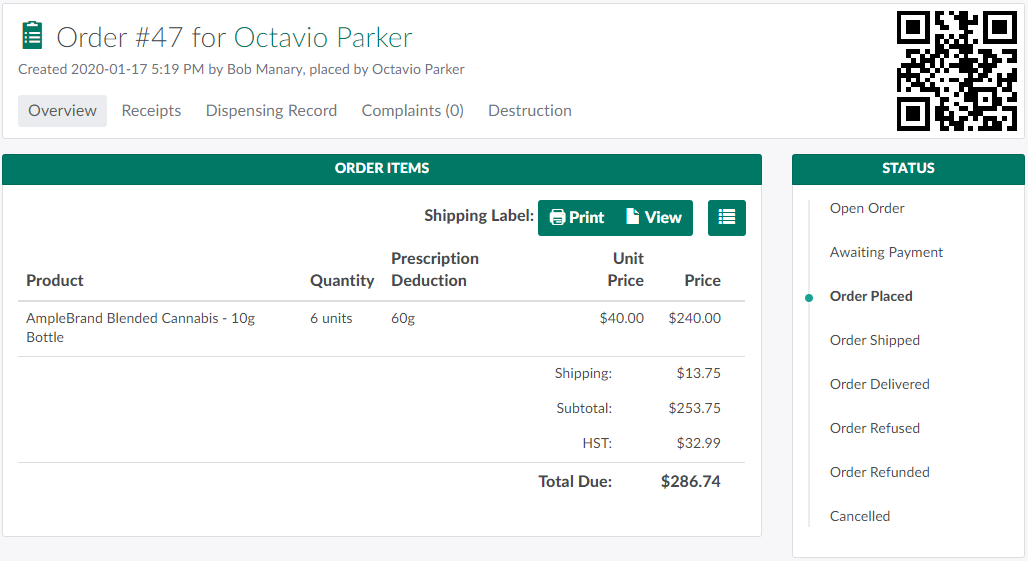
-
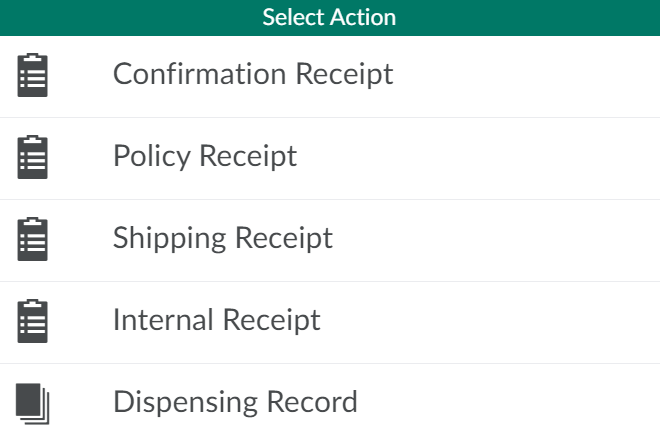
Scroll down to the Documents section, and click Generate to open a menu of options.
-
Select Confirmation Receipt to generate a new confirmation receipt. The new receipt will appear in the list in the Documents section.

-
Click Download to download the receipt in PDF format.

A CSR can also Generate and Download a Shipping Receipt.If the order is covered by Veteran's Affairs Canada, the CSR can Generate a Policy Receipt.